Notes
Note-taking, outlining and personal knowledge tools.
Nothing launched in this category yet.
Be the firstAbout Notes
Note tools are the most-launched software on earth, and the reason is not that the problem is unsolved. It is that the problem is personal. What you want from a note app depends entirely on whether you are capturing fleeting thoughts, maintaining a reference library, drafting long documents, or building a linked web of ideas you will return to in five years. Tools optimised for one of those are frequently poor at the others, and most disappointment in this category is a mismatch rather than a defect.
The most useful way to sort the launches here is by where your notes live. Local plain-text tools store markdown files in a folder you own; they survive the company shutting down, they work with every other tool you have, and they generally have weaker search and mobile experiences. Database-backed apps offer far richer structure — properties, views, relations, templates — and your notes exist inside their format, which makes leaving expensive. Hybrid tools try to have both and mostly succeed at one.
Linking and backlinks changed this category and are worth understanding before dismissing them as a fad. The value is not the link; it is that connections you did not plan become visible later. For a reference library that grows over years, this is transformative. For a to-do list, it is overhead. Match the tool to the job.
Search quality is the feature that determines whether a note archive is an asset or a graveyard, and it is chronically undersold. Fast full-text search across everything, including PDFs and images if you keep those, is what makes a five-year archive worth having. Test it against a real corpus before committing, because search performance degrades in ways that are invisible at fifty notes and painful at five thousand.
Sync and offline behaviour is where these tools actually break. The question is not whether it syncs but what happens on a conflict — two devices edited the same note offline. Silent overwrite is unacceptable and more common than it should be. Look for conflict copies or genuine merge.
Finally, export. Whatever you choose, check what leaving looks like today rather than assuming you will not want to. A tool that exports clean markdown with working links is one you can commit to. See [tasks and projects](/categories/tasks) for the adjacent problem of tracking what you have to do.
From the blog
Reading on launching, ranking and notes.
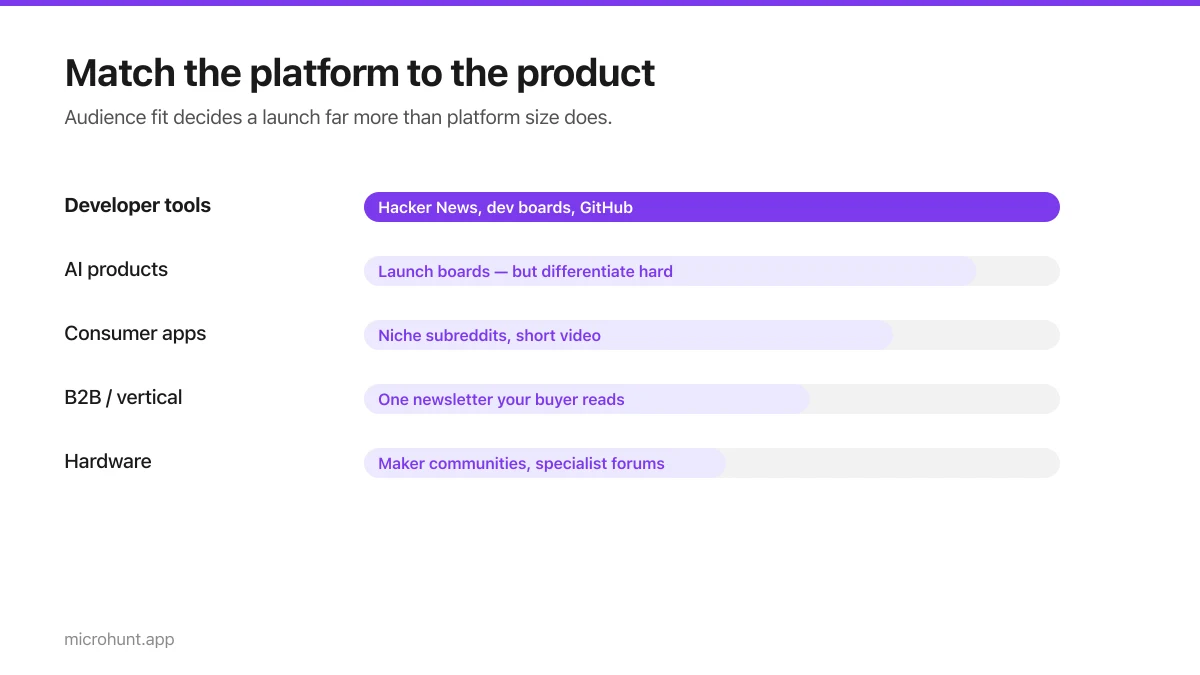
Best Product Hunt Alternatives for Launching in 2026
Where else to launch when Product Hunt is not the right fit — what each platform is actually good at, who shows up, and what it costs.
8 min read
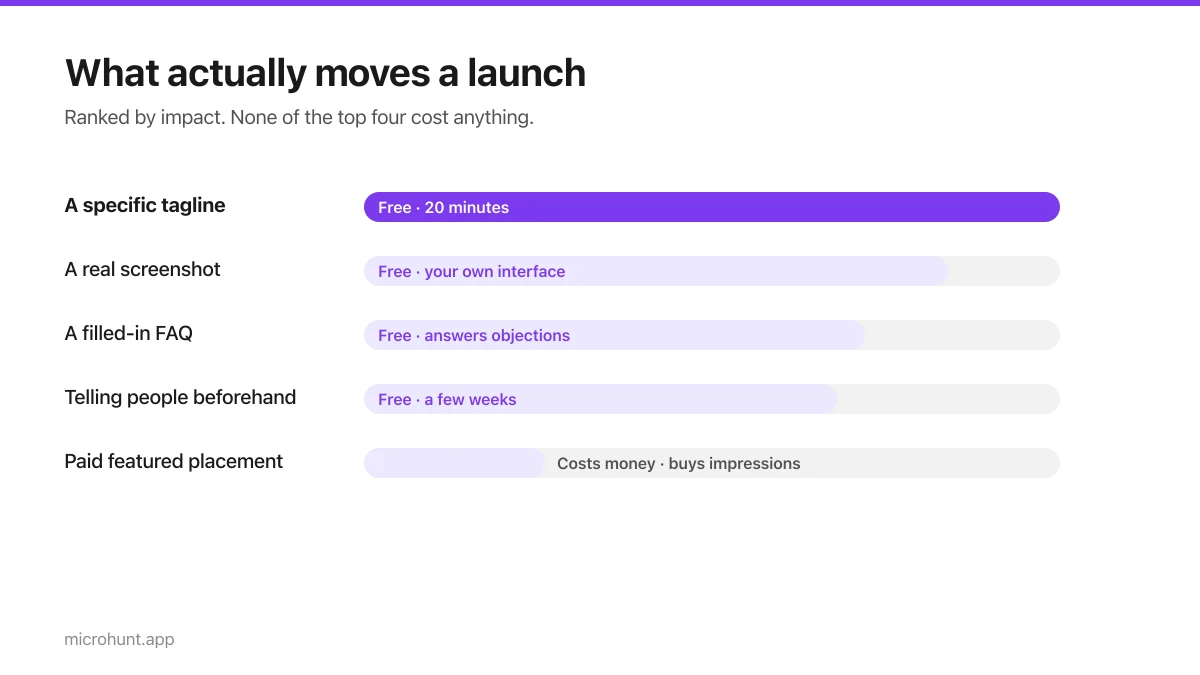
Free Launch Platforms for Indie Makers (No Budget Needed)
You do not need to pay to launch. Here are the places that are genuinely free, what each expects from you, and where paying is actually worth it.
7 min read
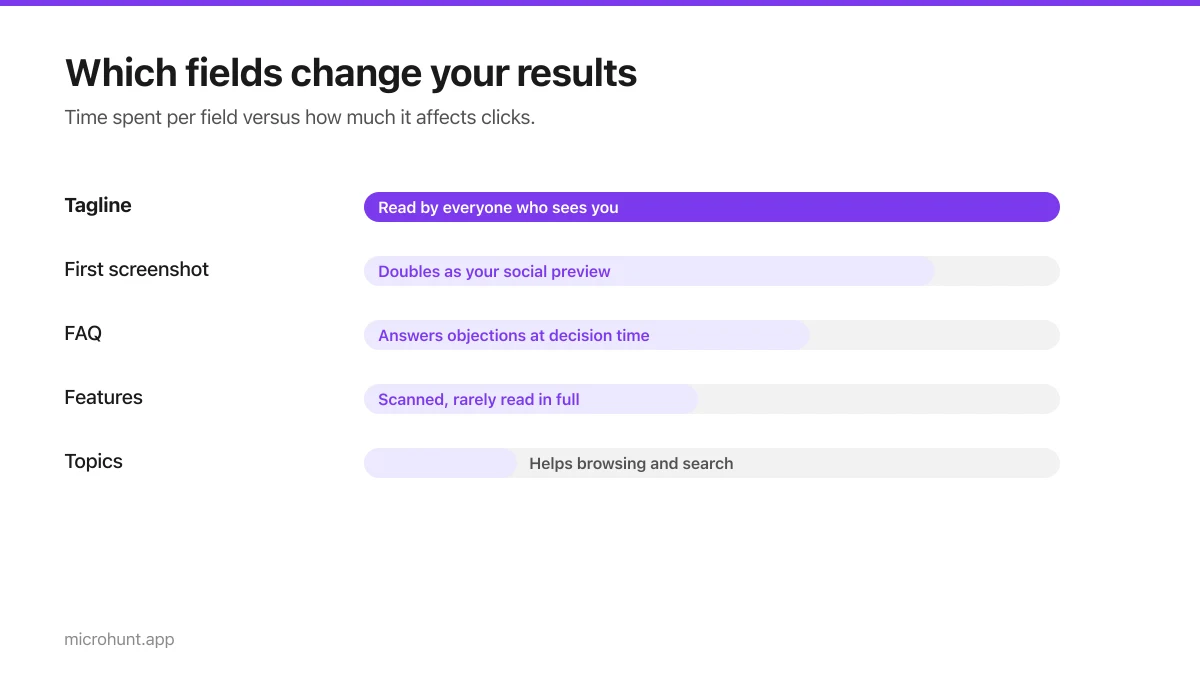
How to Submit a Product on Vuru (Step by Step)
A walk through the submission form, what each field does to your page, and the fields most people leave empty that they shouldn't.
7 min read
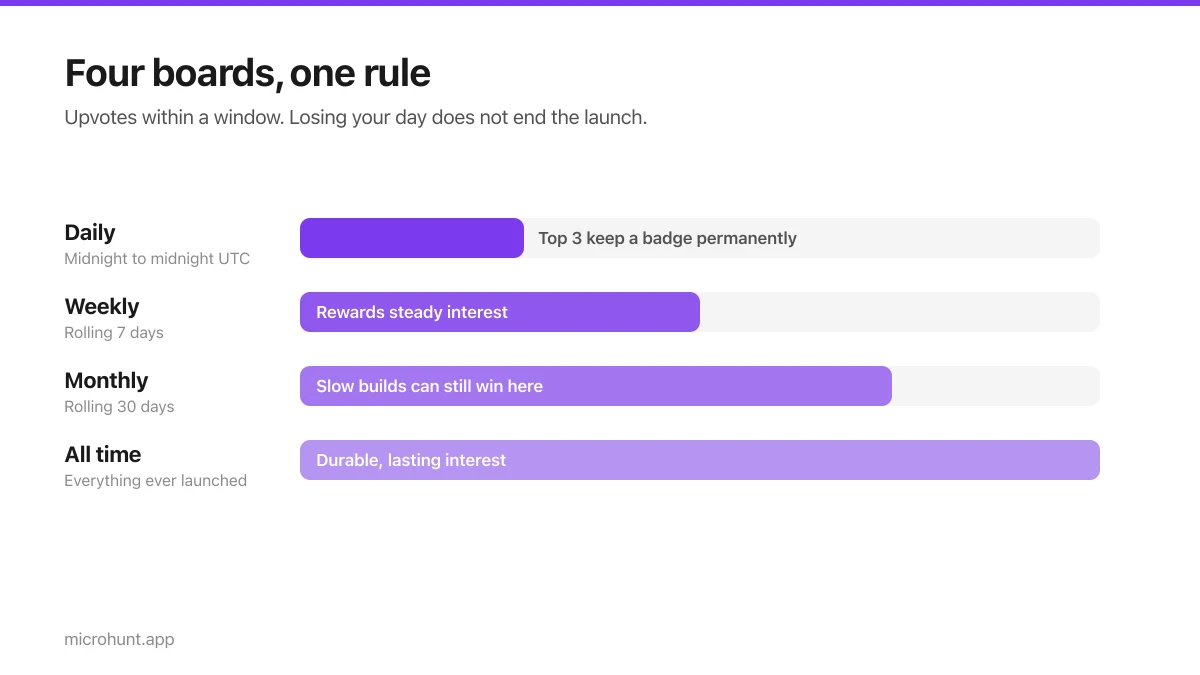
How Vuru Ranking Works (And How to Win a Badge)
Launch windows, upvotes, podium badges and what we do about vote manipulation — the whole ranking system explained plainly.
7 min read
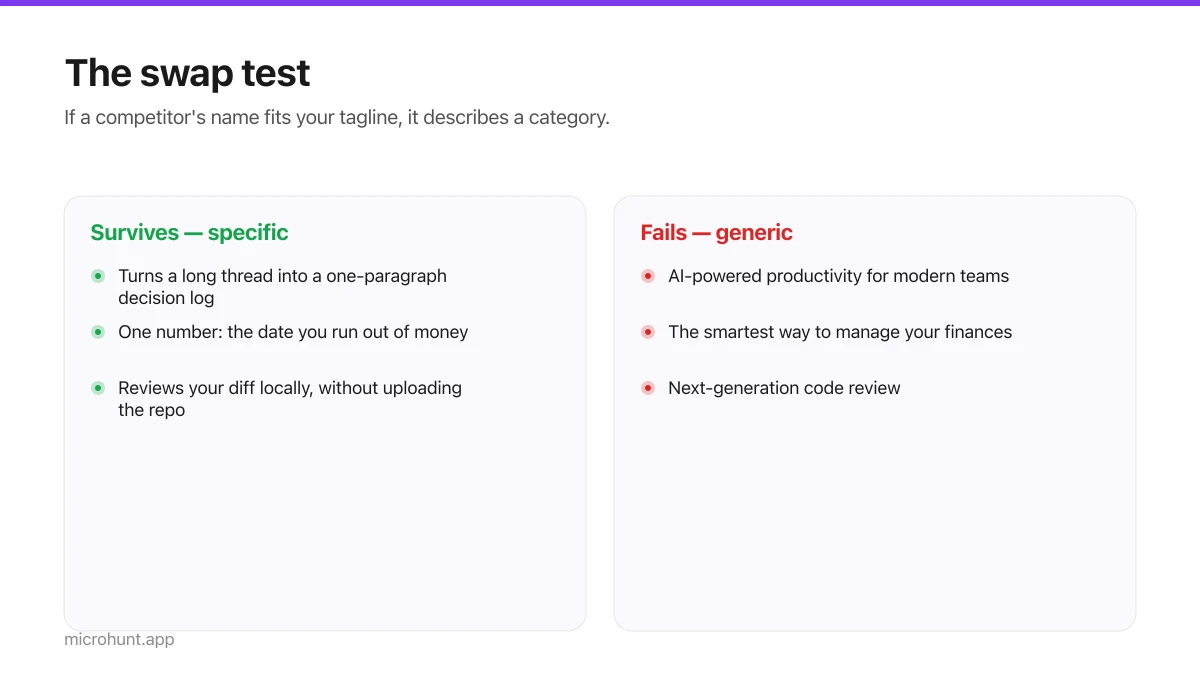
How to Write a Product Tagline That Actually Gets Clicked
The one line most people will ever read about your product, and a simple test for whether yours is doing any work.
7 min read
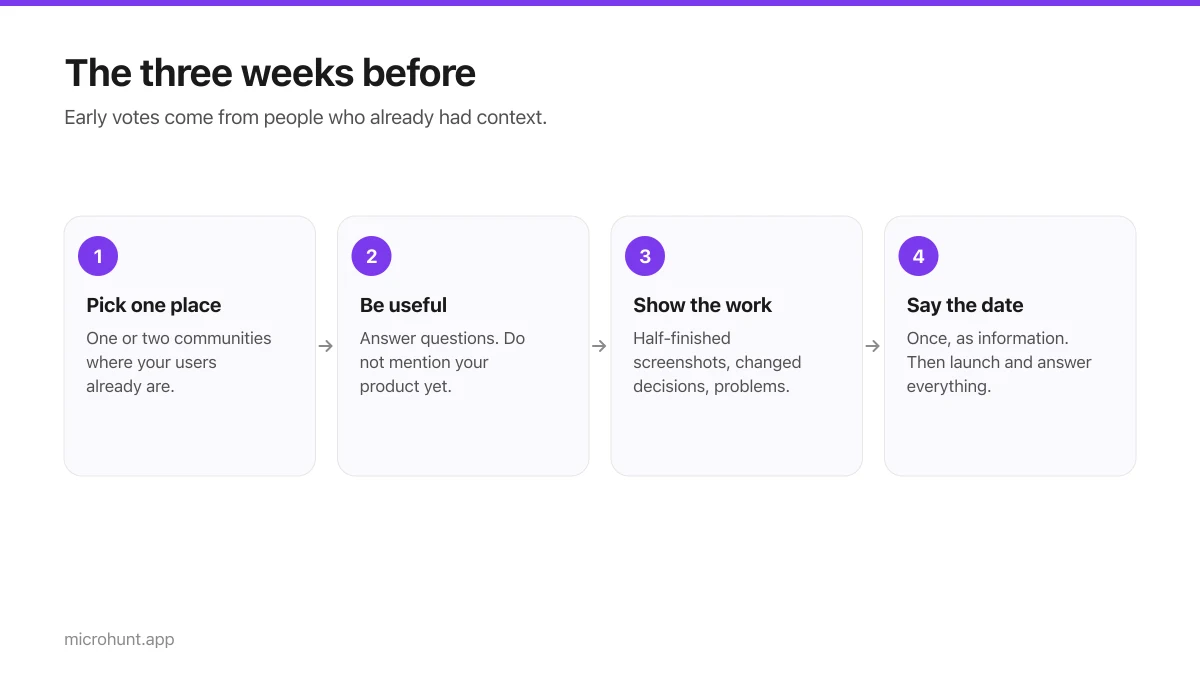
How to Get Your First Upvotes Without Begging
What actually generates early votes, why vote-for-vote groups do not work, and the approach that keeps paying off after launch day.
7 min read
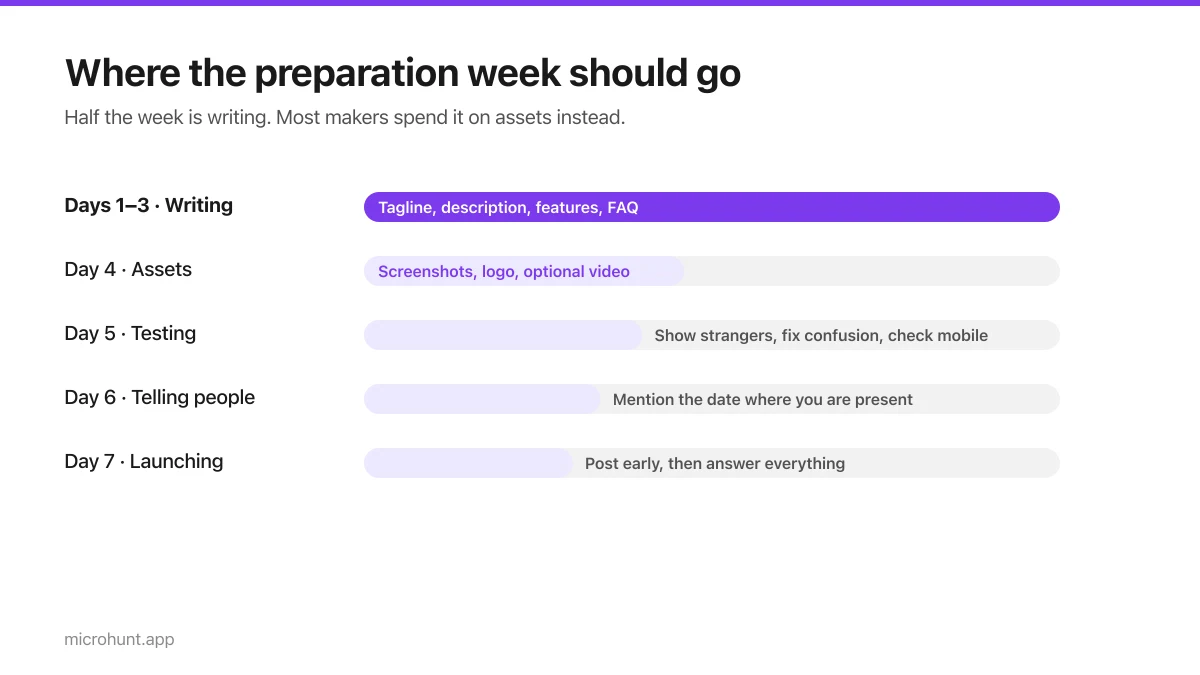
The Seven-Day Launch Checklist
A day-by-day plan for the week before you launch, weighted towards the things that actually change the outcome.
8 min read
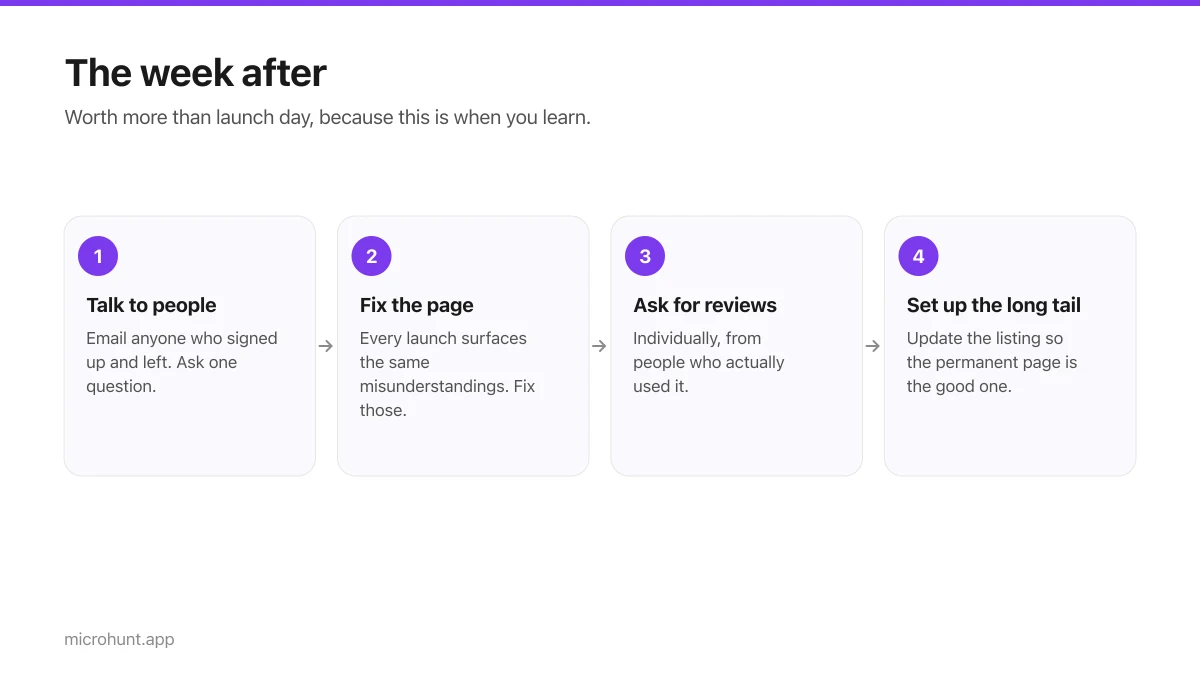
What to Do the Week After Launch Day
The traffic spike is over. Here is how to turn a day of attention into something that lasts longer than the graph.
7 min read