Password Managers
Storing and sharing credentials safely.
Nothing launched in this category yet.
Be the firstAbout Password Managers
A password manager is the single highest-return security decision an individual or a small company can make, and the reasoning is simple: the overwhelming majority of account compromise comes from passwords reused across services, and a manager is what makes not reusing them practical. Everything else in personal security is a refinement on top of this.
The launches here divide into cloud-synced managers, local-only managers, and the family and team tiers that add shared vaults. For most people the cloud-synced option is correct, because a manager you cannot reach on your phone is one you will work around. The security model to look for is end-to-end encryption where the provider cannot decrypt your vault — which means a forgotten master password is unrecoverable, and that is the correct trade.
Local-only managers, where an encrypted file lives on your own machine and you handle synchronisation, remove the provider from the trust equation entirely. They suit people who are comfortable managing the file and its backups, and they fail badly for people who are not, because a vault that exists in one place is a vault one drive failure from gone.
Passkeys are the meaningful development in this space and are worth adopting where offered. They replace a password with a key pair bound to the site, which structurally defeats phishing: there is nothing to type into a fake page. Most managers now store and sync them, and the practical advice is to use passkeys where available and keep the manager for everything else, which will be the majority for years.
For teams, shared vaults solve a real problem — the credentials that currently live in a chat message from two years ago — and introduce a governance requirement: knowing who can reach what, and removing access when someone leaves. Tools with proper audit and provisioning are worth the premium at any size above a handful of people.
Two practical notes. First, set up recovery before you need it: an emergency access contact or a printed recovery code stored physically. Second, application secrets are a different problem with different tooling; see [secrets management](/categories/secrets) rather than putting production keys in a personal vault.
From the blog
Reading on launching, ranking and password managers.
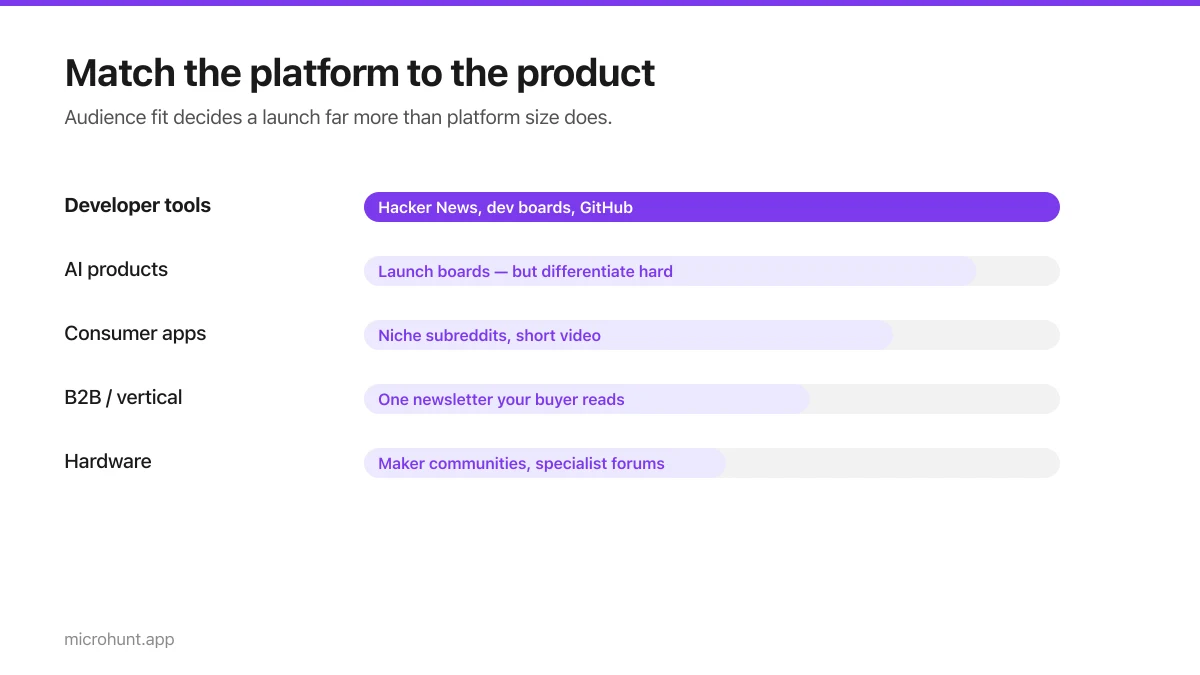
Best Product Hunt Alternatives for Launching in 2026
Where else to launch when Product Hunt is not the right fit — what each platform is actually good at, who shows up, and what it costs.
8 min read
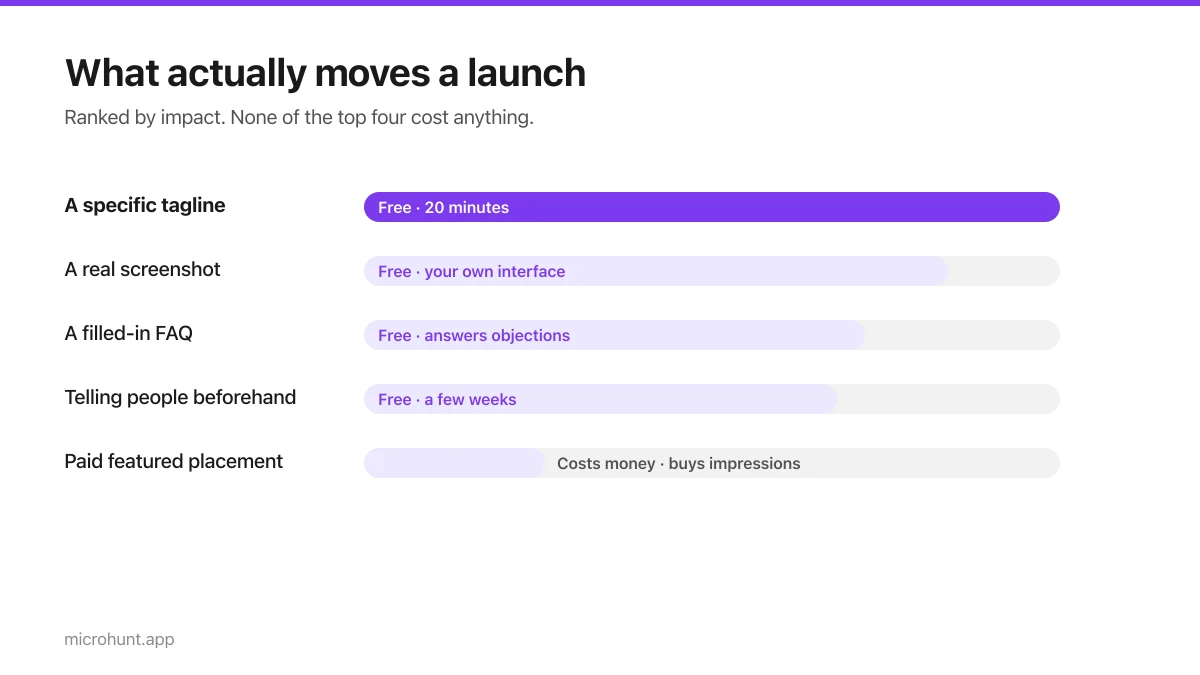
Free Launch Platforms for Indie Makers (No Budget Needed)
You do not need to pay to launch. Here are the places that are genuinely free, what each expects from you, and where paying is actually worth it.
7 min read
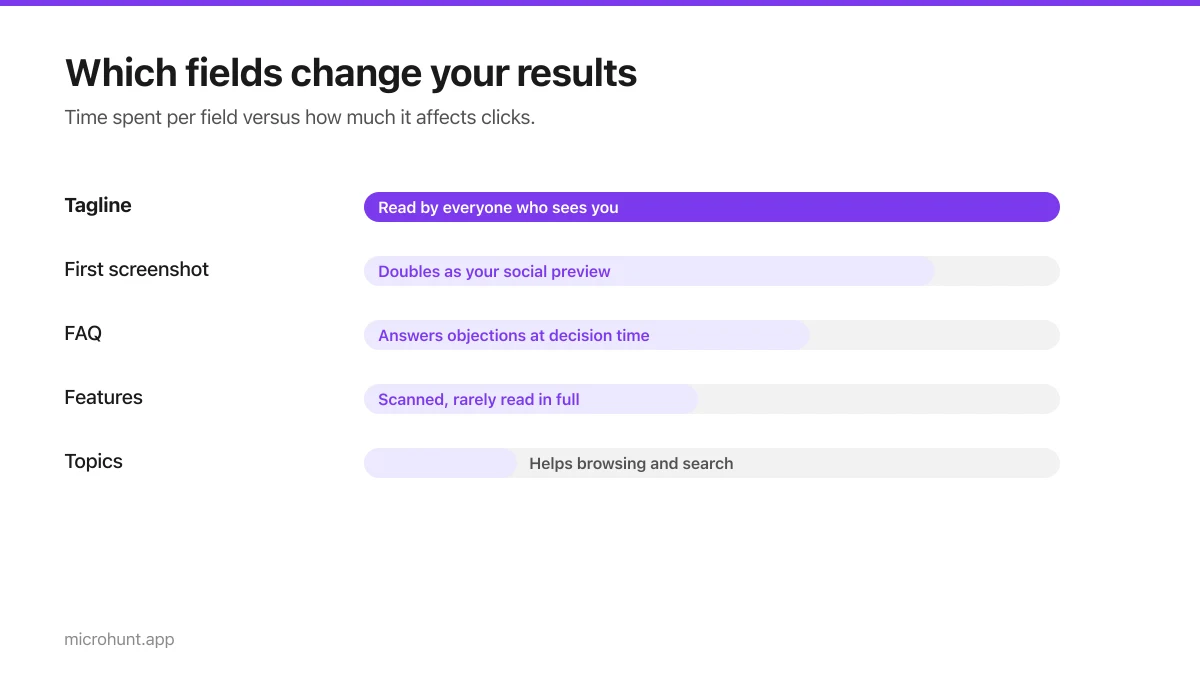
How to Submit a Product on Vuru (Step by Step)
A walk through the submission form, what each field does to your page, and the fields most people leave empty that they shouldn't.
7 min read
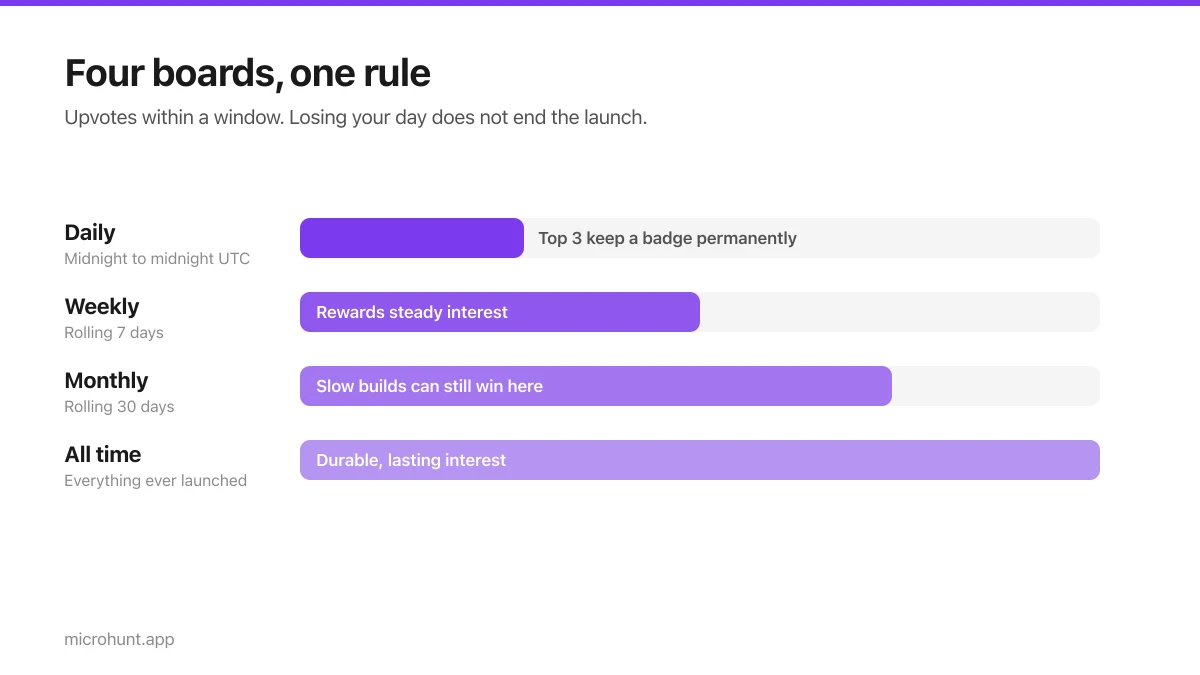
How Vuru Ranking Works (And How to Win a Badge)
Launch windows, upvotes, podium badges and what we do about vote manipulation — the whole ranking system explained plainly.
7 min read
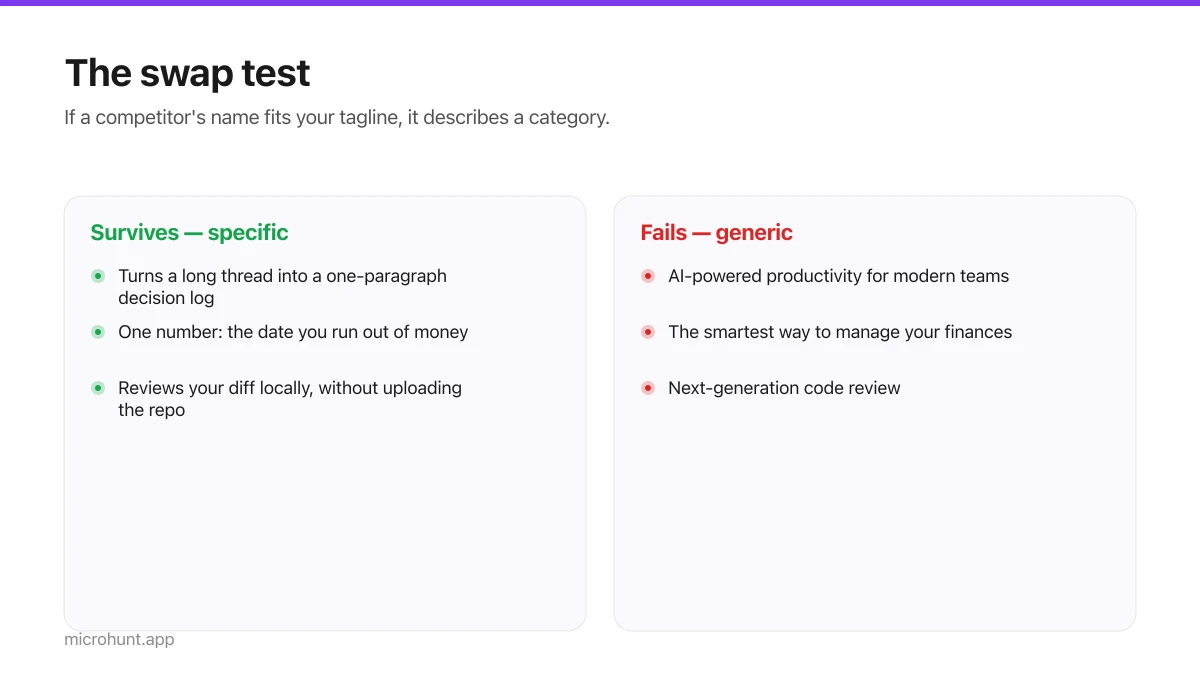
How to Write a Product Tagline That Actually Gets Clicked
The one line most people will ever read about your product, and a simple test for whether yours is doing any work.
7 min read
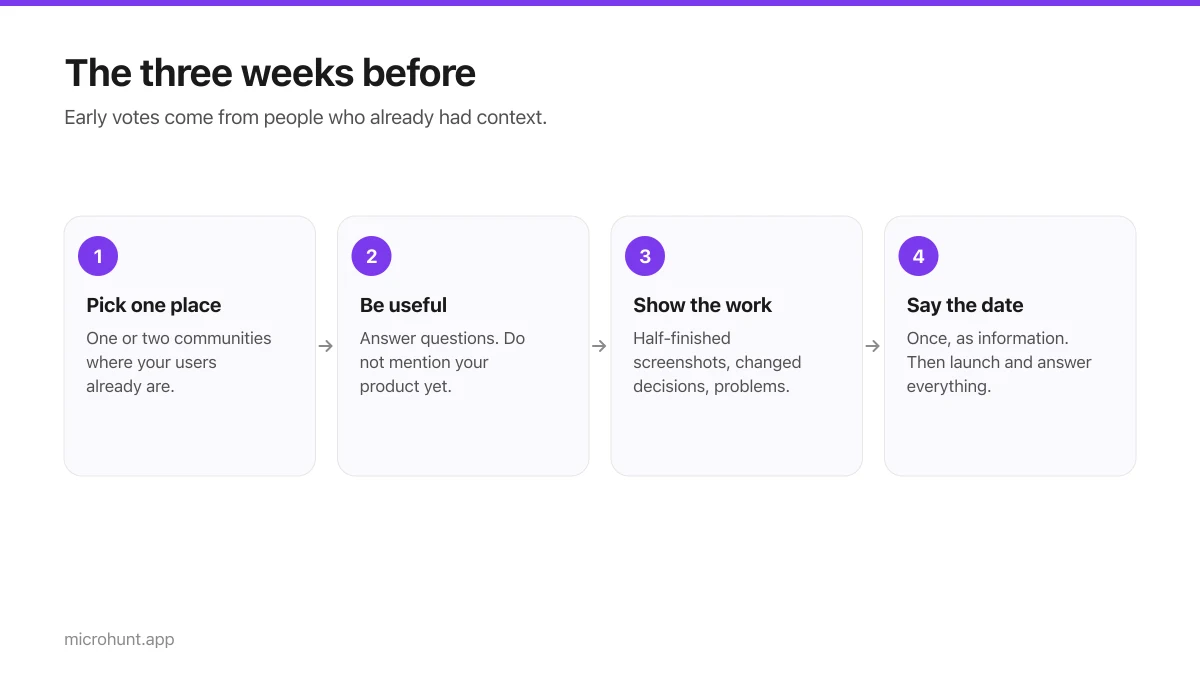
How to Get Your First Upvotes Without Begging
What actually generates early votes, why vote-for-vote groups do not work, and the approach that keeps paying off after launch day.
7 min read
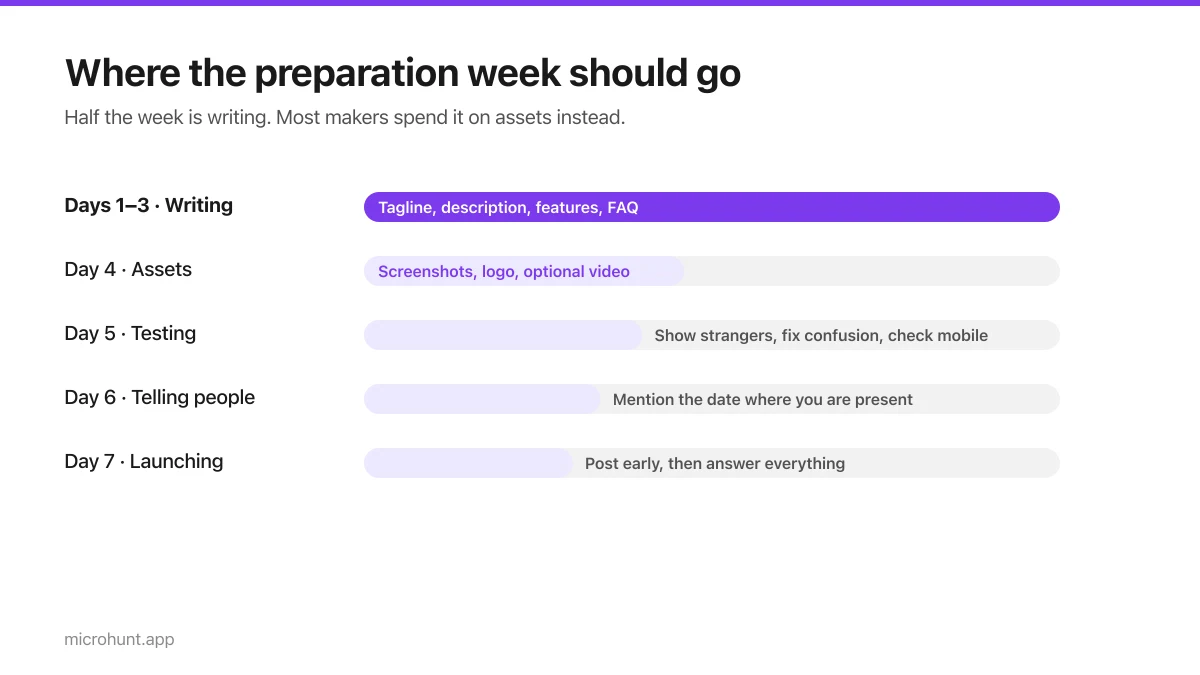
The Seven-Day Launch Checklist
A day-by-day plan for the week before you launch, weighted towards the things that actually change the outcome.
8 min read
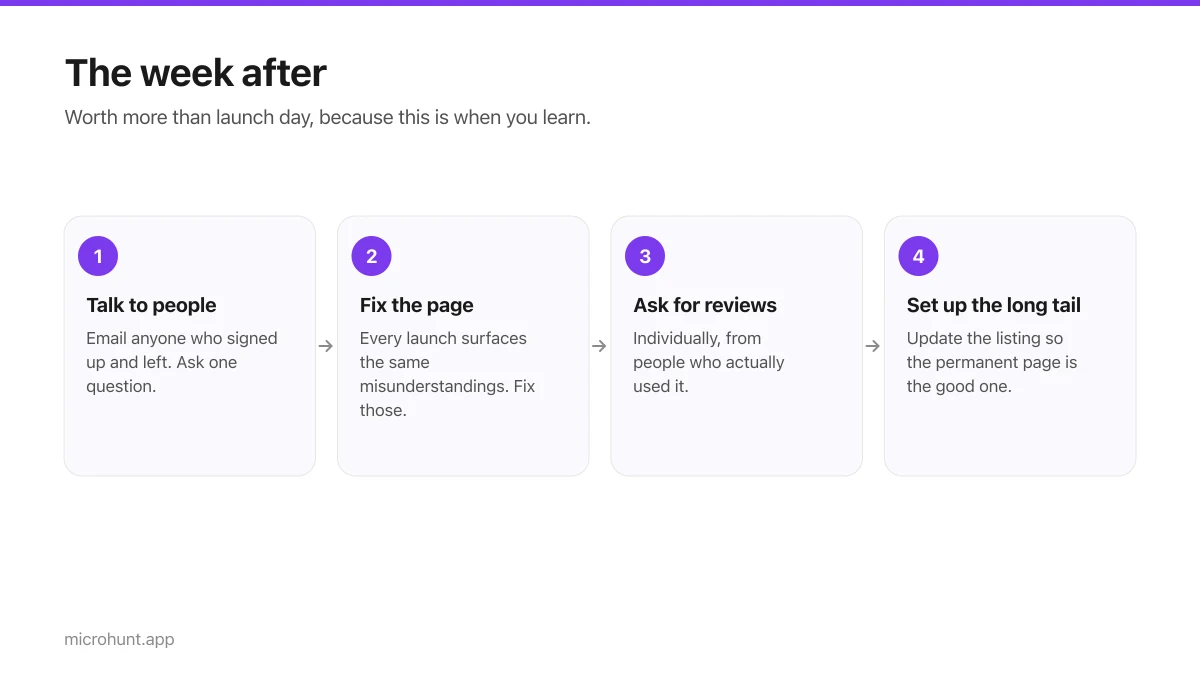
What to Do the Week After Launch Day
The traffic spike is over. Here is how to turn a day of attention into something that lasts longer than the graph.
7 min read