Photo Editing
Retouching, batch processing and raw workflow.
Nothing launched in this category yet.
Be the firstAbout Photo Editing
Photo tools split into three groups that get conflated: cataloguing and organising, developing and correcting, and compositing or manipulation. Most people looking for a photo tool actually need the first, buy the second, and use it as a worse version of the first.
Cataloguing is the unglamorous foundation. A library of twenty thousand images is only useful if you can find one, and the tools that do this well handle metadata properly, search by content as well as by filename, and — critically — do not require the images to live inside their own format. Anything that imports your photos into a proprietary container is a tool you will one day have to escape.
For developing, the meaningful question is non-destructive editing. Good tools store adjustments as instructions applied to an untouched original, so you can revisit a decision from three years ago and change one thing. Tools that write changes into the file force you to keep manual copies, which nobody does consistently.
Automated correction has improved substantially, and the reasonable use is as a starting point rather than an answer. A one-click correction gets you most of the way on a typical photograph and makes characteristic mistakes on unusual ones — anything backlit, anything deliberately dark, anything where the interesting part is not the subject the tool identified. Knowing to check those cases is most of the skill.
The generative tools now embedded in this subcategory — removing objects, extending edges, replacing skies — are impressive and carry an obligation. For personal work, anything goes. For journalism, documentation, product photography and anything a buyer relies on, altering the content of an image is a different act from adjusting its exposure, and treating them as the same thing is how trust gets lost.
Format matters at the output stage. Modern formats deliver equivalent quality at substantially smaller sizes than the traditional web default, and every tool in this subcategory should be able to produce them. If a tool cannot export a modern format, it is optimising for a web that no longer exists.
See [AI image tools](/categories/ai-images) for the generation end and [illustration and icons](/categories/illustration) for drawn work.
From the blog
Reading on launching, ranking and photo editing.
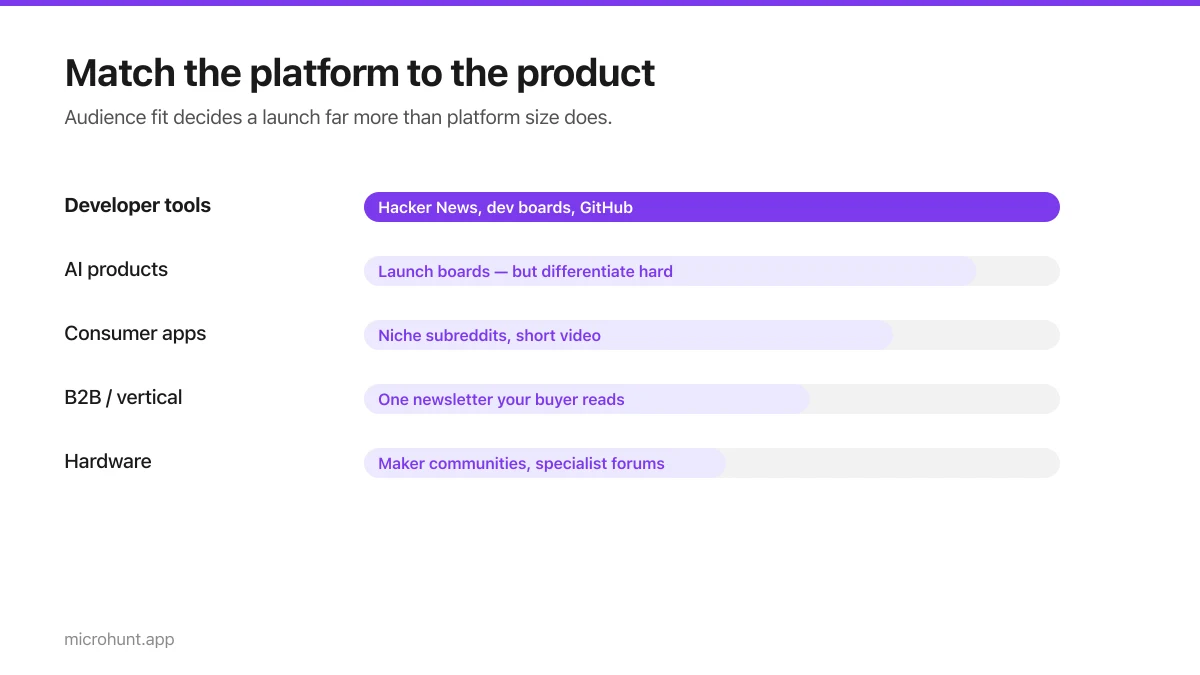
Best Product Hunt Alternatives for Launching in 2026
Where else to launch when Product Hunt is not the right fit — what each platform is actually good at, who shows up, and what it costs.
8 min read
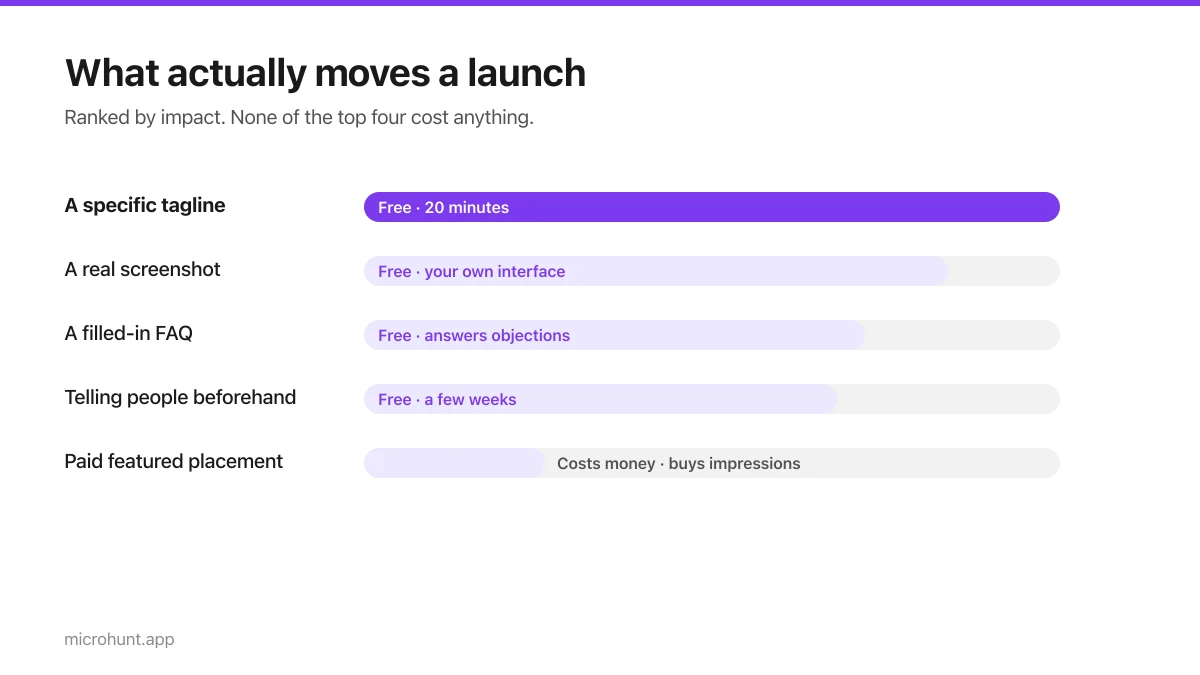
Free Launch Platforms for Indie Makers (No Budget Needed)
You do not need to pay to launch. Here are the places that are genuinely free, what each expects from you, and where paying is actually worth it.
7 min read
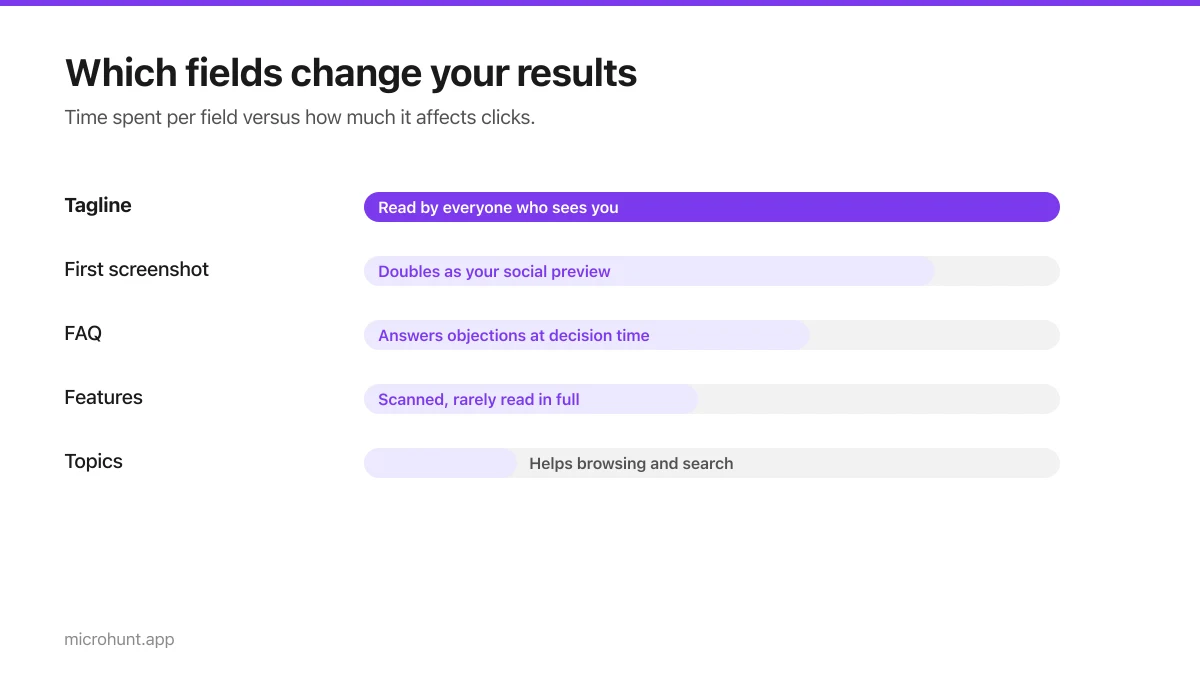
How to Submit a Product on Vuru (Step by Step)
A walk through the submission form, what each field does to your page, and the fields most people leave empty that they shouldn't.
7 min read
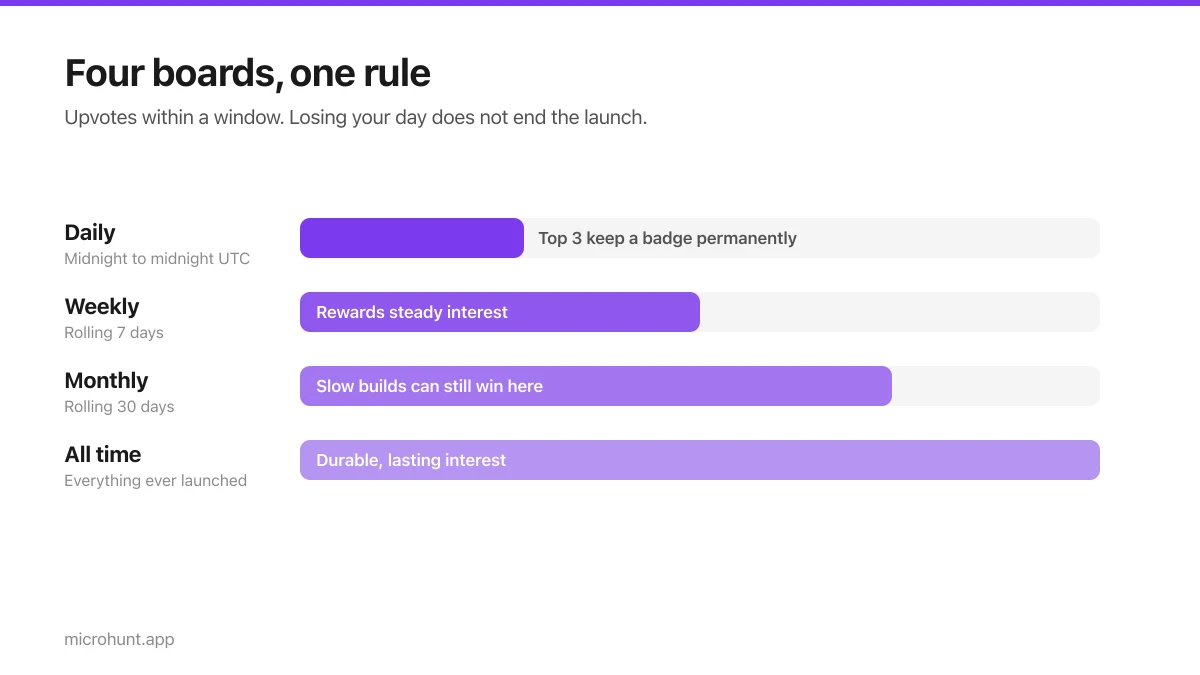
How Vuru Ranking Works (And How to Win a Badge)
Launch windows, upvotes, podium badges and what we do about vote manipulation — the whole ranking system explained plainly.
7 min read
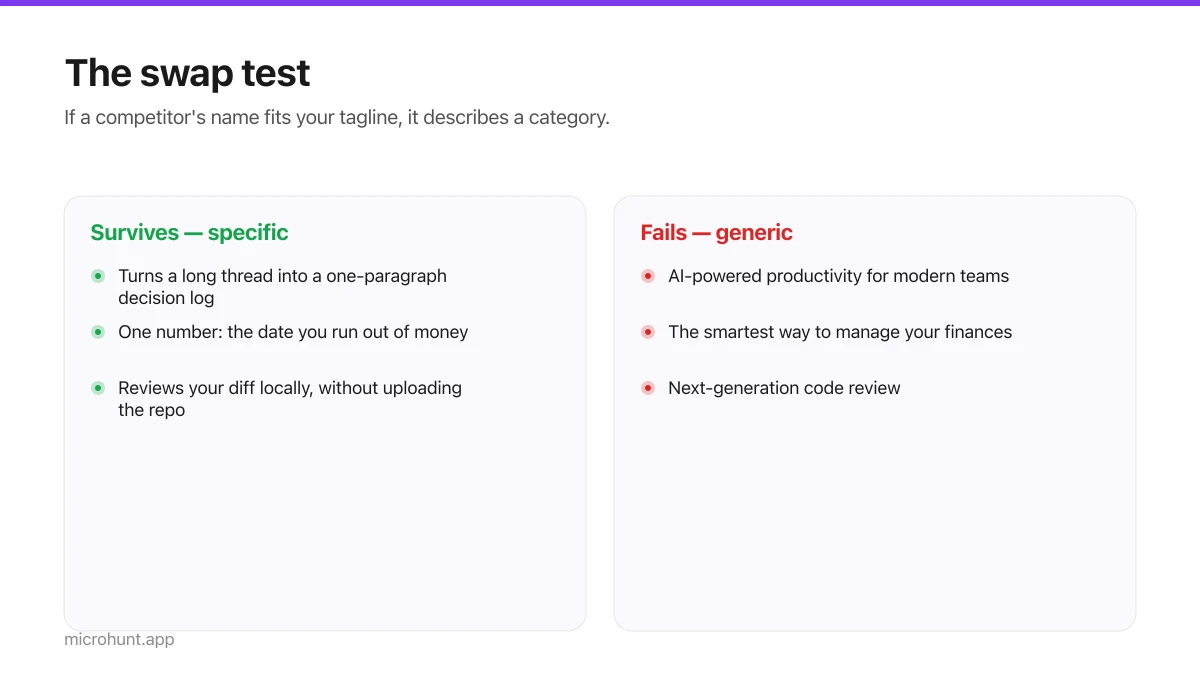
How to Write a Product Tagline That Actually Gets Clicked
The one line most people will ever read about your product, and a simple test for whether yours is doing any work.
7 min read
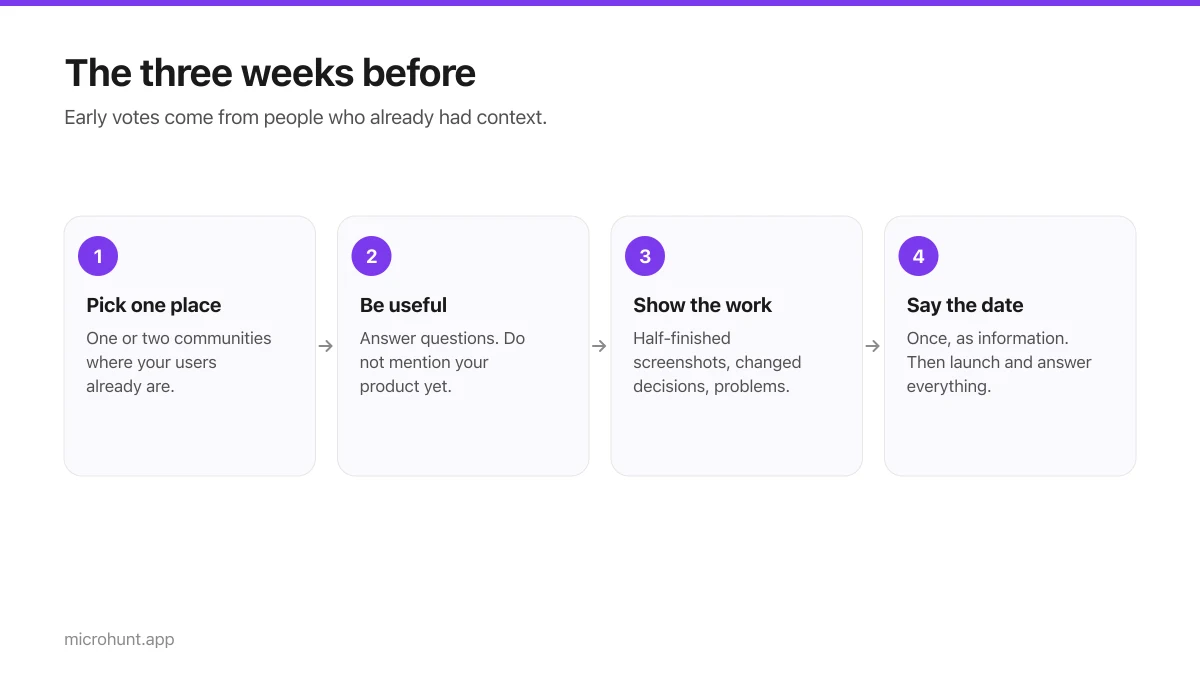
How to Get Your First Upvotes Without Begging
What actually generates early votes, why vote-for-vote groups do not work, and the approach that keeps paying off after launch day.
7 min read
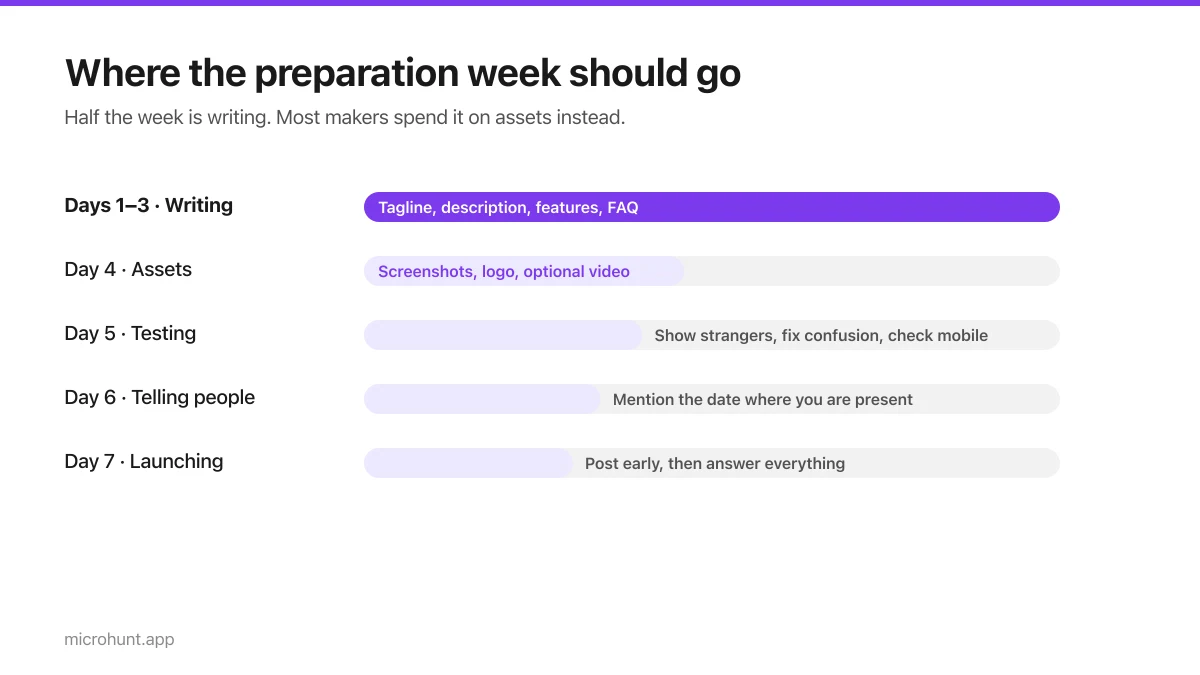
The Seven-Day Launch Checklist
A day-by-day plan for the week before you launch, weighted towards the things that actually change the outcome.
8 min read
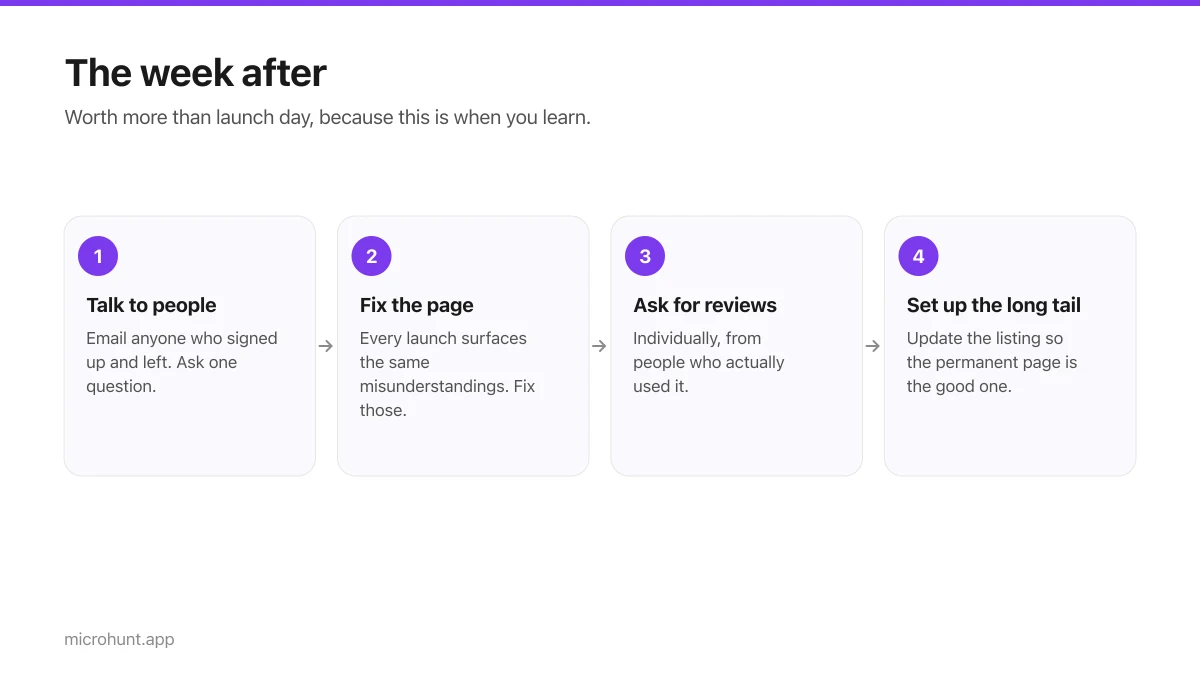
What to Do the Week After Launch Day
The traffic spike is over. Here is how to turn a day of attention into something that lasts longer than the graph.
7 min read