Screen Recording
Demos, tutorials and async video.
Nothing launched in this category yet.
Be the firstAbout Screen Recording
Screen recording is one of the highest-leverage tools a small team can adopt, because a two-minute recording frequently replaces a meeting, a long written explanation, or several rounds of misunderstanding. The launches here cover quick share-a-link recorders, full-quality capture for produced content, annotated screenshot tools and the GIF-adjacent utilities for embedding short demonstrations in documentation.
The quick-recorder group is defined by what happens after you stop recording. If the answer is "a link is on your clipboard", the tool will get used constantly. If it is "a file is in your downloads folder, now find somewhere to put it", it will not. That single difference in friction determines adoption more than any capture feature.
For produced content — tutorials, demos, launch videos — the things that matter are cursor treatment, zoom, and resolution discipline. Recording a full high-resolution display and scaling it down produces text nobody can read on a phone. Recording a smaller region, or using automatic zoom that follows the action, produces something legible. Tools that smooth cursor movement and add click indicators make a recording substantially easier to follow, and the effect is larger than it sounds.
Audio quality is the most common failure in screen recordings and the easiest to fix. The built-in microphone in a laptop, positioned above a fan and pointed at a ceiling, is the worst input in the room. Anything else — a headset, a phone's earbuds, a cheap USB microphone — is a large improvement, and viewers tolerate mediocre video far better than bad audio.
Privacy deserves a deliberate check before you share. Screen recordings capture notification banners, browser tabs, bookmark bars, calendar titles and whatever is in the corner of a second monitor. Tools that suppress notifications during capture and let you blur regions afterwards are preventing an entirely predictable mistake.
For documentation specifically, short silent loops embedded beside the text outperform long narrated videos, because a reader can watch a five-second loop without committing to anything. This is the most underused format in the category.
From the blog
Reading on launching, ranking and screen recording.
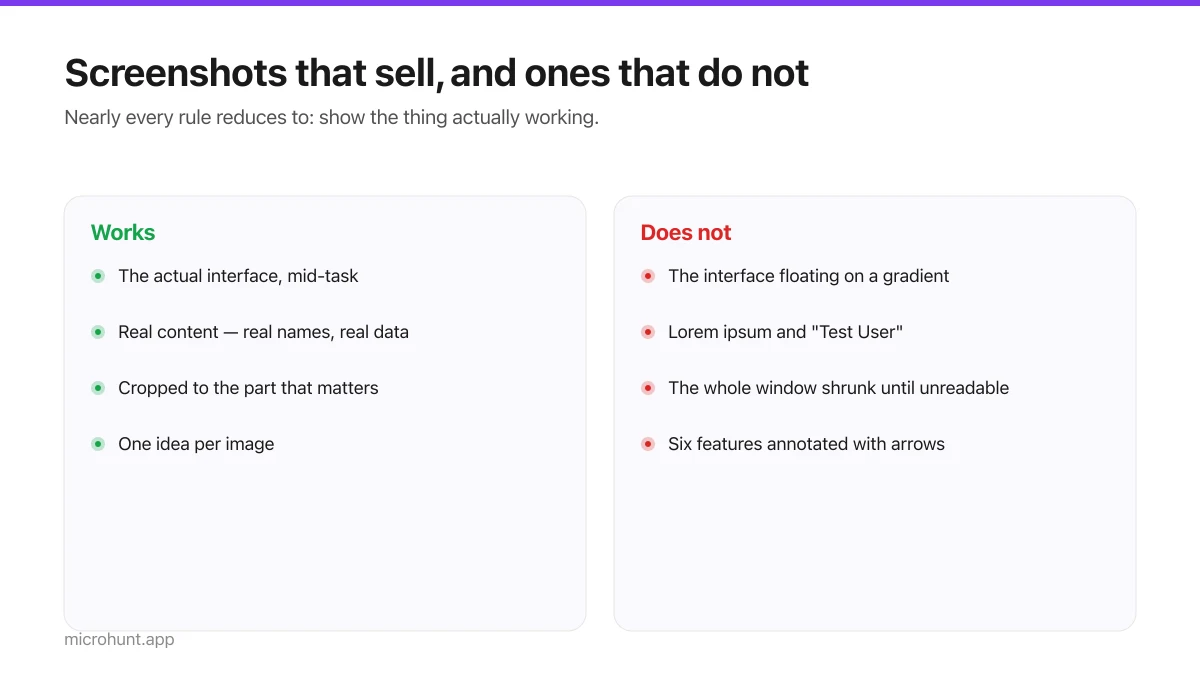
Product Screenshots and Demo Videos That Do the Selling
Your first screenshot is your social preview and often the only thing a visitor looks at. Here is how to make it earn that.
7 min read
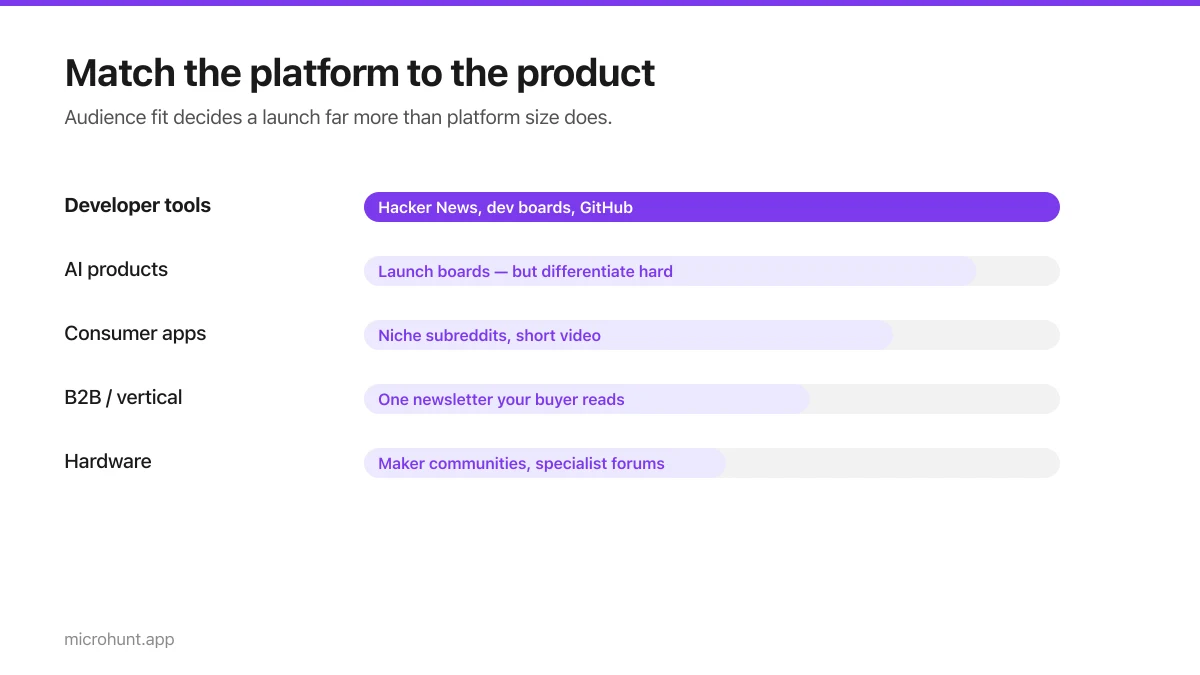
Best Product Hunt Alternatives for Launching in 2026
Where else to launch when Product Hunt is not the right fit — what each platform is actually good at, who shows up, and what it costs.
8 min read
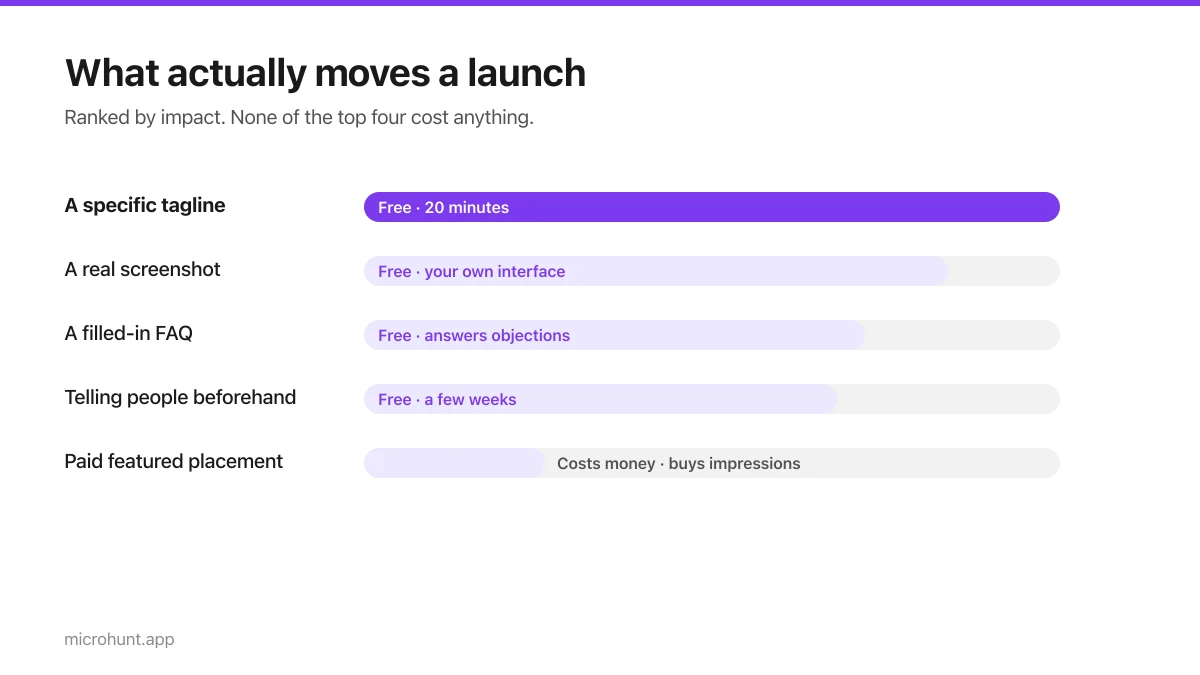
Free Launch Platforms for Indie Makers (No Budget Needed)
You do not need to pay to launch. Here are the places that are genuinely free, what each expects from you, and where paying is actually worth it.
7 min read
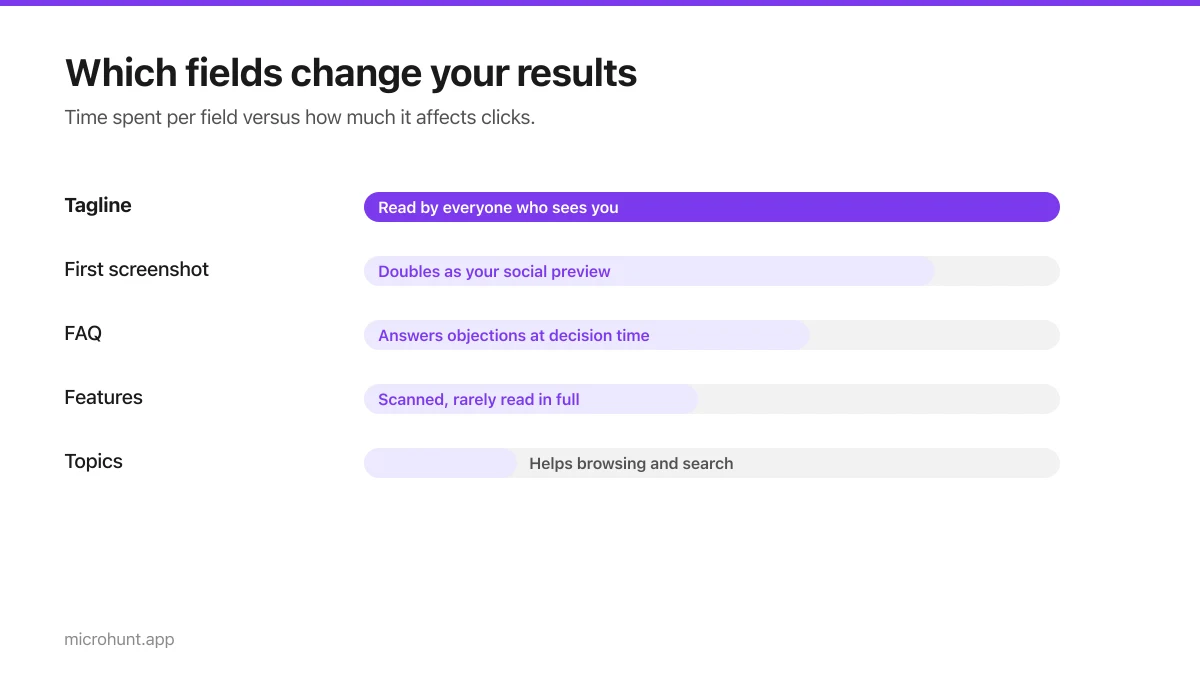
How to Submit a Product on Vuru (Step by Step)
A walk through the submission form, what each field does to your page, and the fields most people leave empty that they shouldn't.
7 min read
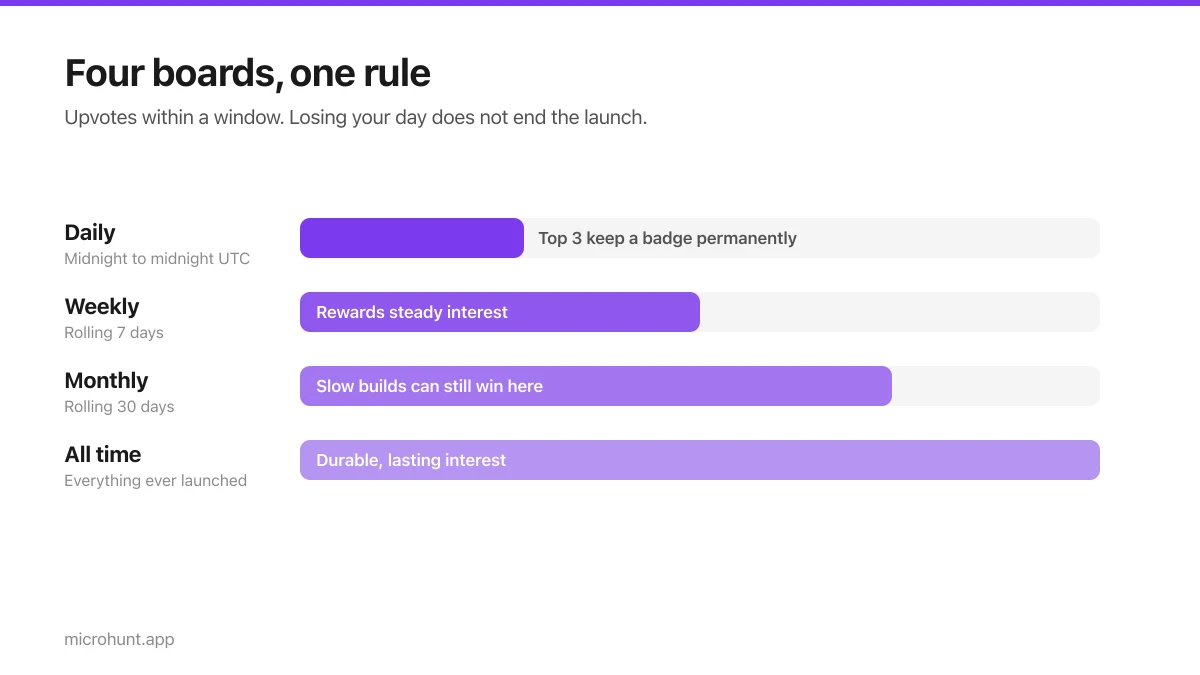
How Vuru Ranking Works (And How to Win a Badge)
Launch windows, upvotes, podium badges and what we do about vote manipulation — the whole ranking system explained plainly.
7 min read
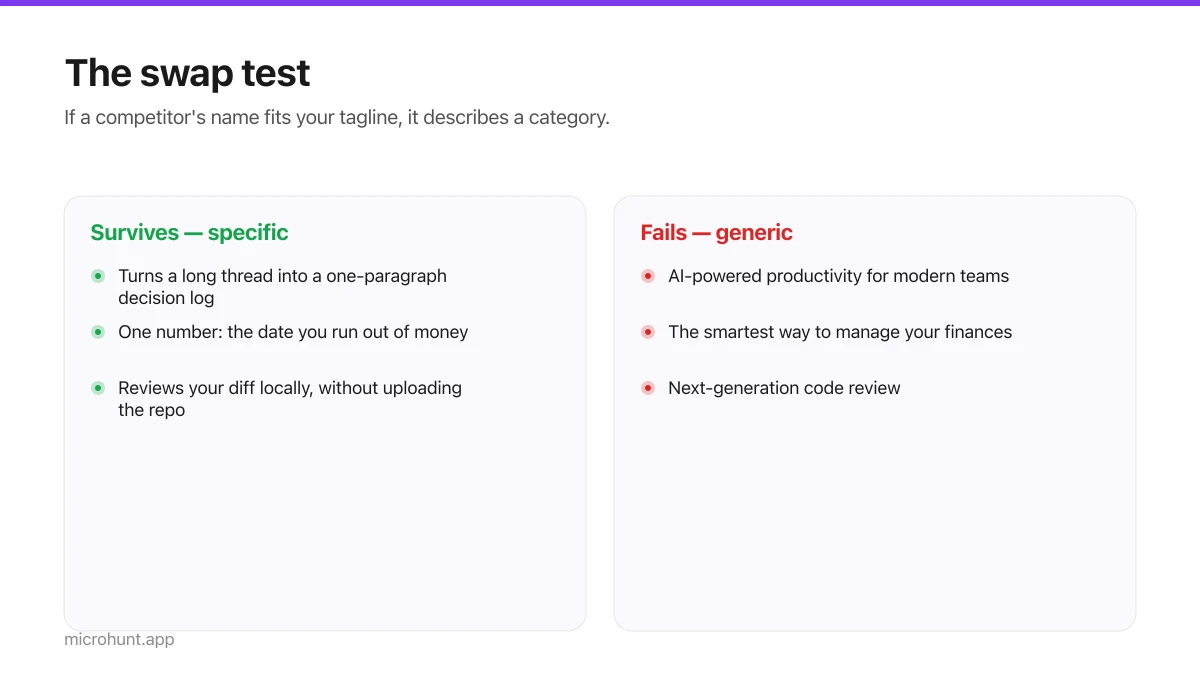
How to Write a Product Tagline That Actually Gets Clicked
The one line most people will ever read about your product, and a simple test for whether yours is doing any work.
7 min read
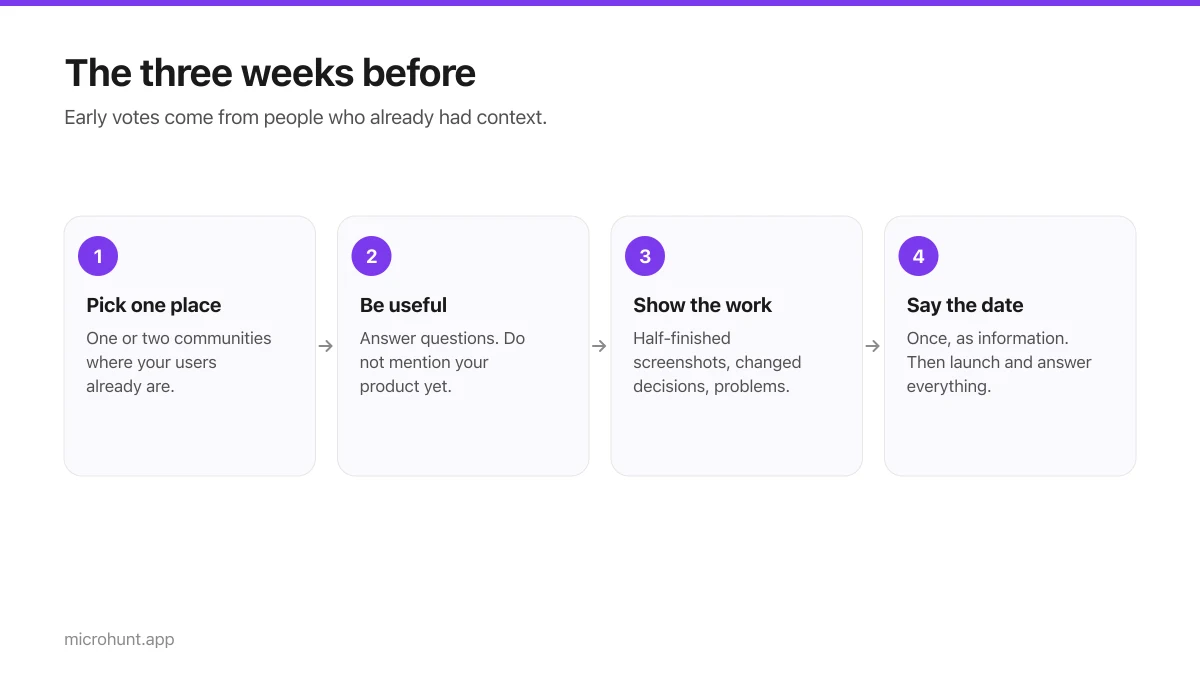
How to Get Your First Upvotes Without Begging
What actually generates early votes, why vote-for-vote groups do not work, and the approach that keeps paying off after launch day.
7 min read
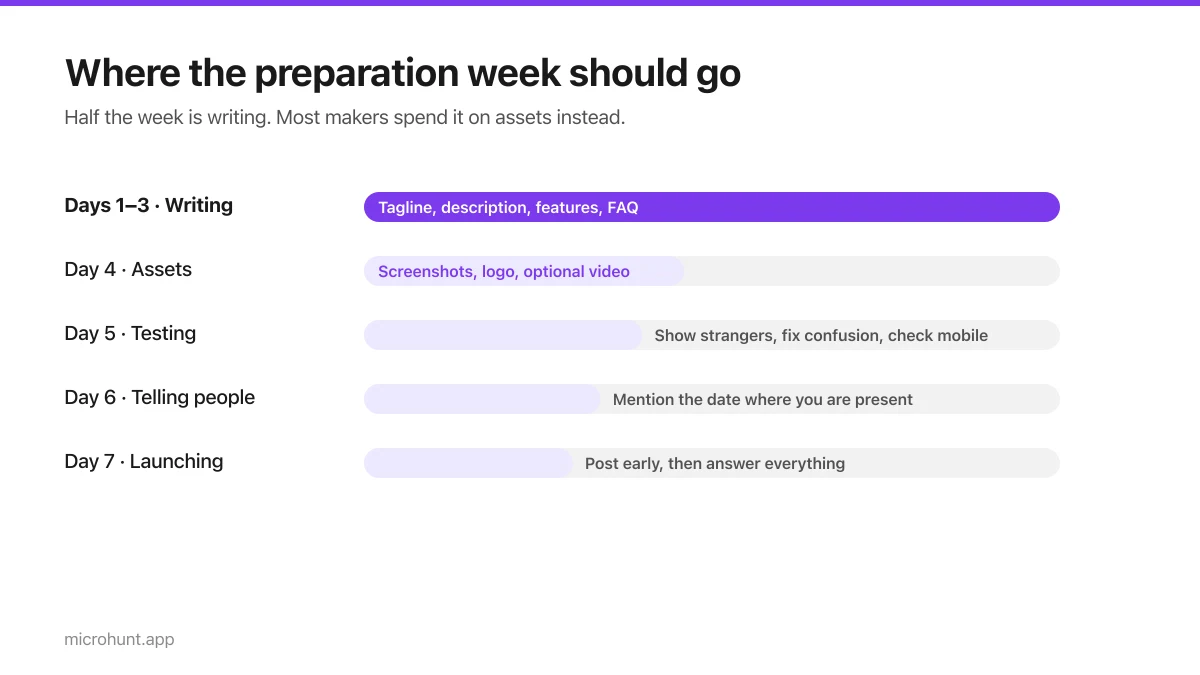
The Seven-Day Launch Checklist
A day-by-day plan for the week before you launch, weighted towards the things that actually change the outcome.
8 min read