Tasks & Projects
To-do lists, project boards and planning.
Nothing launched in this category yet.
Be the firstAbout Tasks & Projects
Task and project tools span an enormous range, from a text file with dashes to systems that model dependencies across teams of hundreds. Almost every bad experience in this category comes from using something built for one end of that range at the other end.
For personal task management, the binding constraint is friction of capture. A system you have to open, navigate and categorise before recording a thought will lose things, and the things it loses are the ones you were busy when you thought of. The tools that work have a fast global capture, a sane default place for uncategorised items, and a review step where sorting happens later. Everything else is preference.
For team work, the useful distinction is whether the tool models time or just state. Boards with columns model state well and time badly, which is why they are excellent for continuous flow and poor for anything with a deadline and dependencies. Timeline and dependency-based tools handle the second case and impose real overhead in maintenance. Teams frequently want the first and buy the second.
The failure mode to watch for is a system that is more work to maintain than the work it tracks. This shows up as fields nobody fills in, statuses that stopped meaning anything, and a board where half the cards have not moved in a quarter. When it happens, the answer is almost always to remove structure rather than add automation on top of it.
Automation is genuinely valuable when it removes a step nobody wanted to do: moving a card when a pull request merges, assigning by rota, escalating something untouched for a week. It is harmful when it hides state changes from the people who need to notice them. The good tools make automations visible in the history rather than silent.
Integration with where the work actually happens is the practical differentiator for engineering teams. A task tool that links to the branch, the pull request and the deploy gives you an accurate picture for free; one that requires a human to update it gives you an inaccurate picture at some cost. See [meetings](/categories/meetings) for the other half of team coordination overhead.
From the blog
Reading on launching, ranking and tasks & projects.
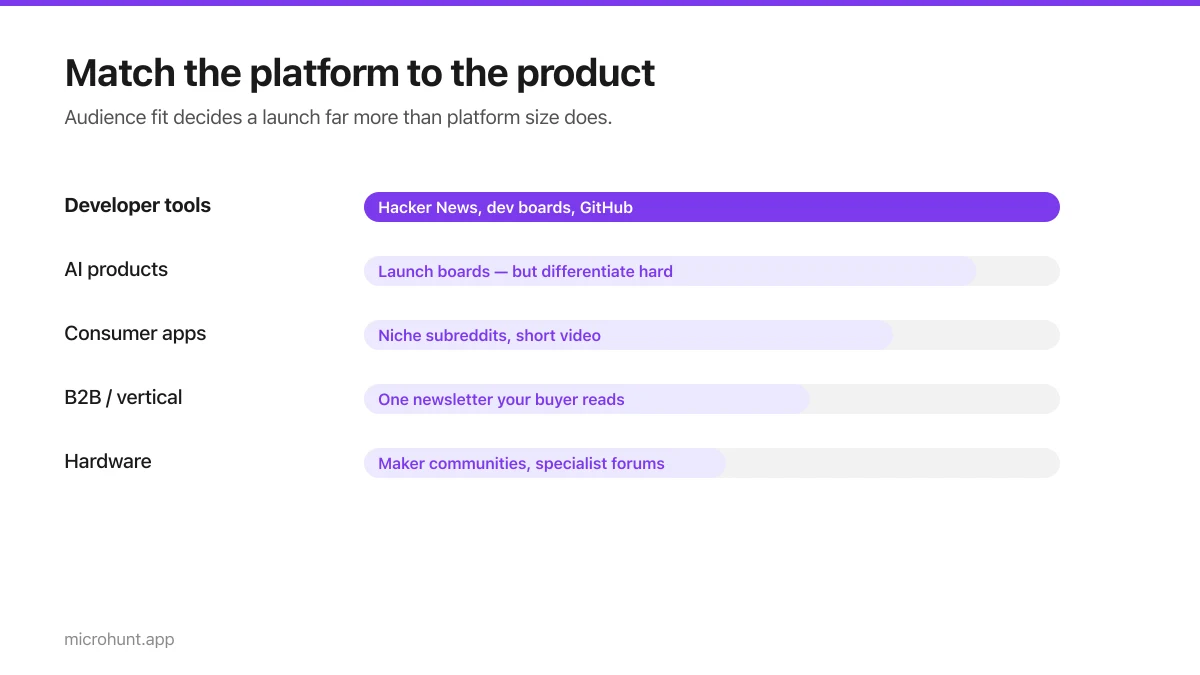
Best Product Hunt Alternatives for Launching in 2026
Where else to launch when Product Hunt is not the right fit — what each platform is actually good at, who shows up, and what it costs.
8 min read
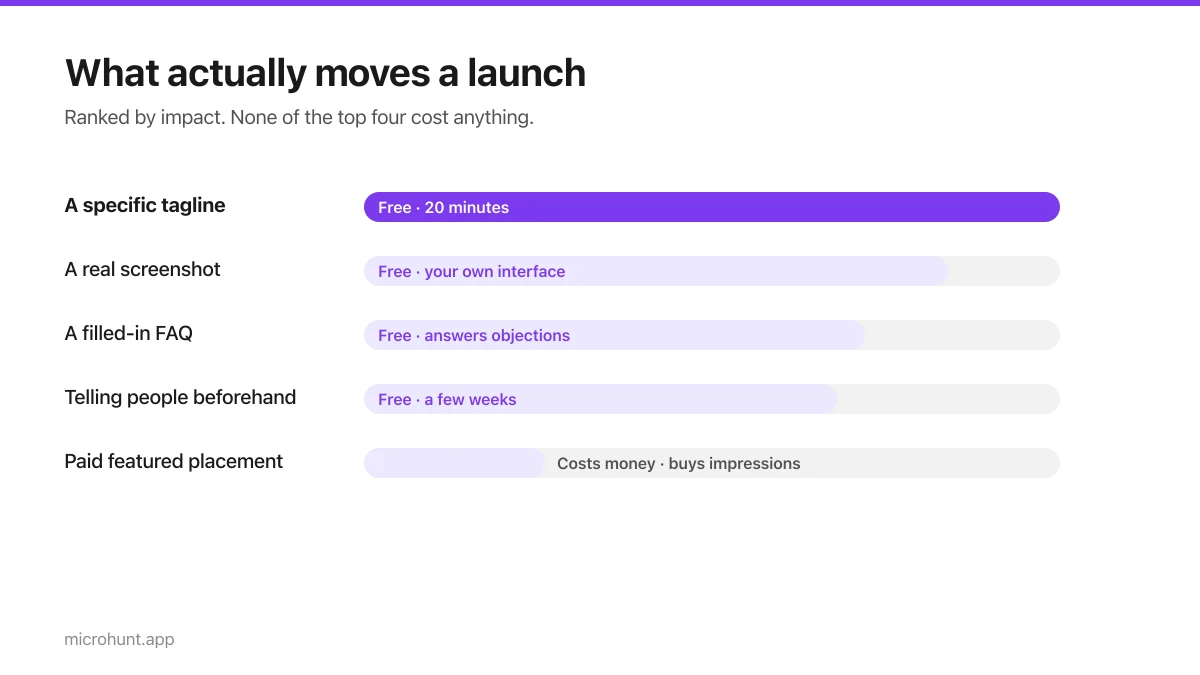
Free Launch Platforms for Indie Makers (No Budget Needed)
You do not need to pay to launch. Here are the places that are genuinely free, what each expects from you, and where paying is actually worth it.
7 min read
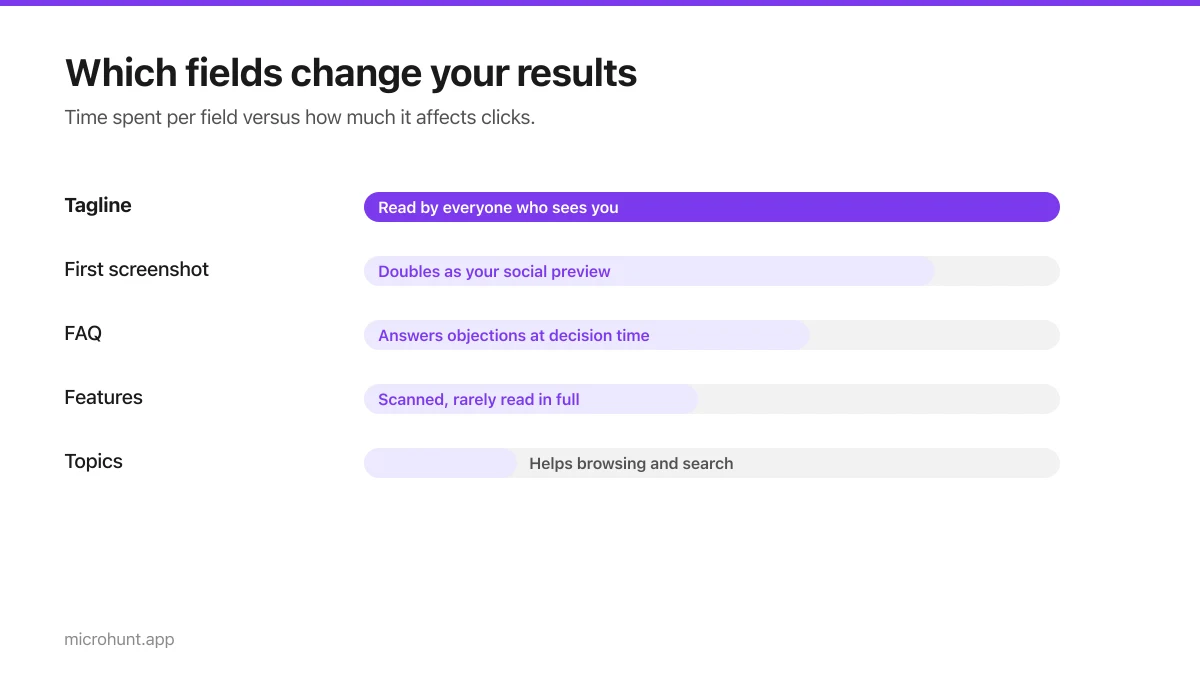
How to Submit a Product on Vuru (Step by Step)
A walk through the submission form, what each field does to your page, and the fields most people leave empty that they shouldn't.
7 min read
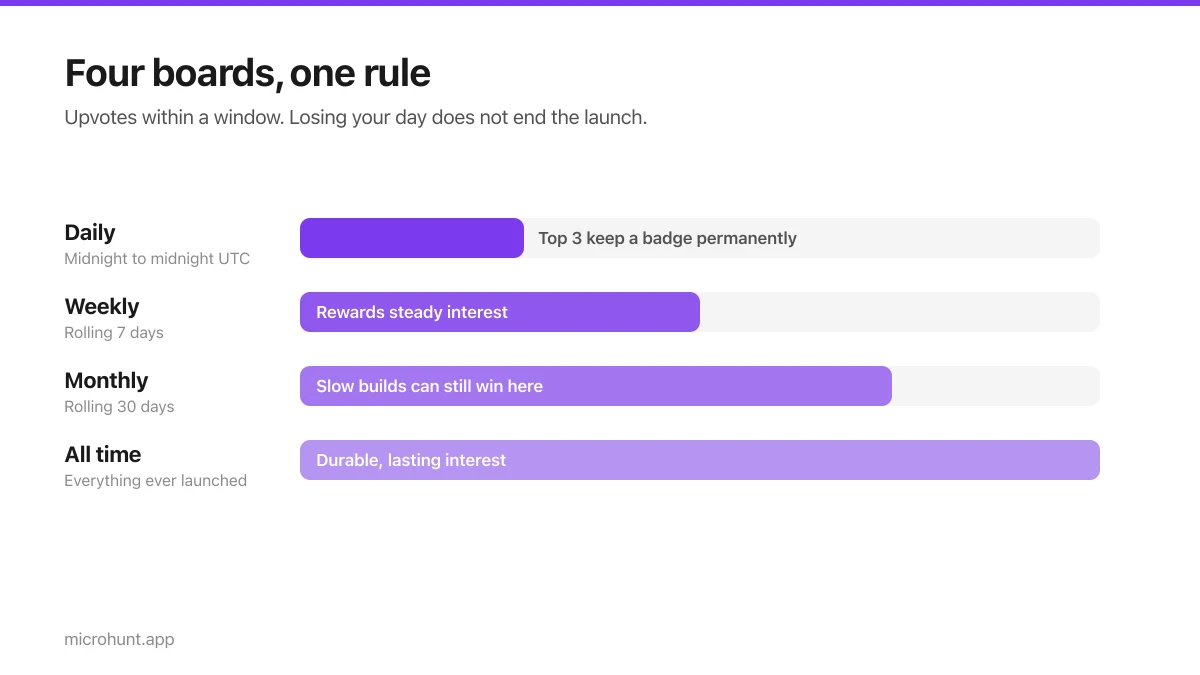
How Vuru Ranking Works (And How to Win a Badge)
Launch windows, upvotes, podium badges and what we do about vote manipulation — the whole ranking system explained plainly.
7 min read
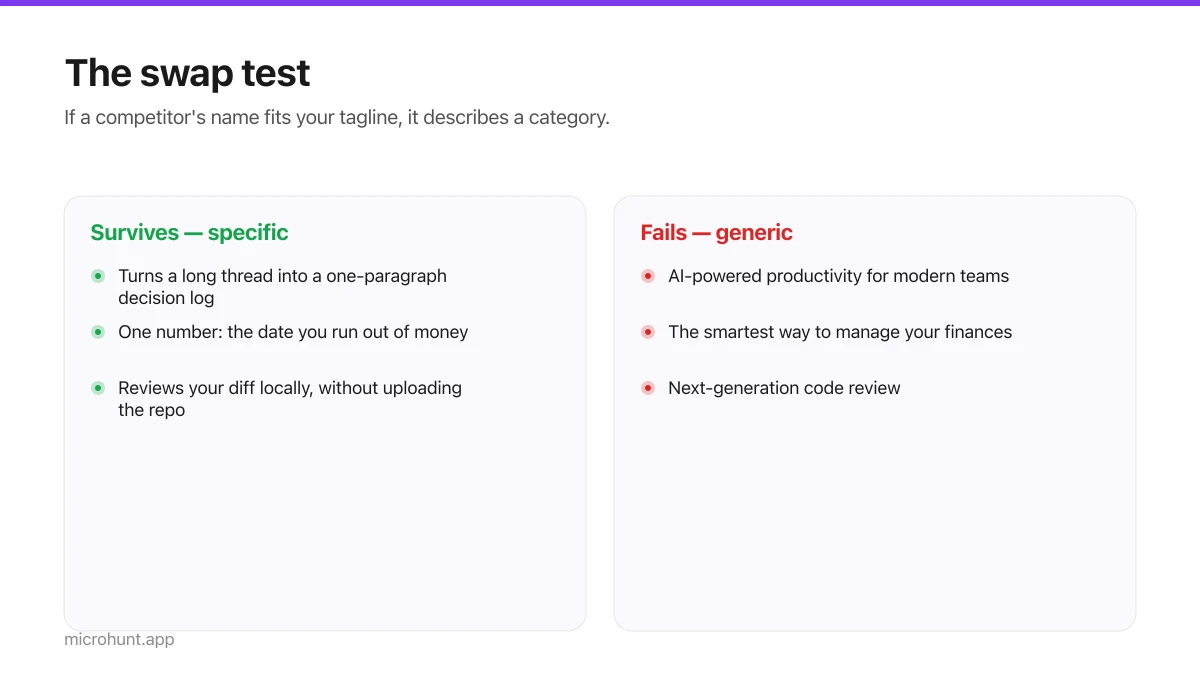
How to Write a Product Tagline That Actually Gets Clicked
The one line most people will ever read about your product, and a simple test for whether yours is doing any work.
7 min read
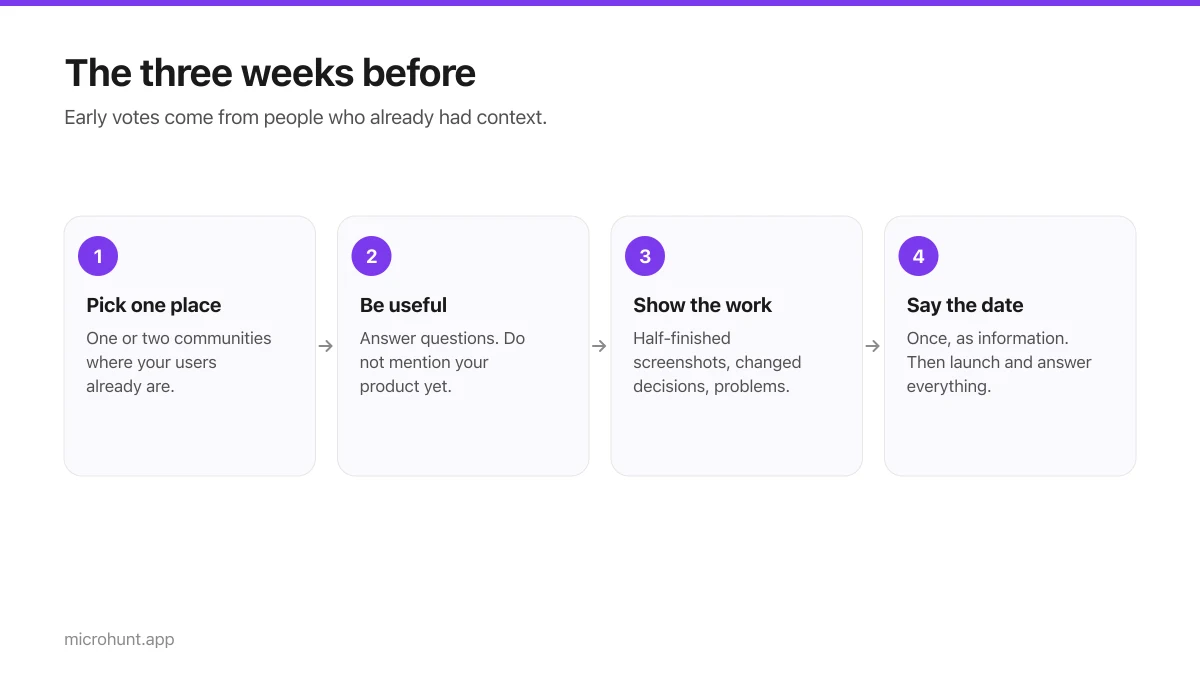
How to Get Your First Upvotes Without Begging
What actually generates early votes, why vote-for-vote groups do not work, and the approach that keeps paying off after launch day.
7 min read
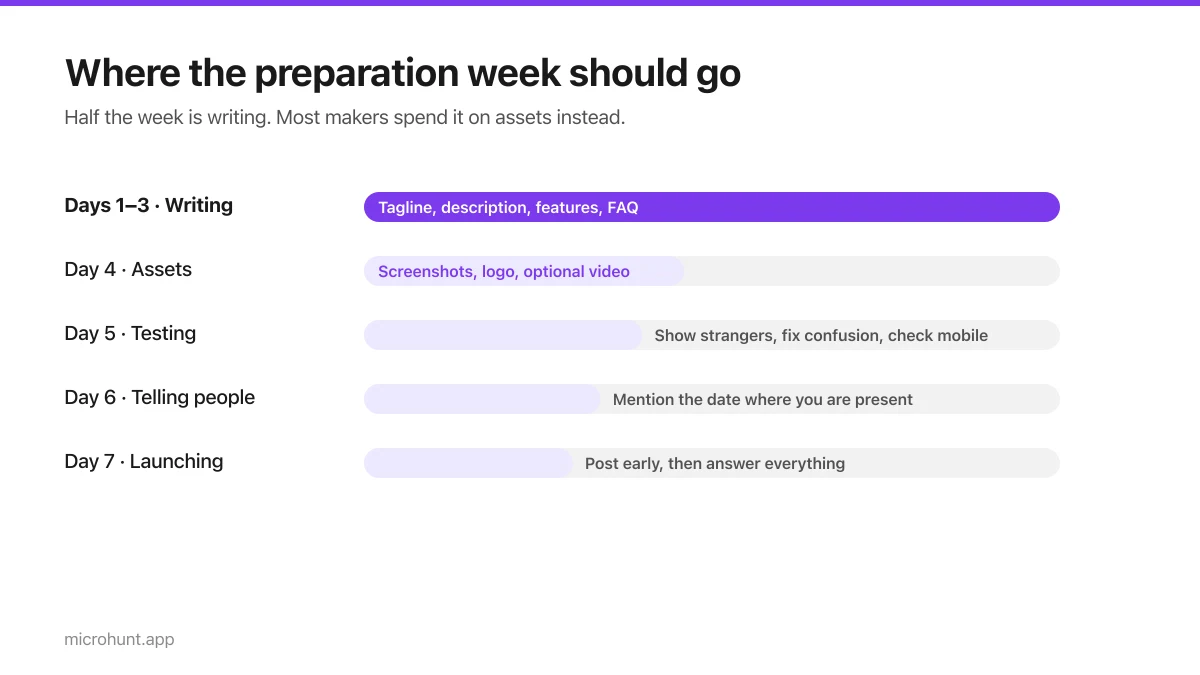
The Seven-Day Launch Checklist
A day-by-day plan for the week before you launch, weighted towards the things that actually change the outcome.
8 min read
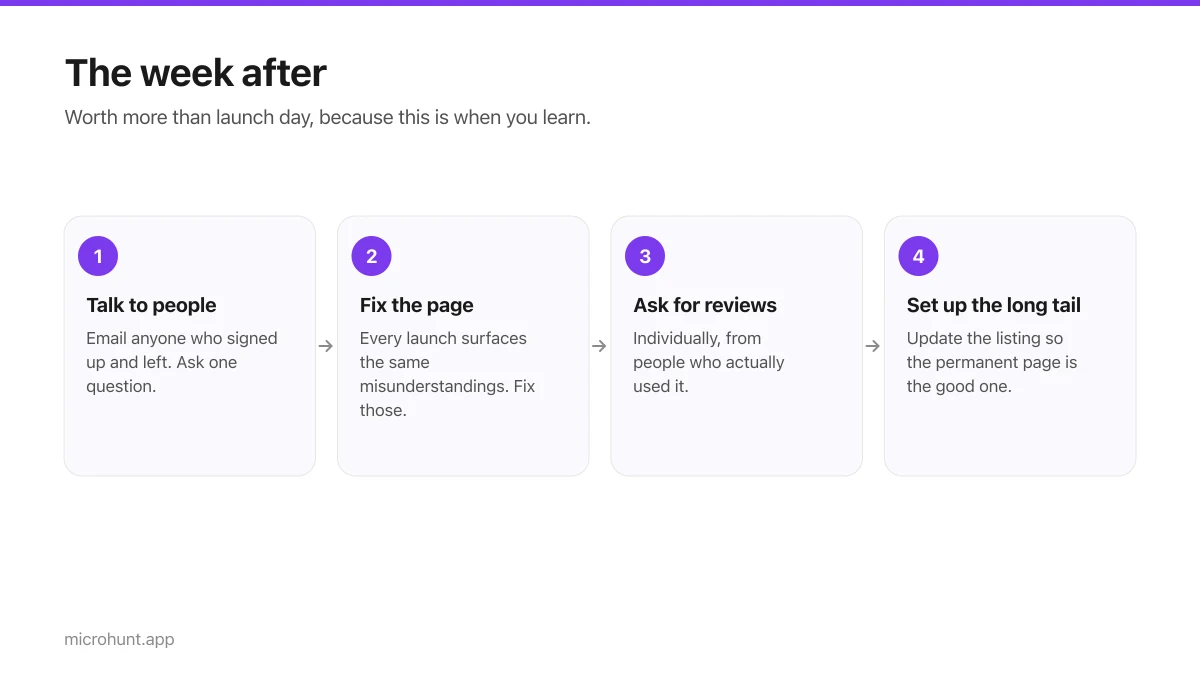
What to Do the Week After Launch Day
The traffic spike is over. Here is how to turn a day of attention into something that lasts longer than the graph.
7 min read