Video Editing
Cutting, colour, captions and export.
Nothing launched in this category yet.
Be the firstAbout Video Editing
Video editing software divides by how much of the timeline you want to think about. Traditional editors give you frames, tracks and complete control, and demand that you learn them. The newer generation edits the transcript instead: delete a sentence in the text and the video loses it. For talking-head content, tutorials and interviews — which is most of what gets made for the web — the second approach is faster by a wide margin and the loss of control is largely theoretical.
The transcript-based tools are worth understanding properly, because their limits are specific rather than general. They excel at removing filler, tightening pauses and restructuring spoken content. They are poor at anything where the visual rhythm carries the meaning, at multi-camera work, and at precise sound design. If you are making a five-minute product walkthrough, they are the right choice. If you are making something where a cut lands on a beat, they are not.
Performance is worth checking before commitment. Editing is one of the few remaining tasks that will genuinely saturate a laptop, and the difference between a tool with hardware-accelerated decoding for your specific codec and one without is the difference between scrubbing smoothly and waiting. Proxy workflows — editing against low-resolution copies and rendering from the originals — solve this and are worth looking for if your source material is large.
Export settings are where quality is usually lost, generally by exporting at a lower bitrate than the platform will accept and then having the platform compress it again. Encode once at high quality and let the destination do its own compression; encoding to a small file yourself gains nothing and costs visible quality.
Captions are no longer optional. A large share of video is watched without sound, and burned-in or platform captions substantially increase completion. Nearly everything in this subcategory now generates them automatically, and the quality is good enough that the work is proofreading rather than transcribing. Check names and jargon; those are where errors cluster.
For product makers specifically, a demo video is one of the highest-leverage assets you can produce, and the common mistakes are length and starting too early. See [product screenshots and demo video](/blog/product-screenshots-and-demo-video).
From the blog
Reading on launching, ranking and video editing.
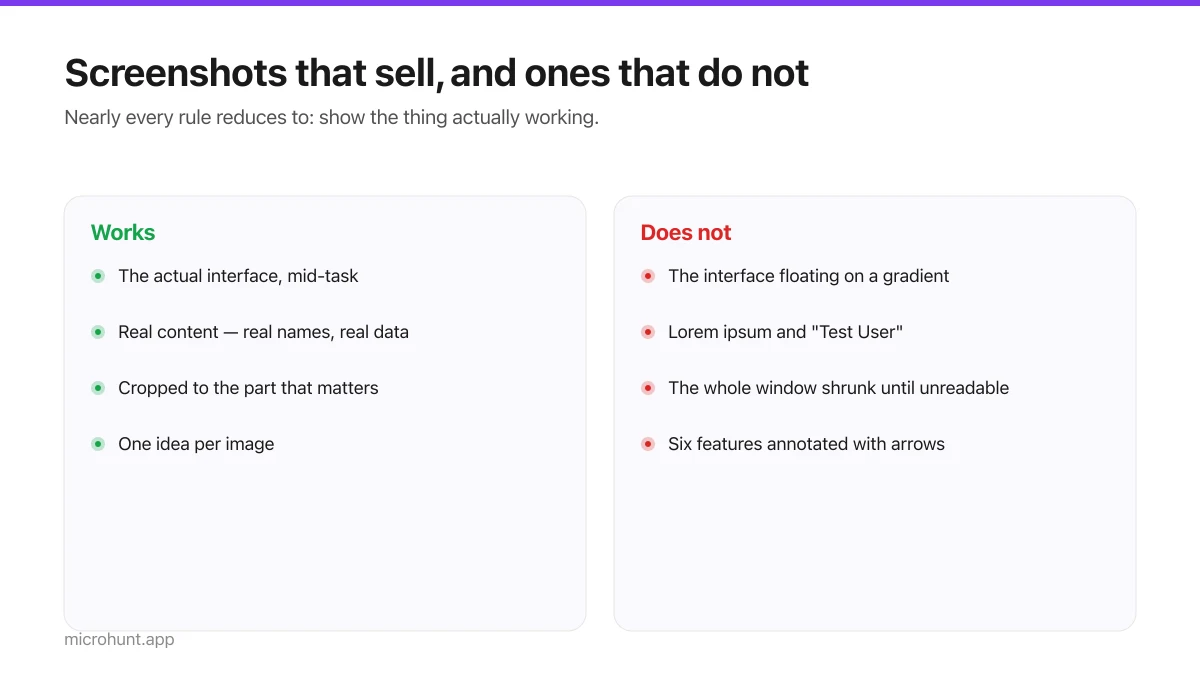
Product Screenshots and Demo Videos That Do the Selling
Your first screenshot is your social preview and often the only thing a visitor looks at. Here is how to make it earn that.
7 min read
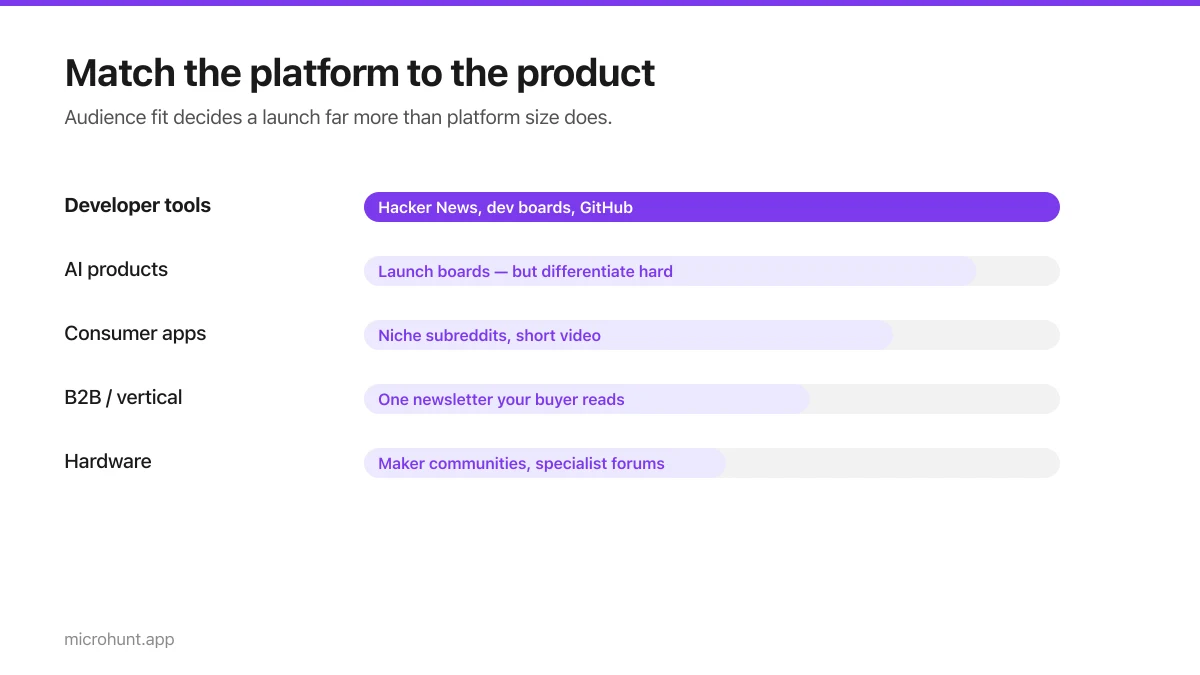
Best Product Hunt Alternatives for Launching in 2026
Where else to launch when Product Hunt is not the right fit — what each platform is actually good at, who shows up, and what it costs.
8 min read
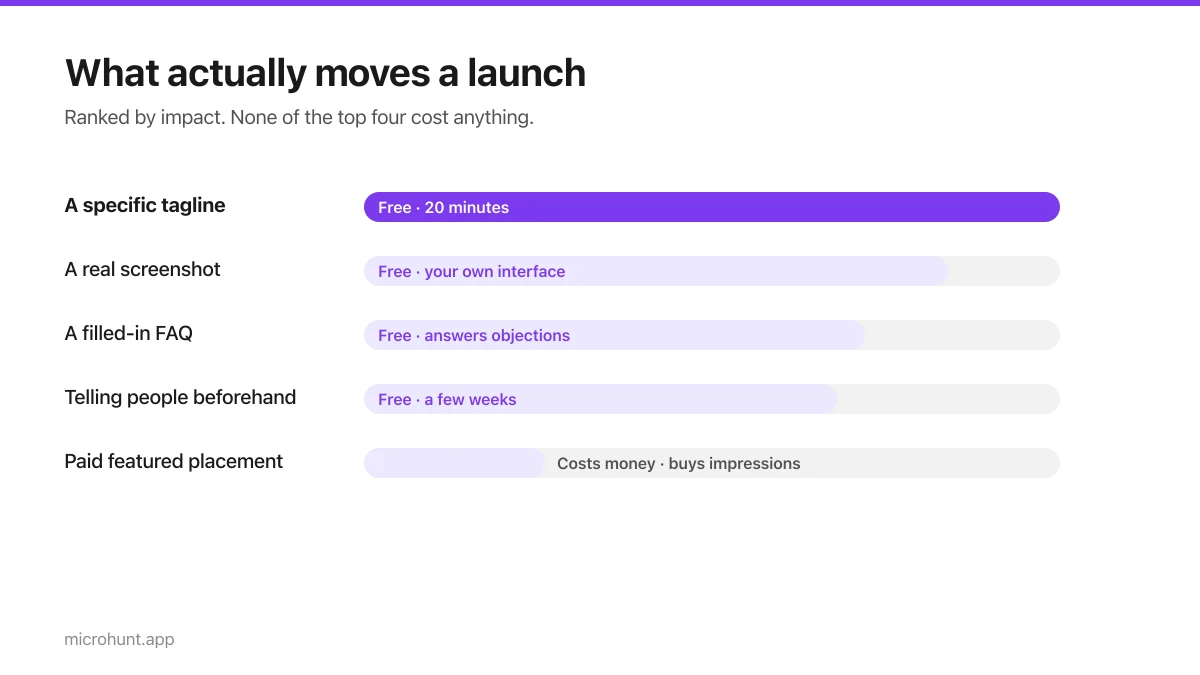
Free Launch Platforms for Indie Makers (No Budget Needed)
You do not need to pay to launch. Here are the places that are genuinely free, what each expects from you, and where paying is actually worth it.
7 min read
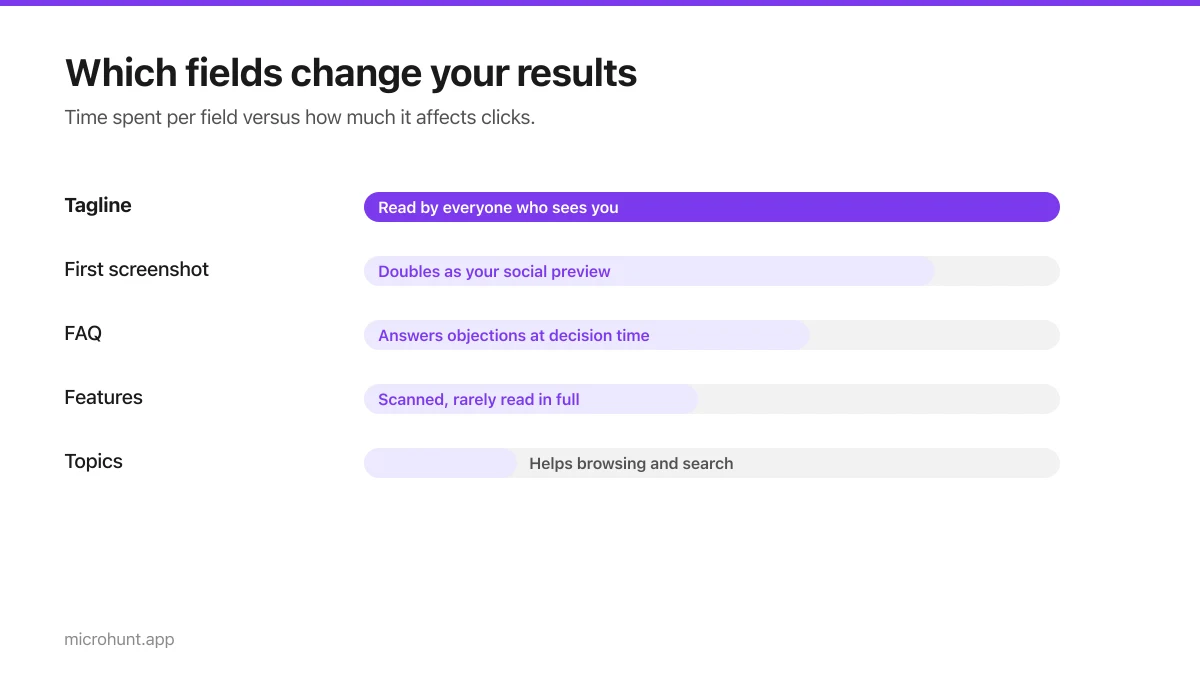
How to Submit a Product on Vuru (Step by Step)
A walk through the submission form, what each field does to your page, and the fields most people leave empty that they shouldn't.
7 min read
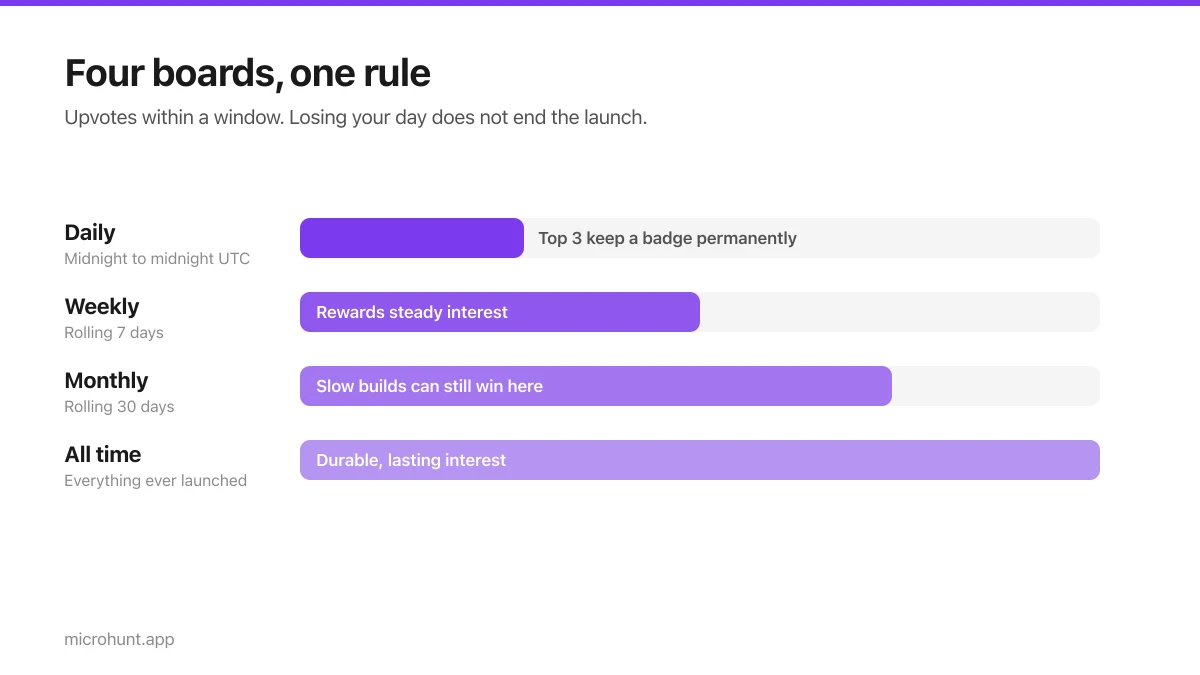
How Vuru Ranking Works (And How to Win a Badge)
Launch windows, upvotes, podium badges and what we do about vote manipulation — the whole ranking system explained plainly.
7 min read
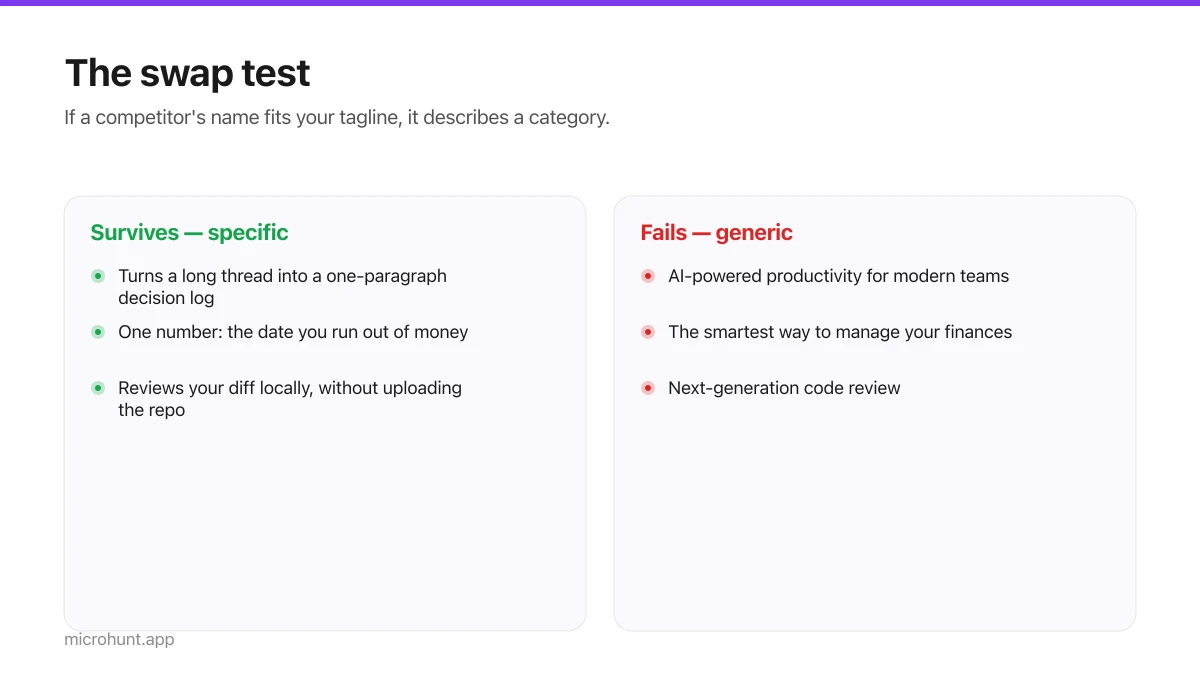
How to Write a Product Tagline That Actually Gets Clicked
The one line most people will ever read about your product, and a simple test for whether yours is doing any work.
7 min read
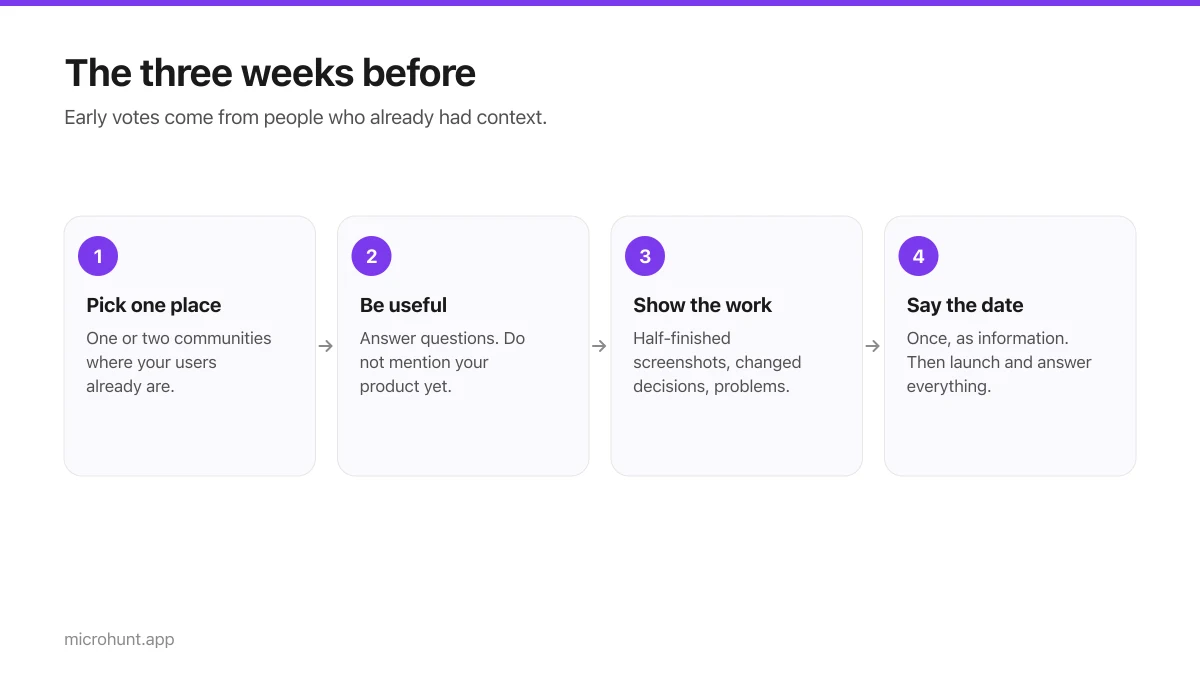
How to Get Your First Upvotes Without Begging
What actually generates early votes, why vote-for-vote groups do not work, and the approach that keeps paying off after launch day.
7 min read
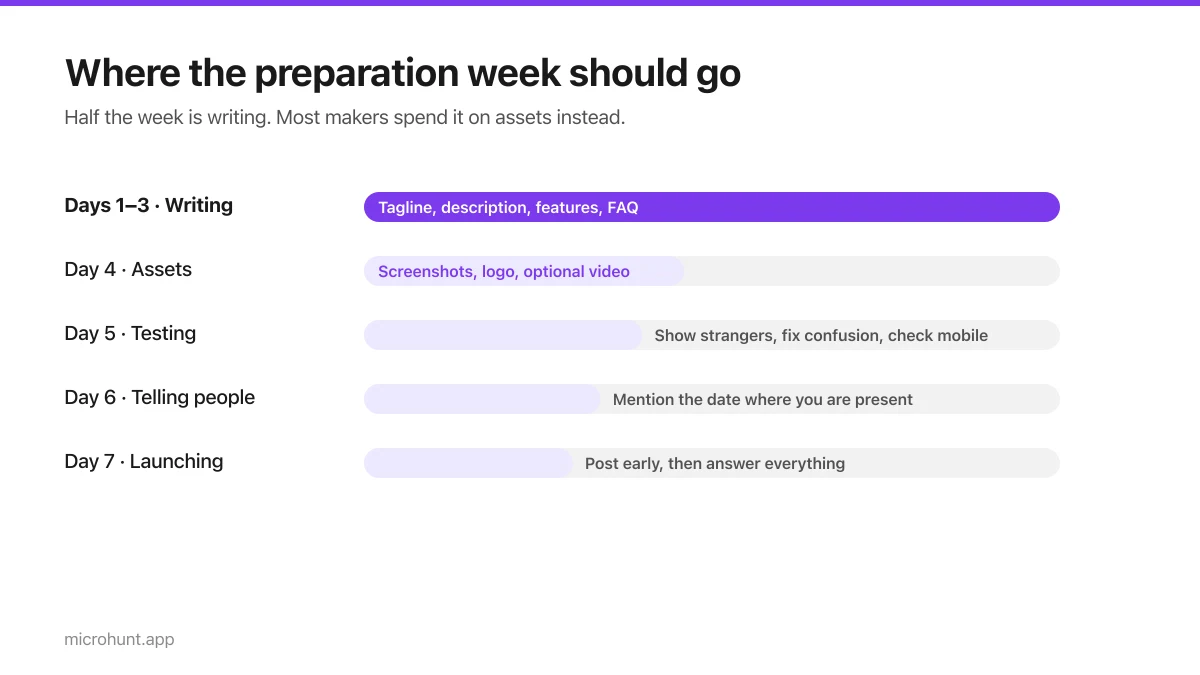
The Seven-Day Launch Checklist
A day-by-day plan for the week before you launch, weighted towards the things that actually change the outcome.
8 min read