Peripherals
Keyboards, mice, desk gear and input devices.
Nothing launched in this category yet.
Be the firstAbout Peripherals
Peripherals are the hardware you touch all day, which makes them the category where a modest amount of money produces the most noticeable daily improvement. Keyboards, mice and pointing devices, monitors, docks, stands and the accessories around a desk all sit here, and the launches range from small-batch enthusiast projects to genuinely novel input devices.
Keyboards dominate this subcategory and the enthusiast end has become remarkably accessible. The things that actually matter are switch feel, which is entirely personal and worth trying before buying; layout, where smaller layouts save desk space at the cost of keys you may use more than you think; and connection, where wired remains the most reliable and wireless has become good enough for most people. Programmability is the underrated feature: a keyboard where layers and macros live in the keyboard's own firmware works identically on every machine you plug it into, with no software installed.
Ergonomics deserve to be treated as a real consideration rather than a marketing category. Split and tented layouts address a genuine mechanical problem — the forearm rotation a conventional keyboard forces — and people with existing discomfort frequently report substantial improvement. The adaptation period is real, usually a couple of weeks of reduced speed, and worth planning for rather than abandoning.
Pointing devices have more variety than most people realise: vertical mice, trackballs, tablets and trackpads all change which muscles do the work, and switching between two is itself a reasonable strategy for anyone with strain.
Monitors are where specification confusion is highest. For text work, pixel density is the property that matters most and refresh rate barely matters; for gaming, the reverse. Colour accuracy matters for design work and almost nowhere else. Buying a specification you do not need is the most common mistake, and buying a low-density panel because it is large is the most regretted one.
Connectivity has genuinely improved with modern single-cable docking, and it has also become a source of confusion because ports that look identical support very different capabilities. Check what a specific port on your specific machine actually supports before buying a dock that assumes more.
Nothing here is medical advice; persistent pain warrants a professional rather than a purchase.
From the blog
Reading on launching, ranking and peripherals.
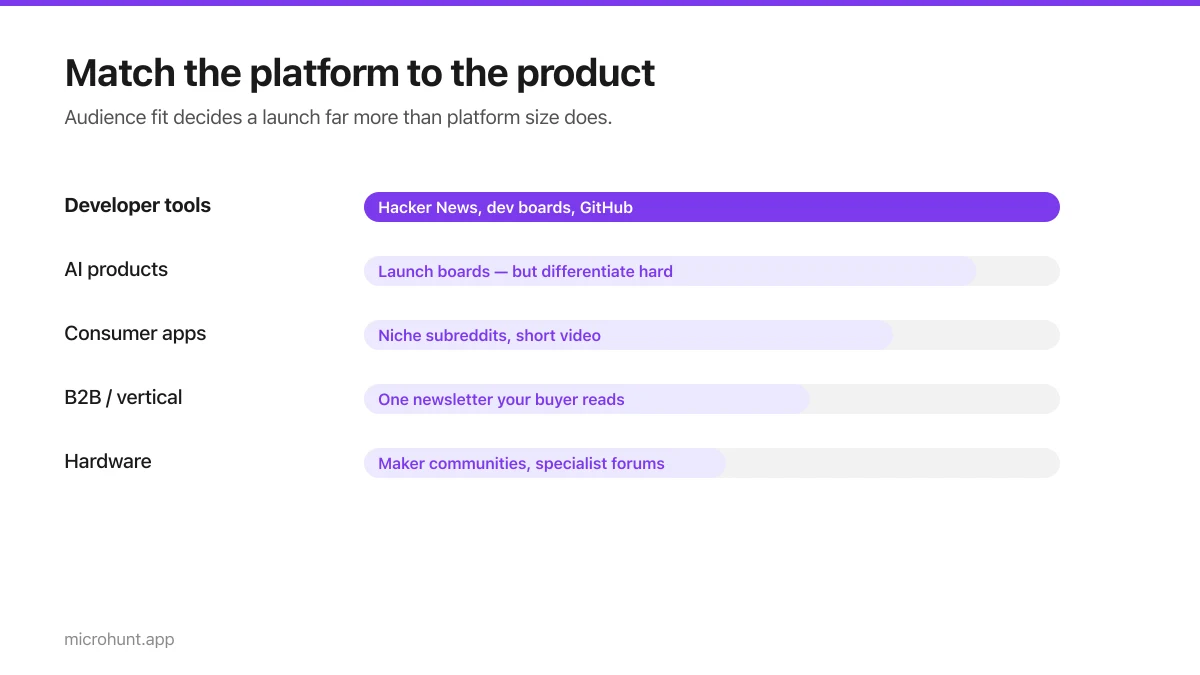
Best Product Hunt Alternatives for Launching in 2026
Where else to launch when Product Hunt is not the right fit — what each platform is actually good at, who shows up, and what it costs.
8 min read
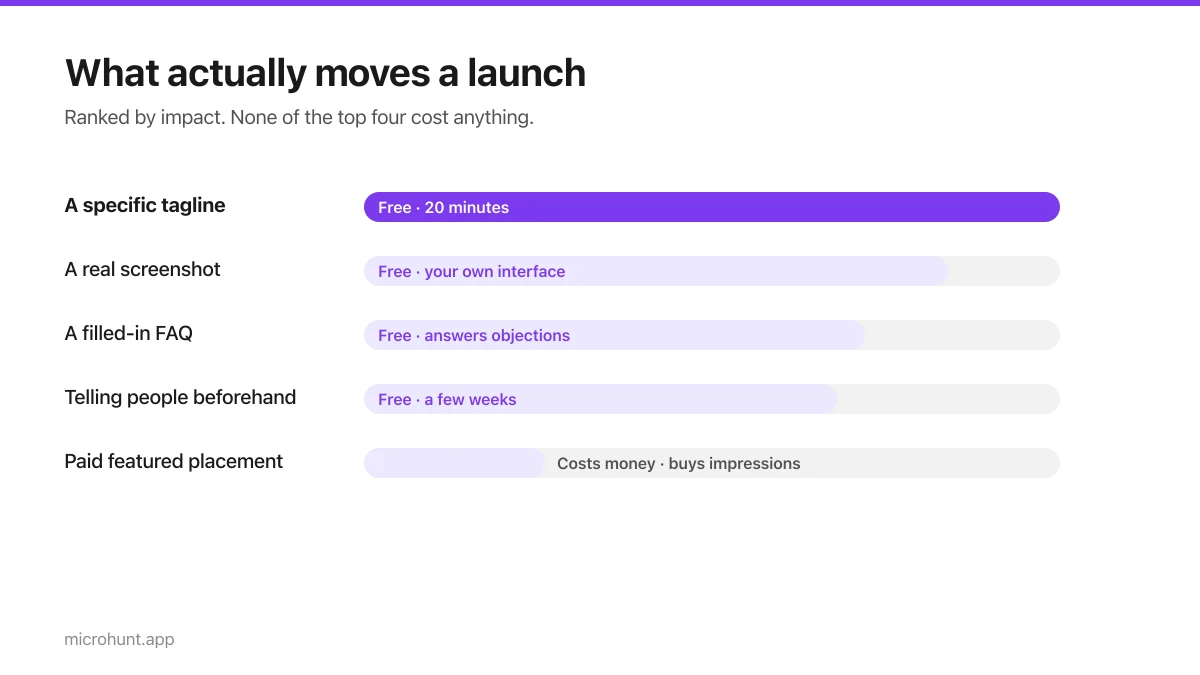
Free Launch Platforms for Indie Makers (No Budget Needed)
You do not need to pay to launch. Here are the places that are genuinely free, what each expects from you, and where paying is actually worth it.
7 min read
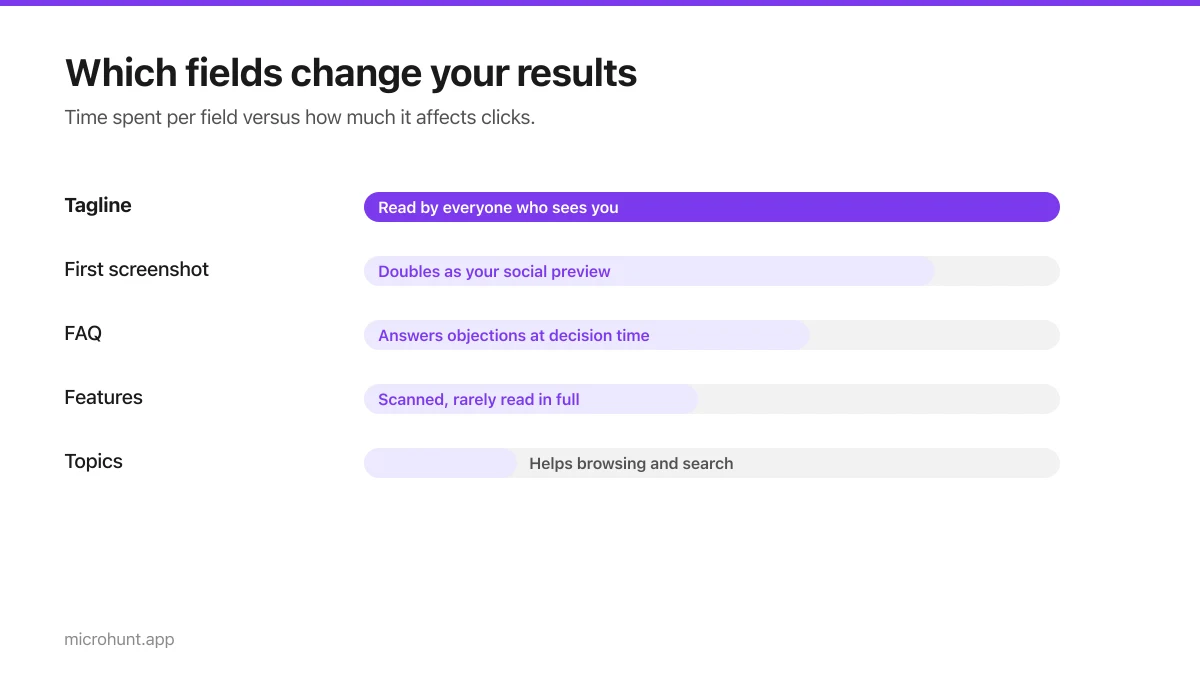
How to Submit a Product on Vuru (Step by Step)
A walk through the submission form, what each field does to your page, and the fields most people leave empty that they shouldn't.
7 min read
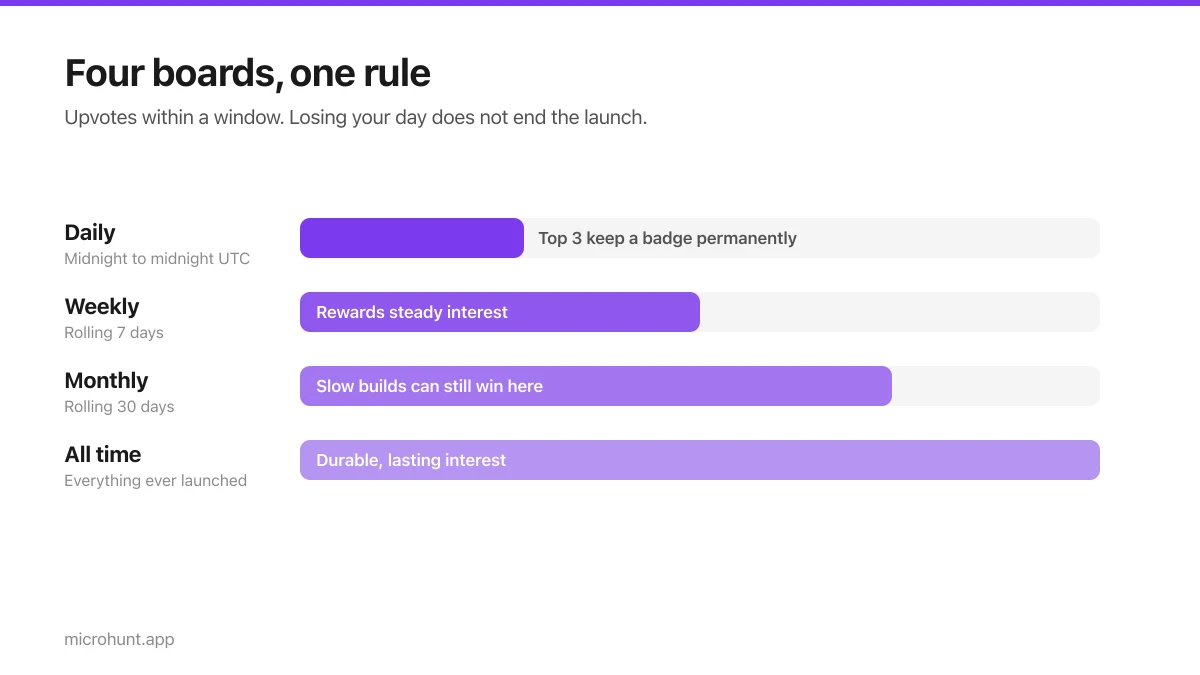
How Vuru Ranking Works (And How to Win a Badge)
Launch windows, upvotes, podium badges and what we do about vote manipulation — the whole ranking system explained plainly.
7 min read
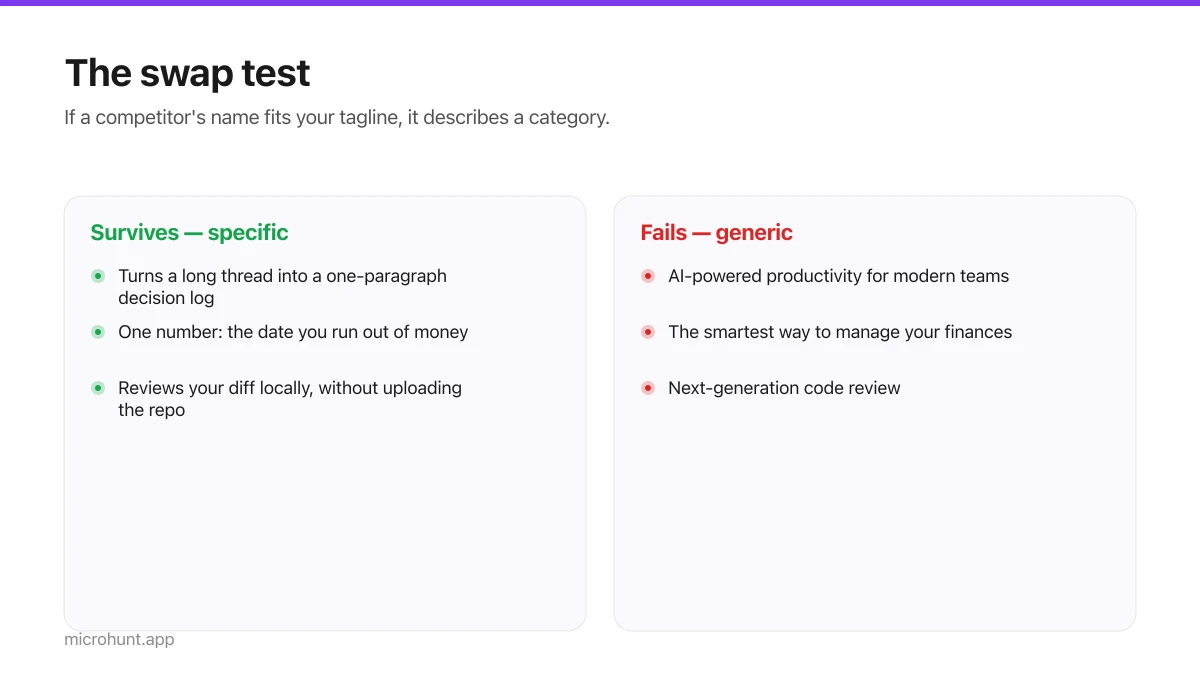
How to Write a Product Tagline That Actually Gets Clicked
The one line most people will ever read about your product, and a simple test for whether yours is doing any work.
7 min read
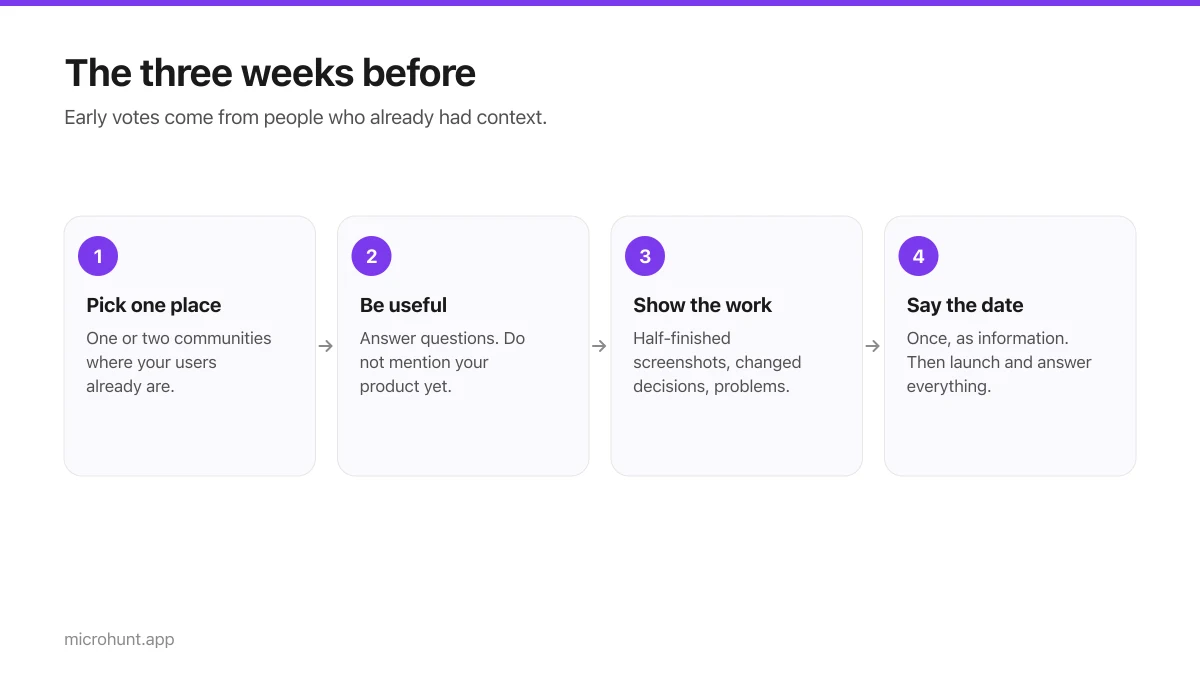
How to Get Your First Upvotes Without Begging
What actually generates early votes, why vote-for-vote groups do not work, and the approach that keeps paying off after launch day.
7 min read
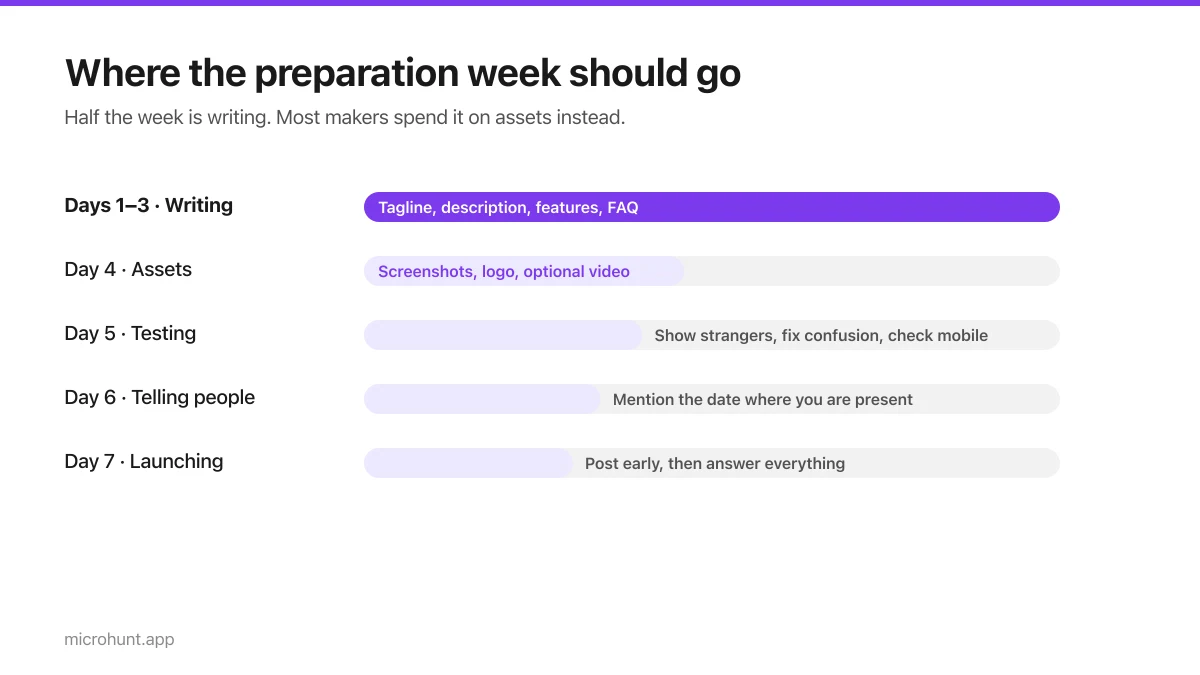
The Seven-Day Launch Checklist
A day-by-day plan for the week before you launch, weighted towards the things that actually change the outcome.
8 min read
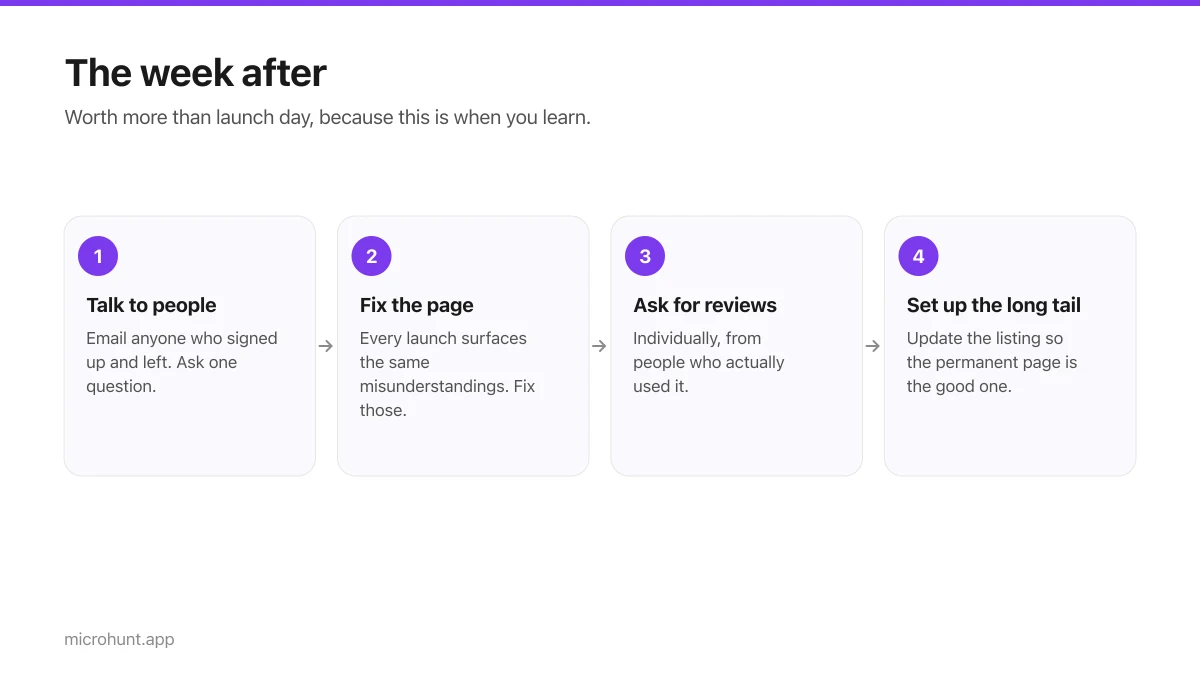
What to Do the Week After Launch Day
The traffic spike is over. Here is how to turn a day of attention into something that lasts longer than the graph.
7 min read