Teaching Tools
Software for teachers, tutors and institutions.
Nothing launched in this category yet.
Be the firstAbout Teaching Tools
Tools for teachers cover lesson planning, classroom management, assignment distribution and marking, feedback, and the administrative layer that consumes a large share of a teacher's week. The launches here are worth judging by a single criterion: does this give time back, or does it add a system to maintain?
Marking and feedback tooling has the highest potential return, because it is the largest time cost in most teaching roles. Tools that speed the mechanical parts — rubrics, comment banks, annotation, auto-marking of objective questions — free time for the part that actually changes outcomes, which is specific feedback on individual work. The generative tools now entering this space can draft feedback quickly and should be treated as a first draft that a teacher edits, because feedback that is generic is feedback students learn to ignore.
Assignment and workflow tools solve the logistics of distribution and collection, which is unglamorous and genuinely valuable, particularly where students work across devices at home. Look for graceful handling of the awkward cases: late submissions, resubmissions, and students with no reliable connectivity.
Formative assessment tools — quick polls, exit tickets, low-stakes quizzes — deserve attention beyond their apparent simplicity. Checking understanding mid-lesson rather than at the end of a unit changes what you teach next, and that responsiveness is one of the better-evidenced levers in teaching. The tools are cheap and the effect is real.
Classroom management software raises questions worth being deliberate about. Monitoring, screen visibility and behaviour tracking are capabilities with a genuine pedagogical case and a genuine surveillance dimension, particularly on devices students take home. Whatever you choose, students and families should know what is collected.
Student data protection is a hard requirement with specific rules in most jurisdictions, frequently stricter than for adults. Check what a tool collects, where it is stored, how long it is kept, and whether it is used to train anything. Free tools in education are sometimes free for reasons worth understanding.
Accessibility should be a filter rather than a consideration: a tool that a student using assistive technology cannot operate is one you cannot use for required work.
From the blog
Reading on launching, ranking and teaching tools.
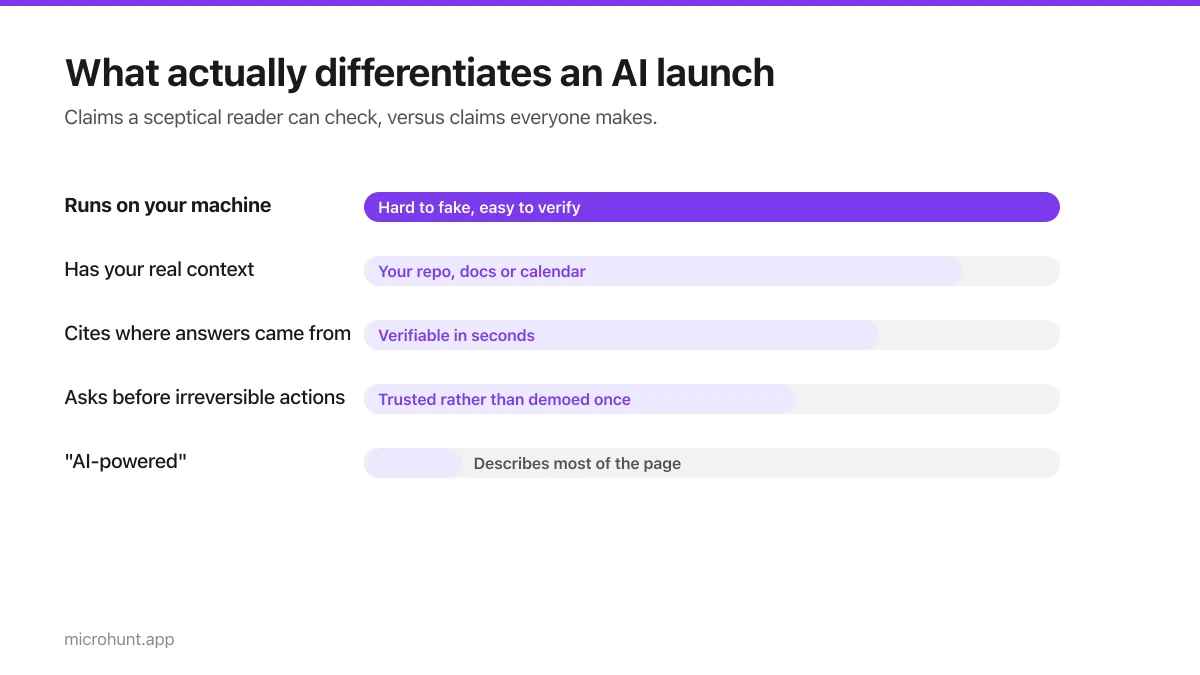
Where to Launch an AI Product (When Everyone Else Is Too)
AI is the most crowded category on every launch board. What actually differentiates a launch when half the page is also AI-powered.
8 min read
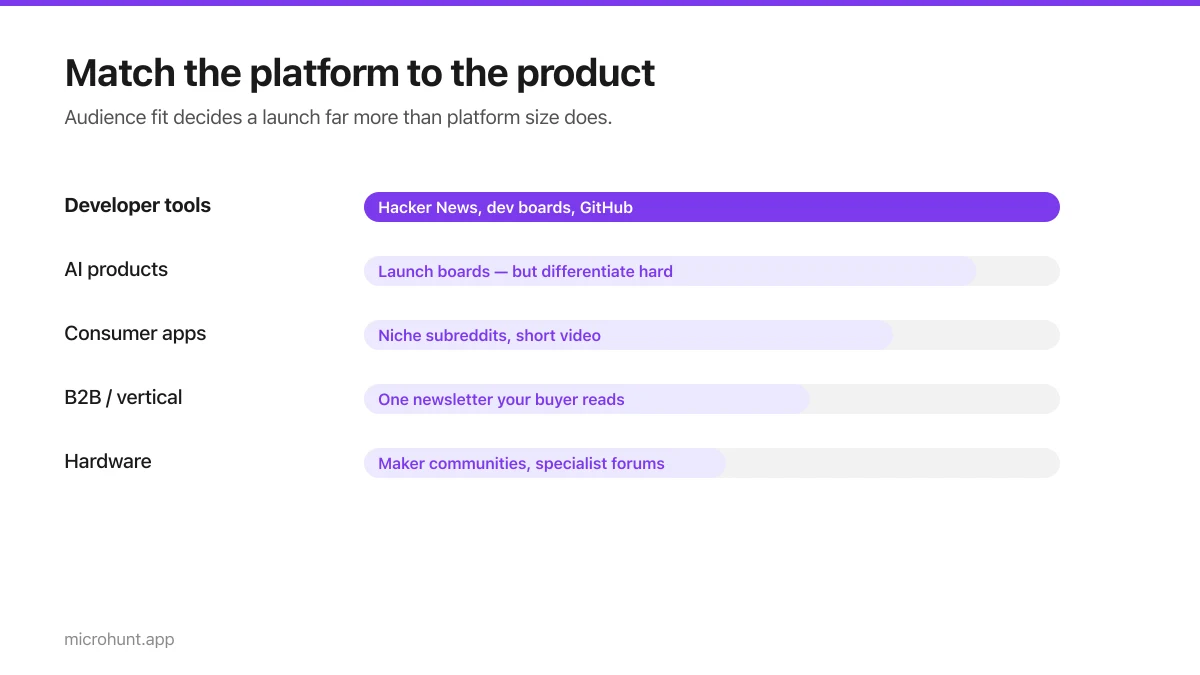
Best Product Hunt Alternatives for Launching in 2026
Where else to launch when Product Hunt is not the right fit — what each platform is actually good at, who shows up, and what it costs.
8 min read
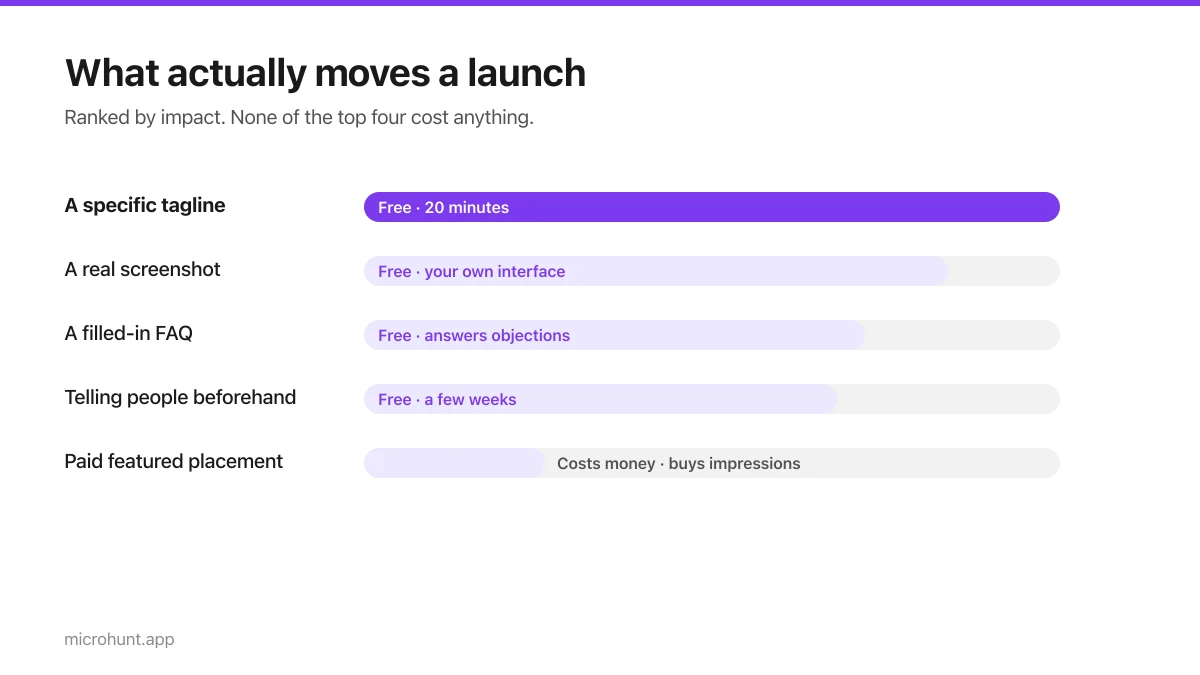
Free Launch Platforms for Indie Makers (No Budget Needed)
You do not need to pay to launch. Here are the places that are genuinely free, what each expects from you, and where paying is actually worth it.
7 min read
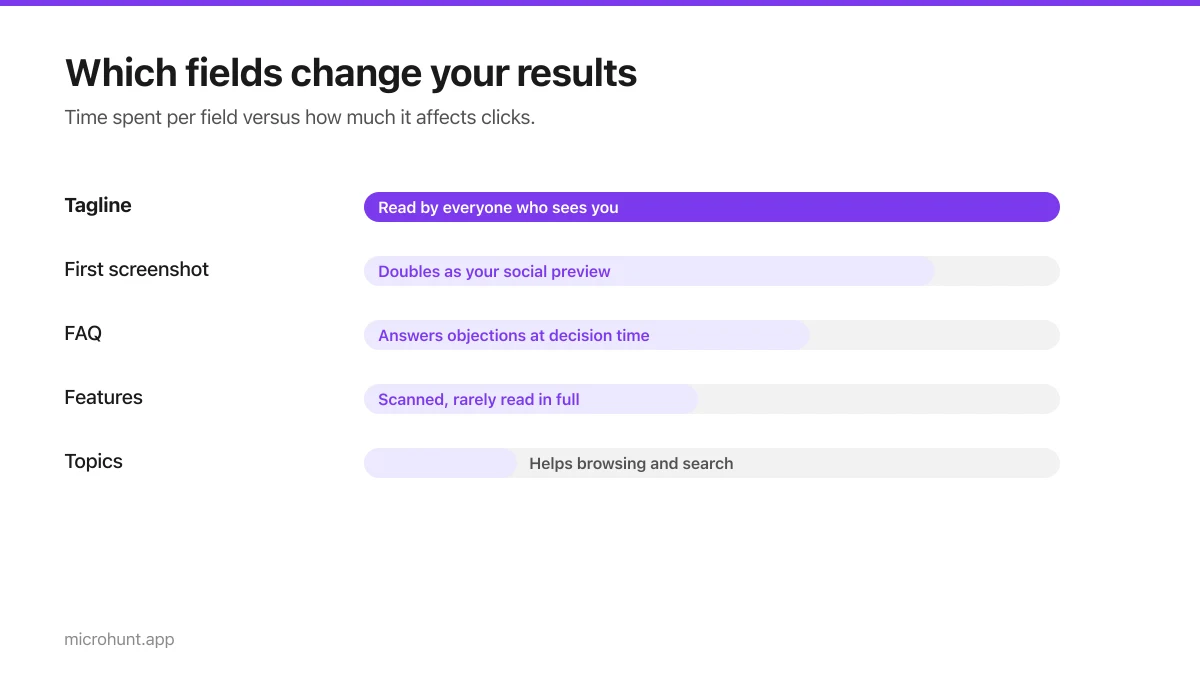
How to Submit a Product on Vuru (Step by Step)
A walk through the submission form, what each field does to your page, and the fields most people leave empty that they shouldn't.
7 min read
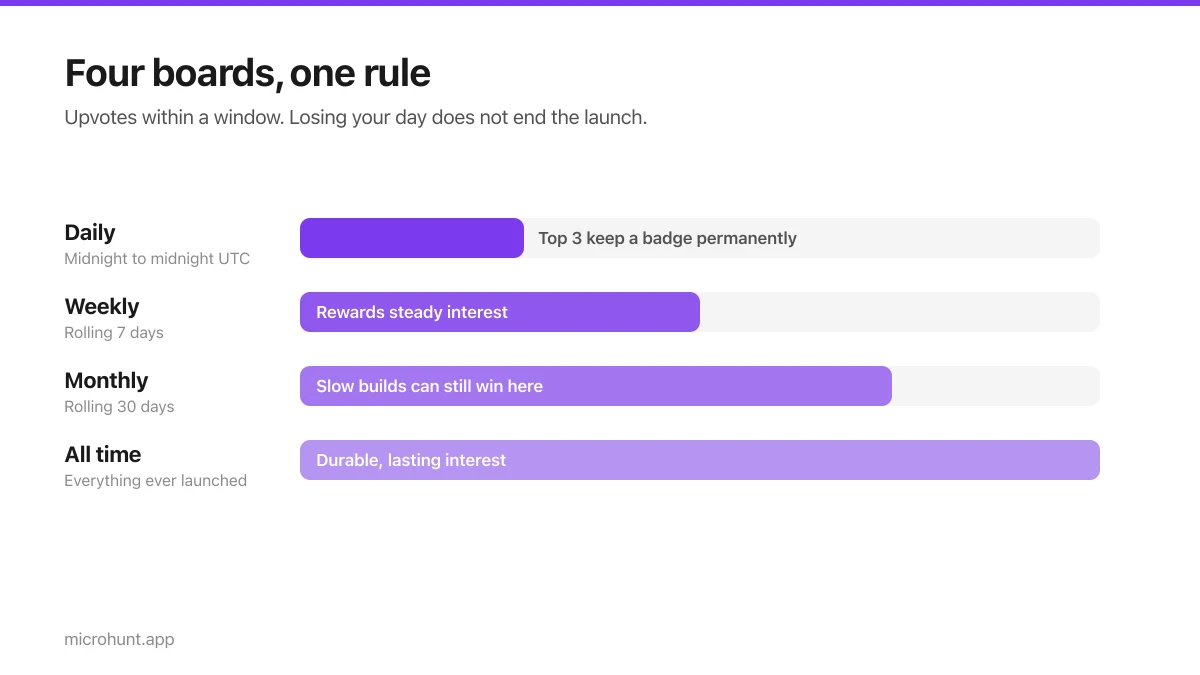
How Vuru Ranking Works (And How to Win a Badge)
Launch windows, upvotes, podium badges and what we do about vote manipulation — the whole ranking system explained plainly.
7 min read
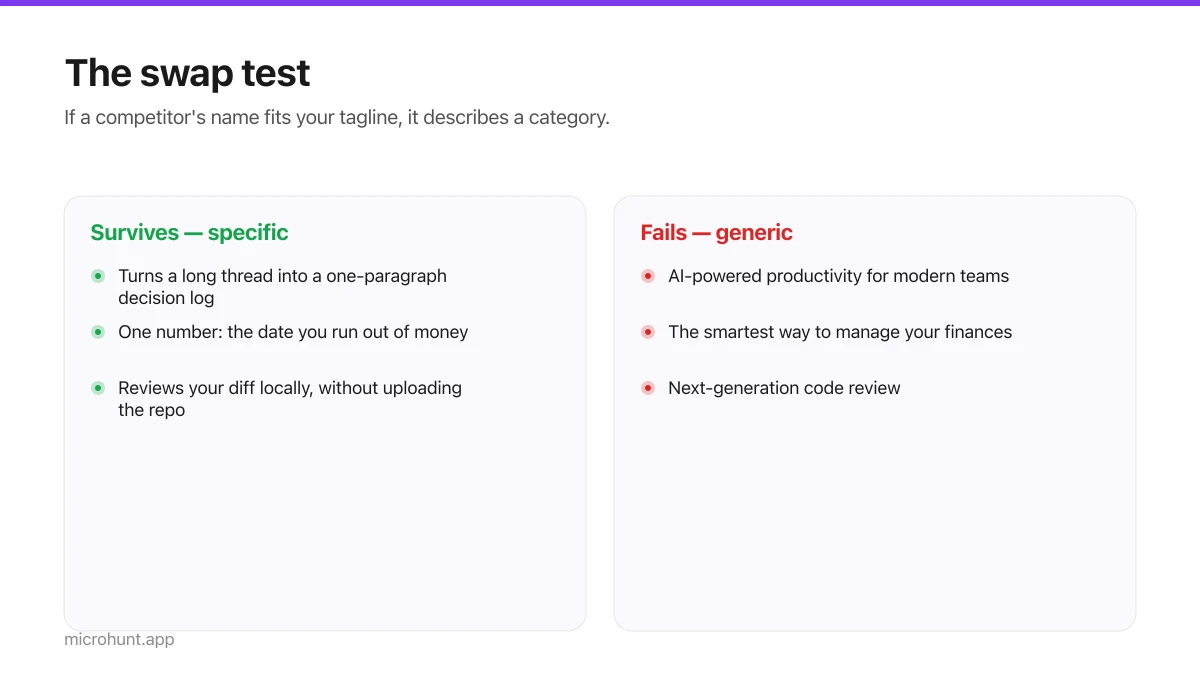
How to Write a Product Tagline That Actually Gets Clicked
The one line most people will ever read about your product, and a simple test for whether yours is doing any work.
7 min read
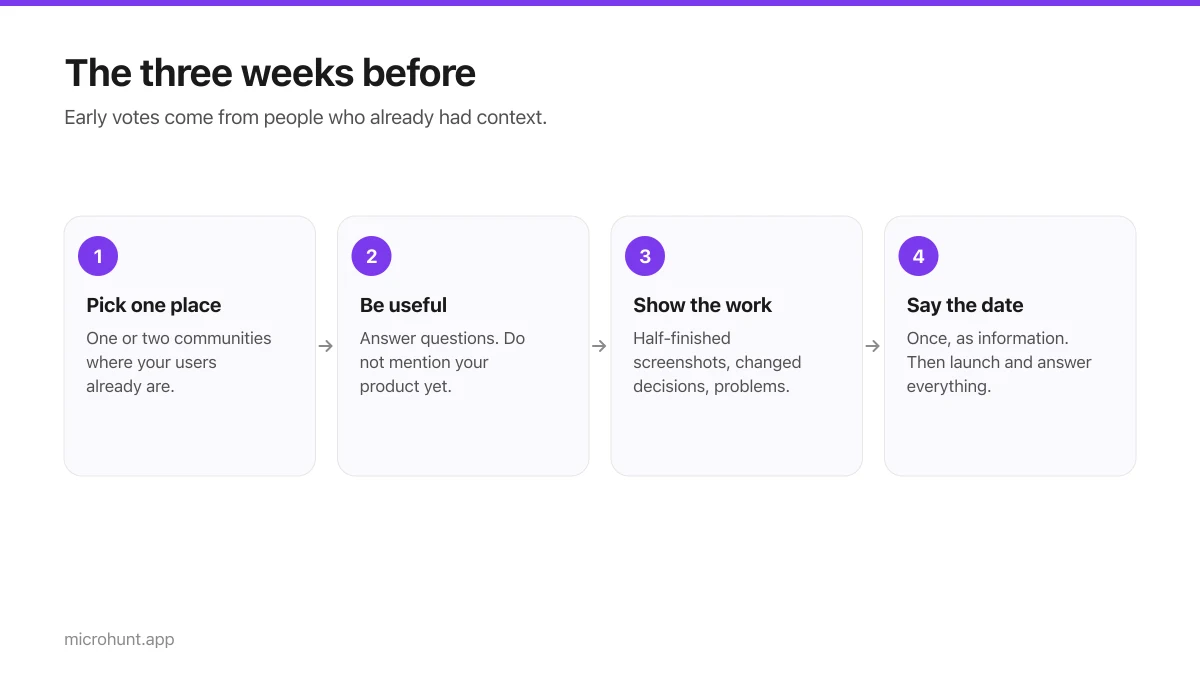
How to Get Your First Upvotes Without Begging
What actually generates early votes, why vote-for-vote groups do not work, and the approach that keeps paying off after launch day.
7 min read
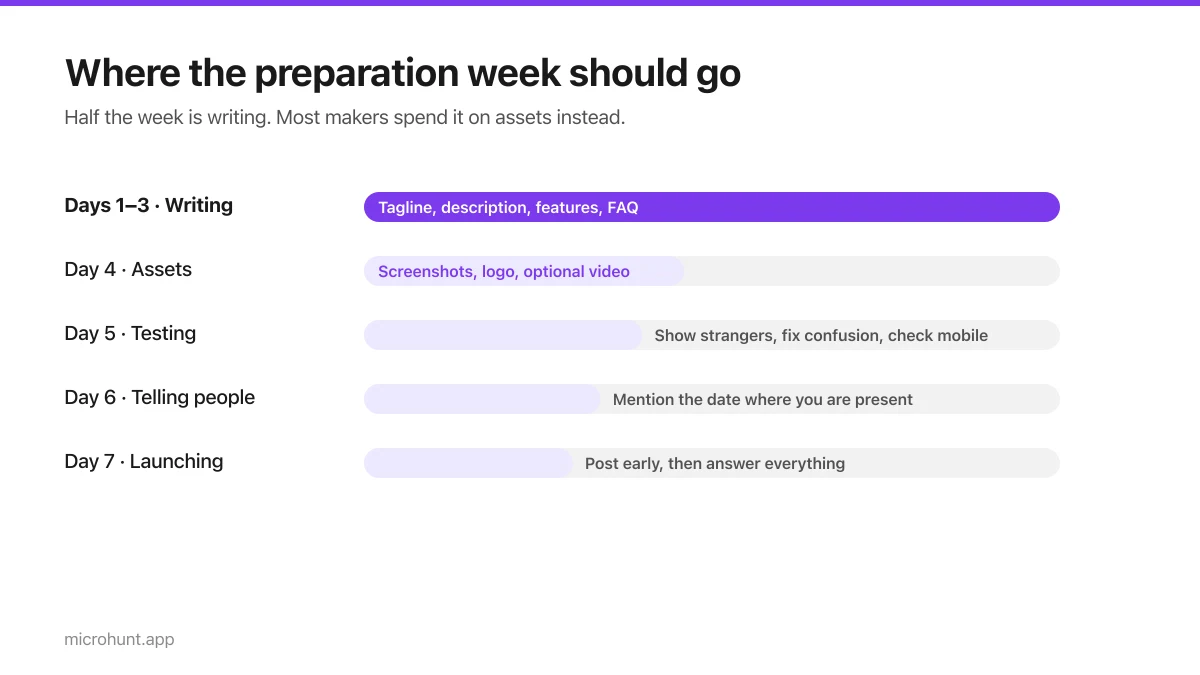
The Seven-Day Launch Checklist
A day-by-day plan for the week before you launch, weighted towards the things that actually change the outcome.
8 min read