Writing Editors
Distraction-free and long-form writing environments.
Nothing launched in this category yet.
Be the firstAbout Writing Editors
Writing editors are chosen for feel, which makes objective comparison nearly useless and browsing the category unusually rewarding. What separates them is not features but what they encourage. An editor that shows a word count, an outline and three panels encourages managing a document. One that shows a page and nothing else encourages writing one. Both are legitimate; they are for different stages.
The distraction-free group is built on a real observation: the hardest part of a first draft is not stopping to fix things, and every visible control is an invitation to stop. Tools that hide everything, disable backspace, or refuse to show you what you wrote until you finish are unsubtle implementations of a sound idea. Most people need a milder version — a clean page and a way to hide the interface — and that is what most of these tools provide.
Markdown-based editors are the practical default for anyone whose writing eventually becomes a web page, because the output is portable, versionable and readable in twenty years. The differences between them come down to preview behaviour, how they handle images and links, and whether they impose a folder structure or work with yours. Tools that store plain files in a directory you chose are ones you can leave without a migration.
For long-form work, the structural features are what matter: reordering sections without cut and paste, a document map that is actually navigable, and reference or research material kept alongside the draft. Editors built for articles handle a fifteen-thousand word manuscript badly, and the point at which they stop coping arrives sooner than expected.
Version history deserves more attention than it gets. The ability to see what a paragraph said yesterday, and to recover a section you cut in a moment of confidence, is worth more than any writing aid. Tools with real history, or that store plain files you can put in version control, protect you from your own edits.
Collaboration changes the requirements entirely — suggestions rather than edits, comment threads that resolve, and a clear record of who changed what. If more than one person touches the document, prioritise these over anything else. See [grammar and style](/categories/grammar) and [documentation](/categories/documentation) for adjacent tooling.
From the blog
Reading on launching, ranking and writing editors.
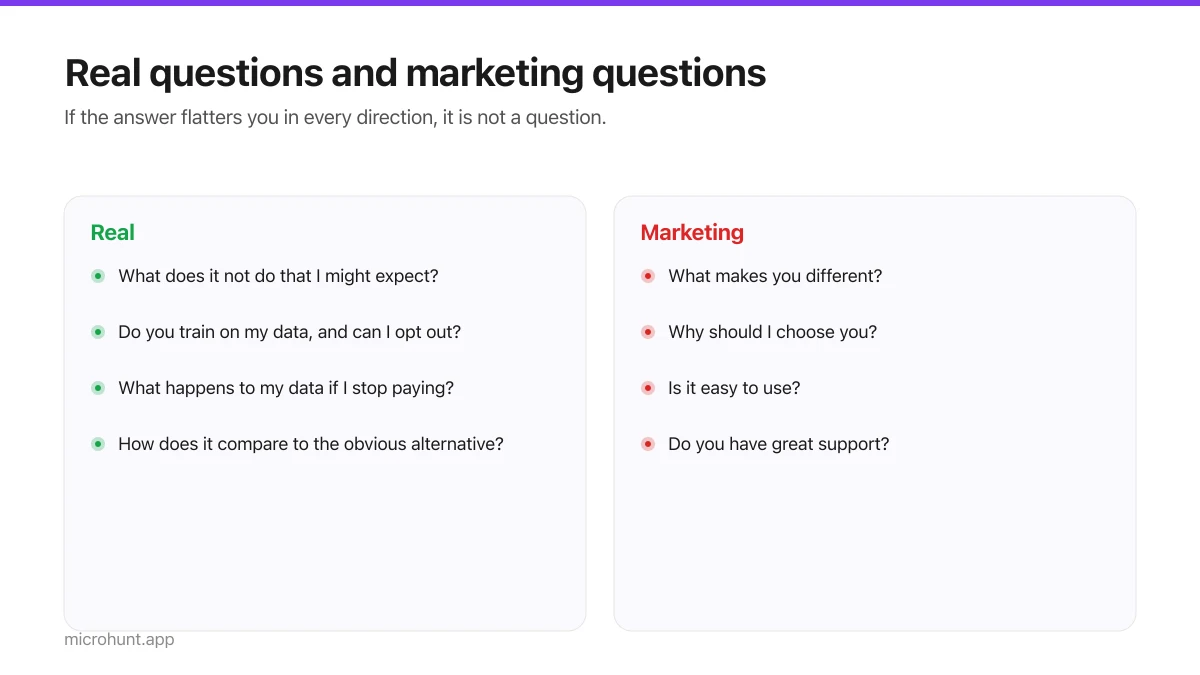
Writing FAQs That Convert (Not Ones That Repeat Your Pitch)
The most skipped section on a product page, and the one that answers the objections making people close the tab.
7 min read
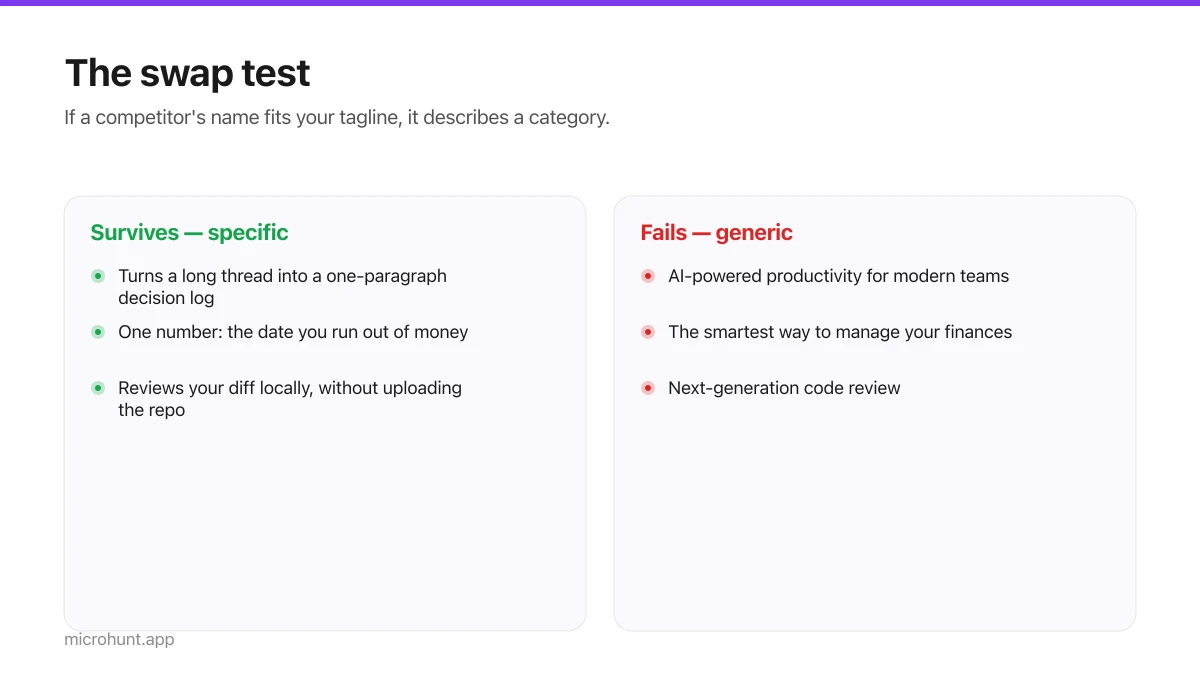
How to Write a Product Tagline That Actually Gets Clicked
The one line most people will ever read about your product, and a simple test for whether yours is doing any work.
7 min read
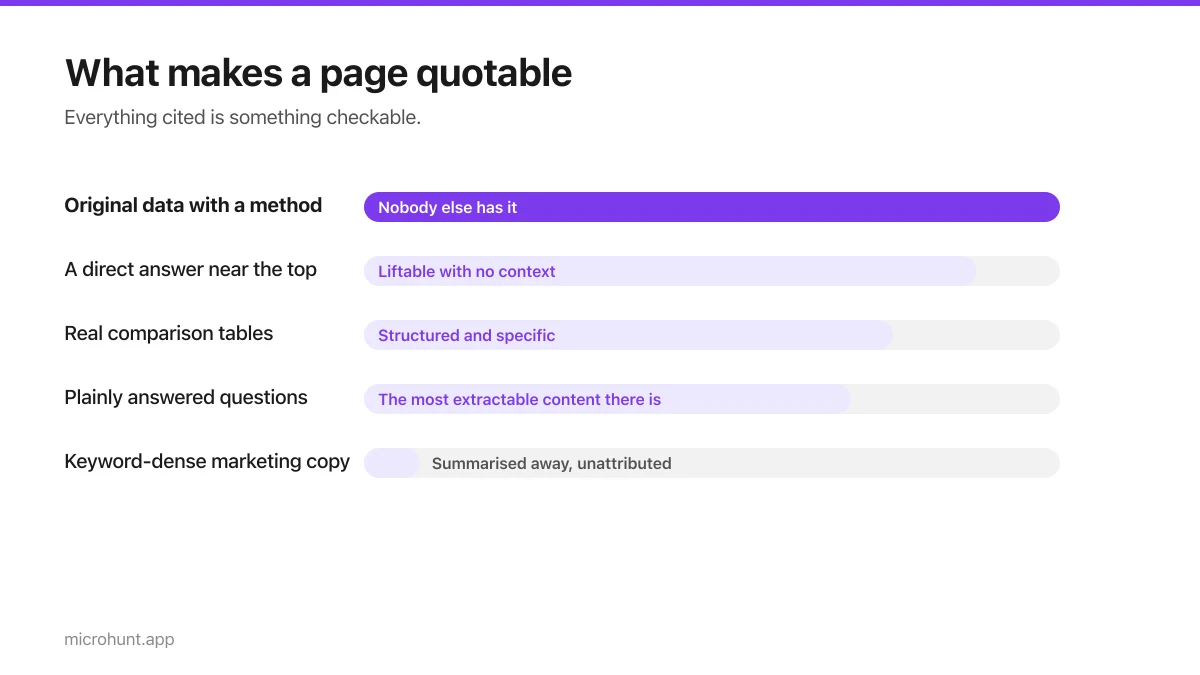
Getting Cited by AI Assistants: What Actually Works
More people are asking an assistant instead of searching. Here is what makes a page quotable rather than summarised away.
8 min read
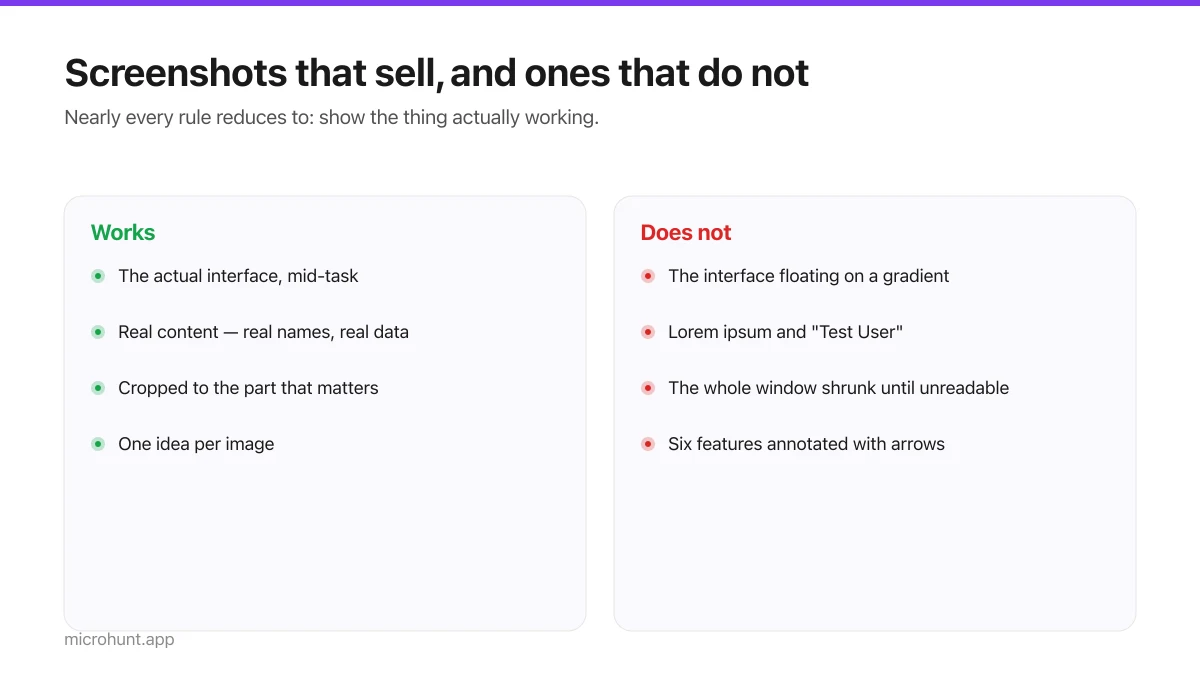
Product Screenshots and Demo Videos That Do the Selling
Your first screenshot is your social preview and often the only thing a visitor looks at. Here is how to make it earn that.
7 min read
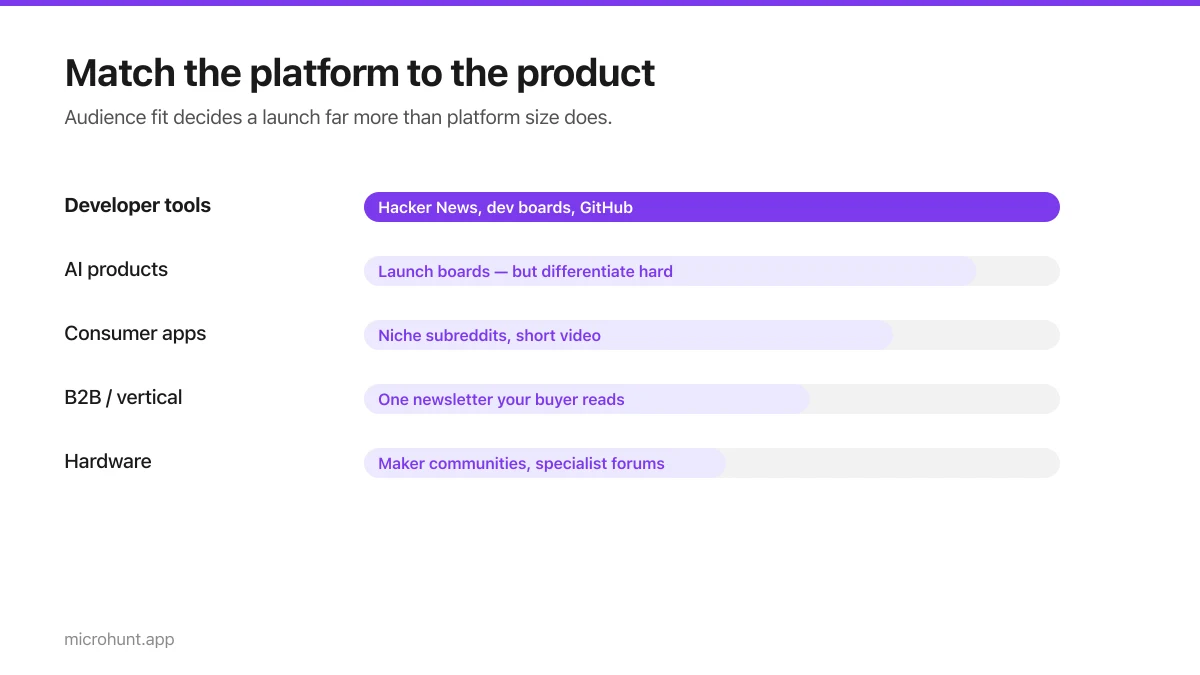
Best Product Hunt Alternatives for Launching in 2026
Where else to launch when Product Hunt is not the right fit — what each platform is actually good at, who shows up, and what it costs.
8 min read
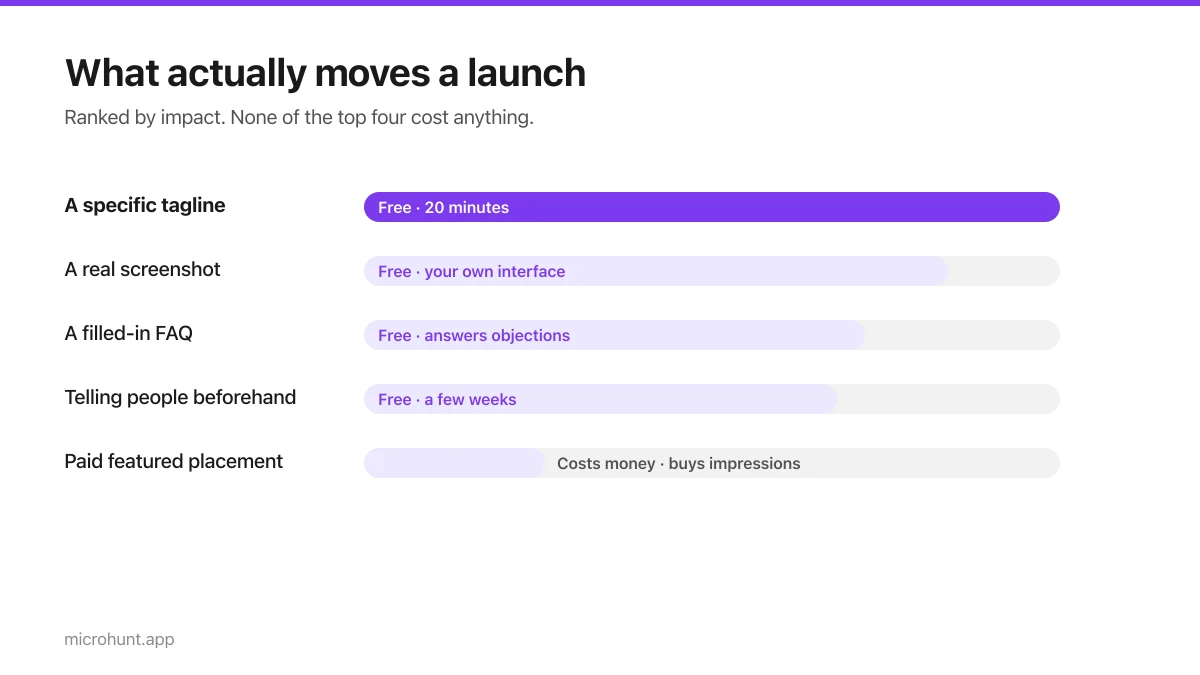
Free Launch Platforms for Indie Makers (No Budget Needed)
You do not need to pay to launch. Here are the places that are genuinely free, what each expects from you, and where paying is actually worth it.
7 min read
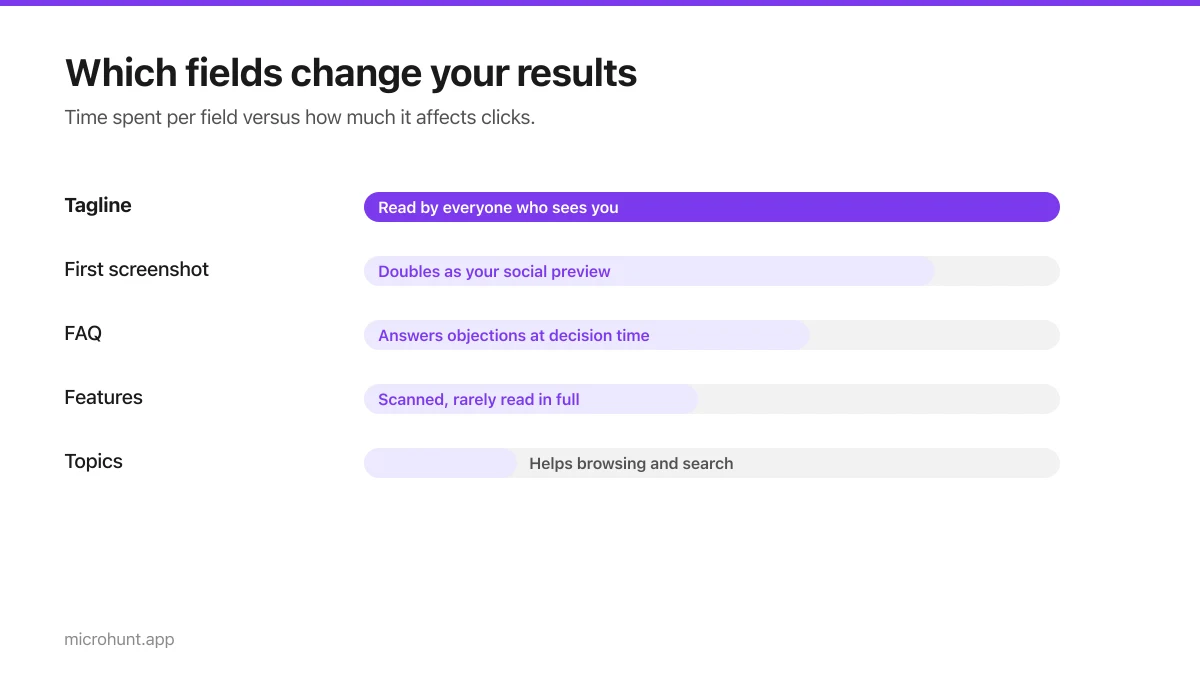
How to Submit a Product on Vuru (Step by Step)
A walk through the submission form, what each field does to your page, and the fields most people leave empty that they shouldn't.
7 min read
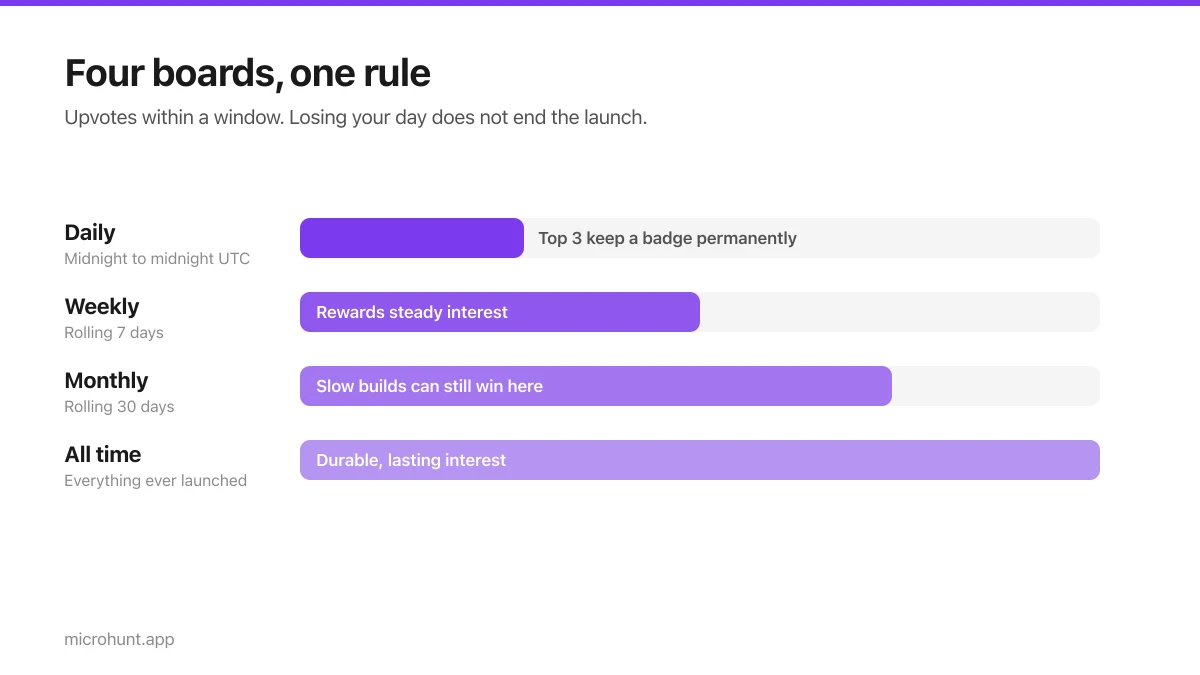
How Vuru Ranking Works (And How to Win a Badge)
Launch windows, upvotes, podium badges and what we do about vote manipulation — the whole ranking system explained plainly.
7 min read