Productivity
Notes, tasks, calendars, focus and getting things done.
314 products · page 4 of 16

Grok
Grok all the things with this peer-based educational web app
- nn

nn
nn

Countik
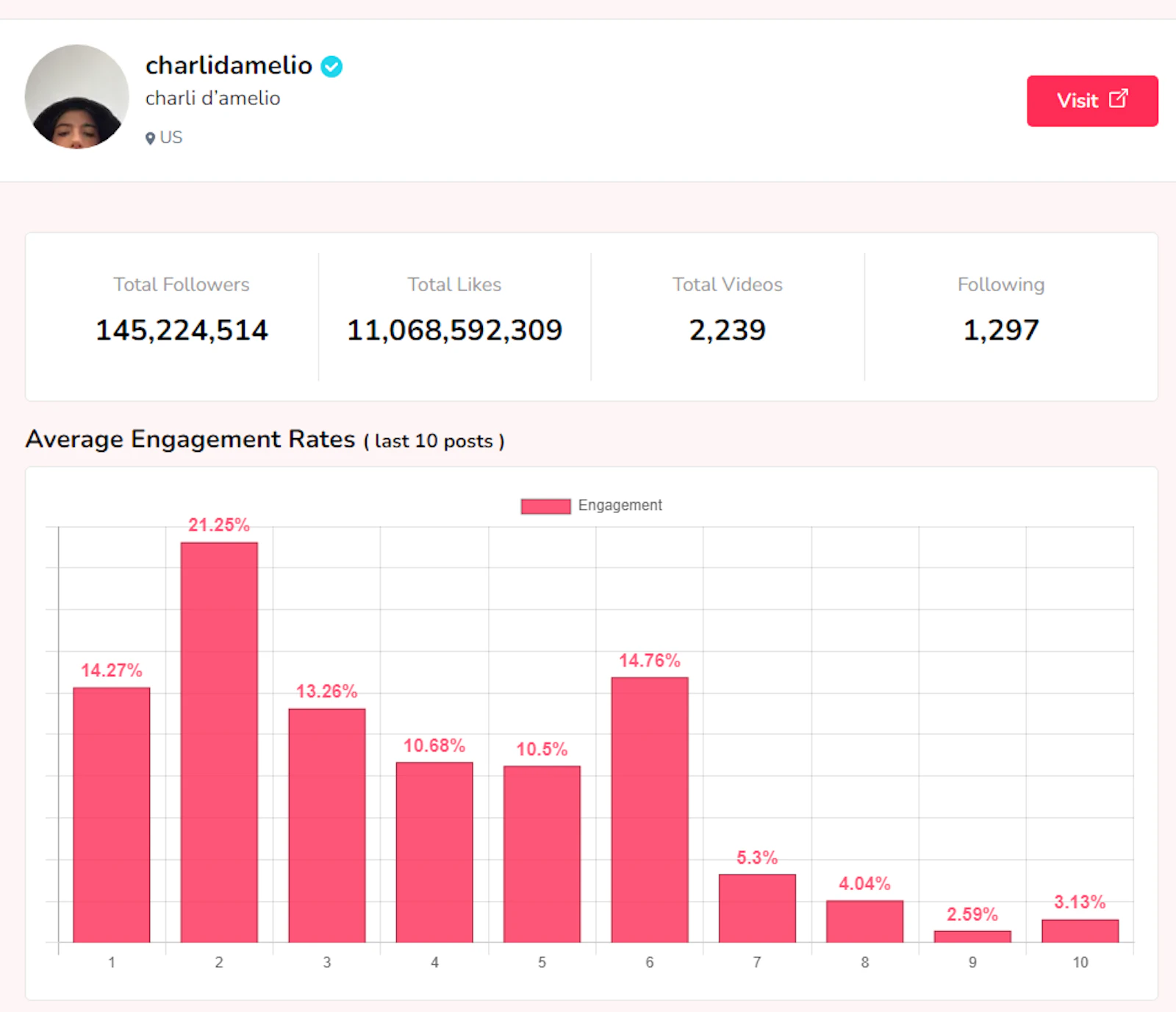
Analyze any TikTok account for free using real-time data


Fathom
SparkNotes for the internet, via 5 min audio summaries.
- When Claude hits its limit, your task keeps going
Friday Work
When Claude hits its limit, your task keeps going
- Let your family unlock your passwords if you can't
Secret Key
Let your family unlock your passwords if you can't
- Describe a widget, get a working one on your site
Widgeteer
Describe a widget, get a working one on your site
- Hide Mac menu bar clutter and pin individual actions
Hemmed
Hide Mac menu bar clutter and pin individual actions
- Now on Windows, with redaction and a real editor
StepGrab
Now on Windows, with redaction and a real editor
- Claude + ChatGPT limits on your Mac, iPhone, iPad and Watch
Usage for Claude + ChatGPT 4.0
Claude + ChatGPT limits on your Mac, iPhone, iPad and Watch
- Your MacBook notch, finally useful
Nocto
Your MacBook notch, finally useful
- Activity monitor, per-app volume, disk cleanup at your notch
iSurge
Activity monitor, per-app volume, disk cleanup at your notch
- Automate any folder on your Mac with if-this-then-that rules
AutoShelf 2.6
Automate any folder on your Mac with if-this-then-that rules
- Repo-agnostic CI control plane with DAG-based triggers.
Kestrix
Repo-agnostic CI control plane with DAG-based triggers.
- tap your palm rest to control your Mac
Knucklebop
tap your palm rest to control your Mac
- Mirror, copy or two-way sync folders on your Mac
Yuzu Sync
Mirror, copy or two-way sync folders on your Mac
- Codex Reset Alerts via Text (Use it Before You Lose It)
Reset Alerts
Codex Reset Alerts via Text (Use it Before You Lose It)
- Better data. Smarter robots. Repeat.
Voxel51 Multimodal
Better data. Smarter robots. Repeat.
- Turn a prompt into a living world you can steer
Genie 4
Turn a prompt into a living world you can steer
- everything you’ve saved, in one visual library
magpie
everything you’ve saved, in one visual library
About Productivity
Productivity is the most crowded category on any launch board, and the one where the failure rate is highest. Almost everyone has tried a note app that did not stick, a task system abandoned after three weeks, and a calendar tool that added a step without removing one. That history makes this audience simultaneously eager and sceptical, which is a difficult combination to launch into.
The tools collected here fall into a few honest groups. Capture tools reduce the friction of getting something out of your head: quick notes, voice memos, clipboard managers, inbox triage. Structure tools give that raw material shape: task managers, project boards, outliners, calendars. Focus tools protect the time to actually do the work: notification blockers, timers, site blockers, and the small utilities that make a machine quiet for an hour. Review tools close the loop by showing what happened: time tracking, weekly digests, automatic meeting notes.
The pattern behind tools that survive is that they reduce a step rather than adding a system. A note app that opens instantly and writes plain files to a folder gets used for years. A note app that requires deciding on a taxonomy before the first note gets abandoned in week two. The same asymmetry applies everywhere in this category: the winning products tend to have fewer concepts, not more features, and they tend to be forgiving about being used inconsistently. Life interrupts these systems constantly, and a tool that punishes a missed week by demanding a cleanup session will lose to one that simply carries on.
Data ownership matters more here than people expect at signup and more than almost anything else three years later. Notes and task history accumulate into something genuinely valuable, and the cost of losing it is high. Tools that store plain files on disk, or that offer a complete export in a format something else can read, are worth preferring even when a hosted competitor is slightly slicker. The question to ask on the pricing page is not what happens when you subscribe, but what happens when you stop.
Team products in this category live or die on a different axis: whether they reduce meetings or merely relocate them. Async standups, automatic meeting notes and shared decision logs all promise to give hours back, and some deliver. The ones that work make the written artefact genuinely better than the conversation would have been, so people read it. The ones that fail produce a transcript nobody opens alongside the meeting that still happens.
For makers launching here, the honest advice is to name the specific moment your tool improves. "Be more productive" describes every product on this page. "Batches your notifications into two windows a day" describes one, and the people for whom that is the exact problem will recognise themselves immediately. This category rewards a narrow, vivid claim far more than a broad one.
From the blog
Reading on launching, ranking and productivity.
Best Product Hunt Alternatives for Launching in 2026
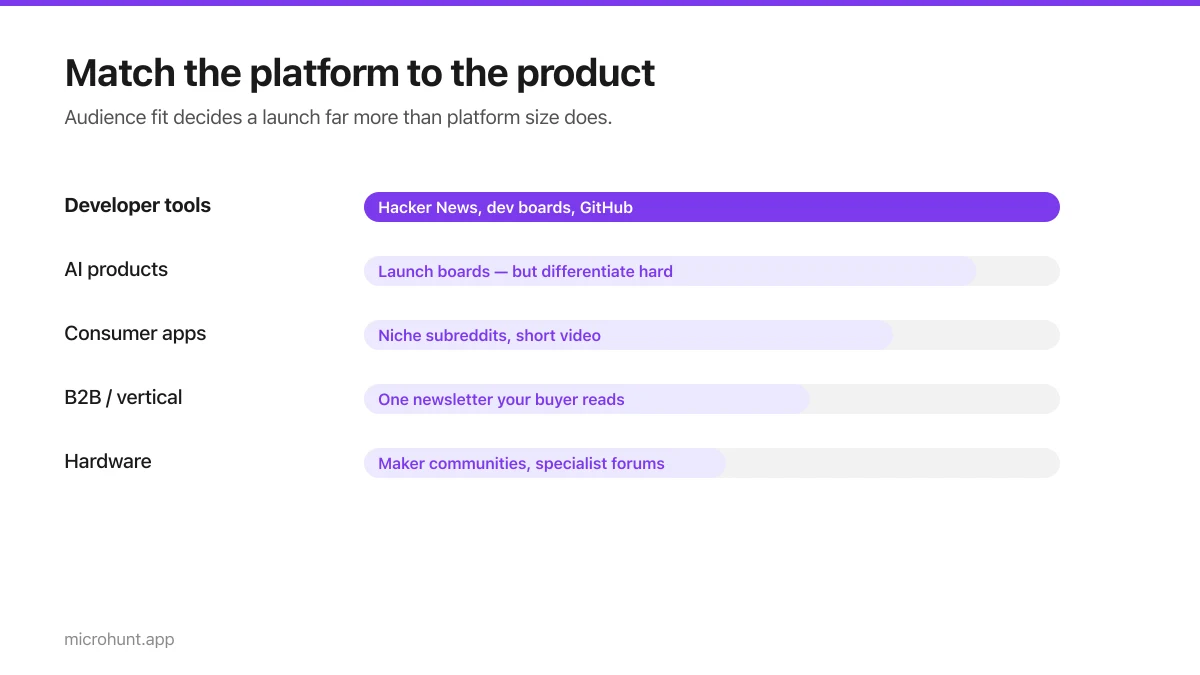
Where else to launch when Product Hunt is not the right fit — what each platform is actually good at, who shows up, and what it costs.
8 min read
Free Launch Platforms for Indie Makers (No Budget Needed)
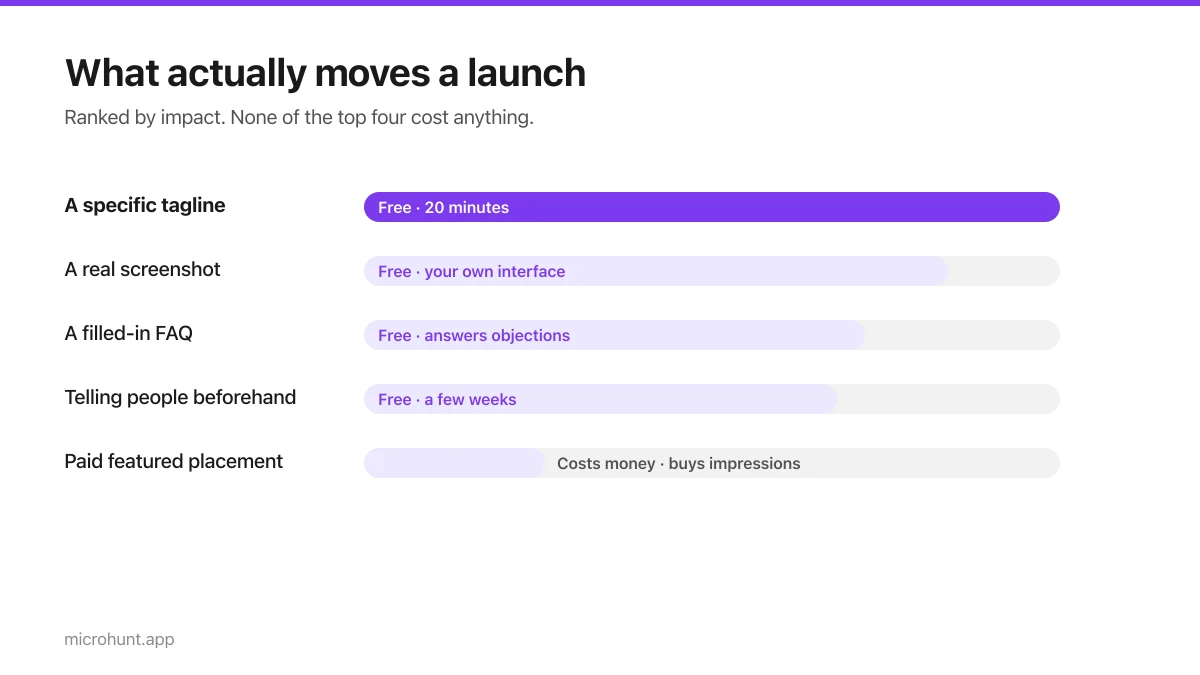
You do not need to pay to launch. Here are the places that are genuinely free, what each expects from you, and where paying is actually worth it.
7 min read
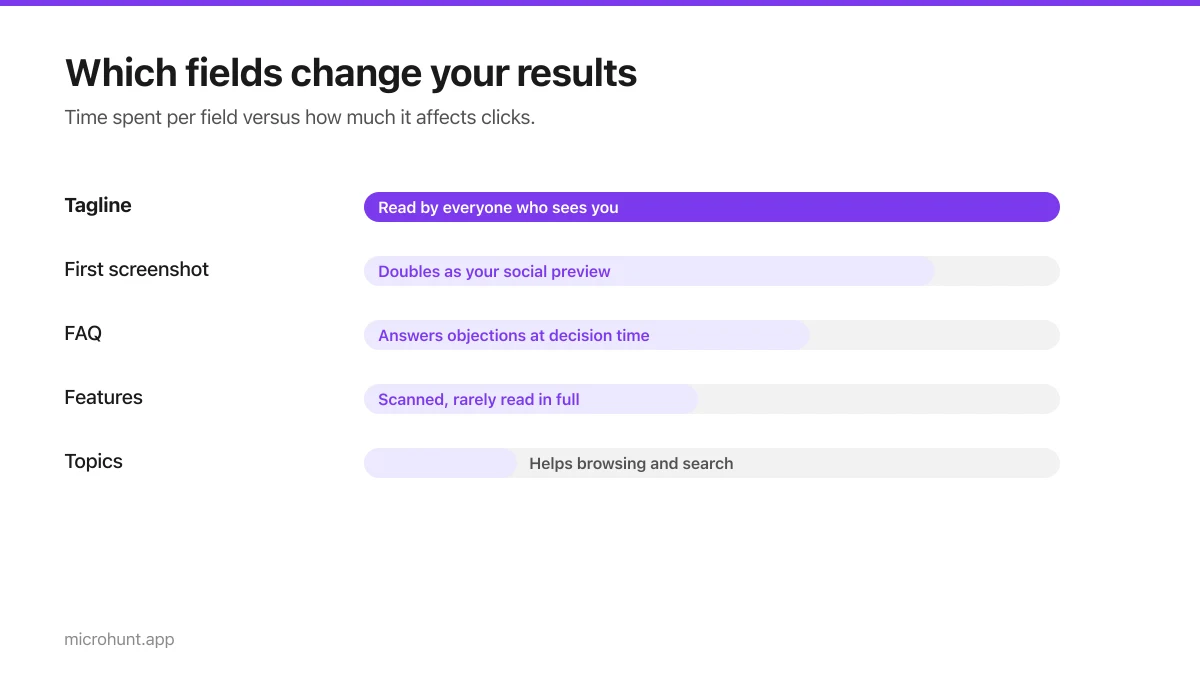
How to Submit a Product on Vuru (Step by Step)
A walk through the submission form, what each field does to your page, and the fields most people leave empty that they shouldn't.
7 min read
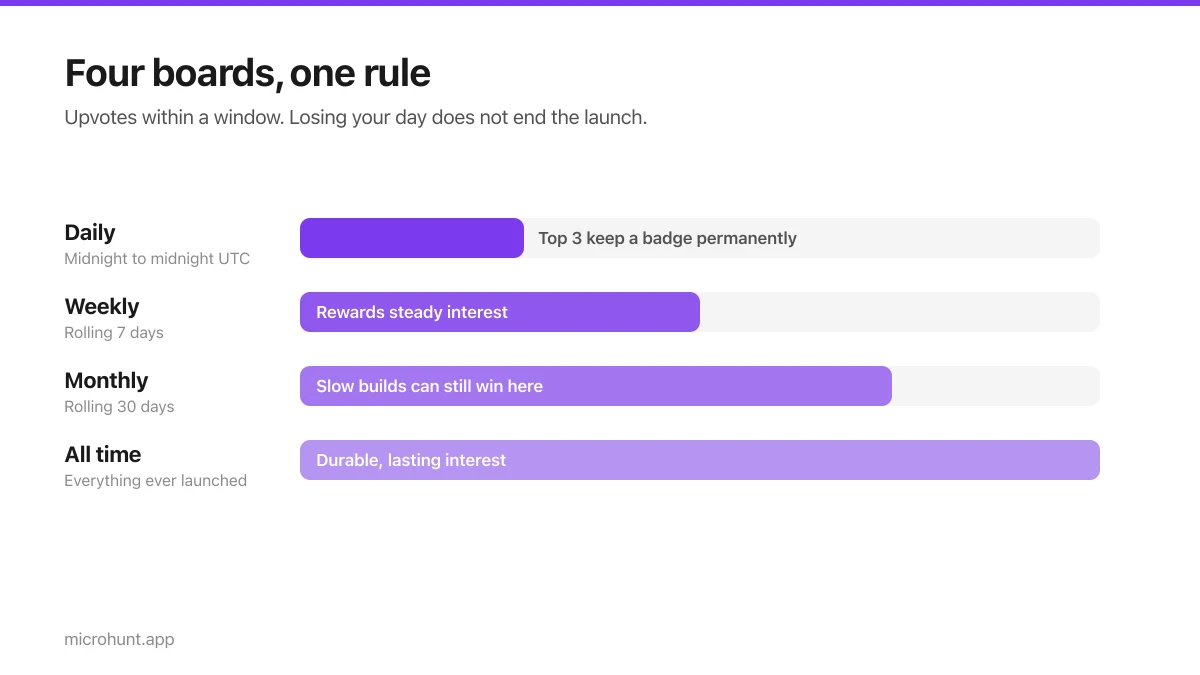
How Vuru Ranking Works (And How to Win a Badge)
Launch windows, upvotes, podium badges and what we do about vote manipulation — the whole ranking system explained plainly.
7 min read
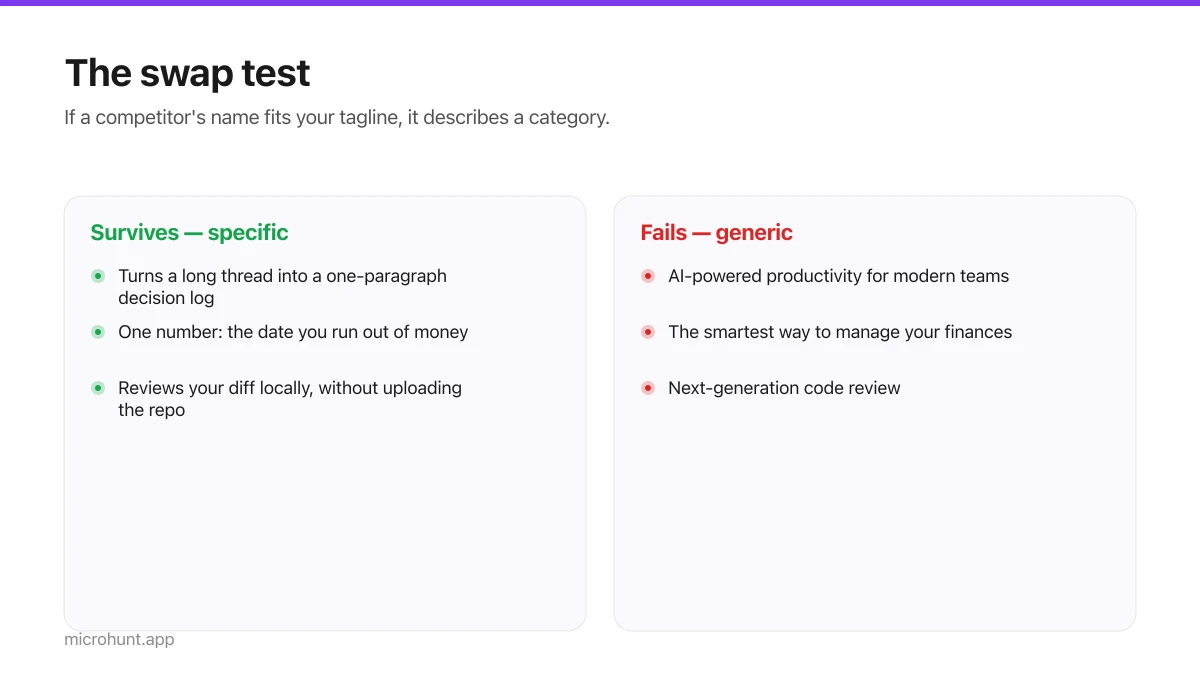
How to Write a Product Tagline That Actually Gets Clicked
The one line most people will ever read about your product, and a simple test for whether yours is doing any work.
7 min read
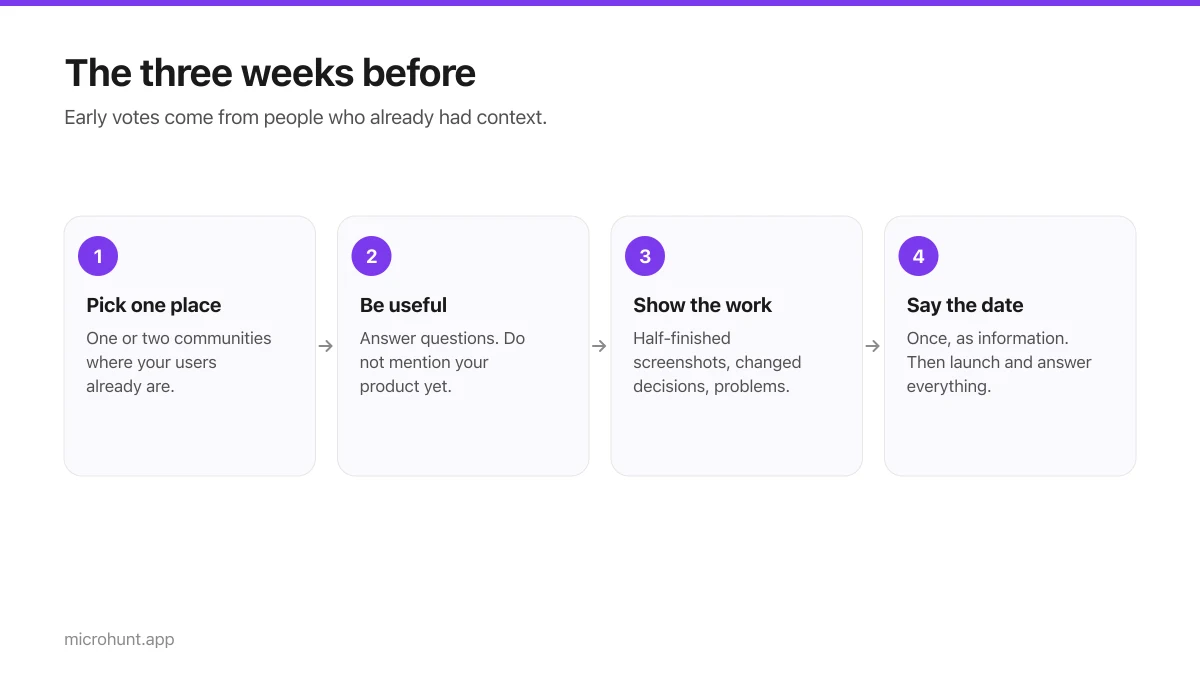
How to Get Your First Upvotes Without Begging
What actually generates early votes, why vote-for-vote groups do not work, and the approach that keeps paying off after launch day.
7 min read
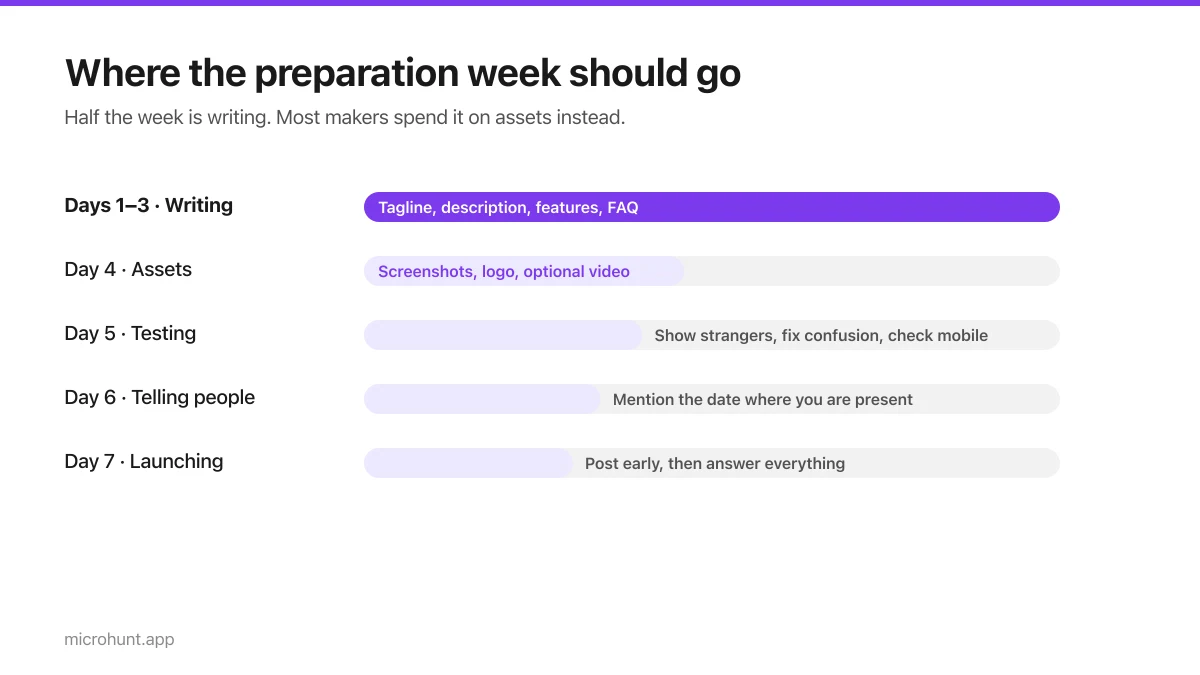
The Seven-Day Launch Checklist
A day-by-day plan for the week before you launch, weighted towards the things that actually change the outcome.
8 min read
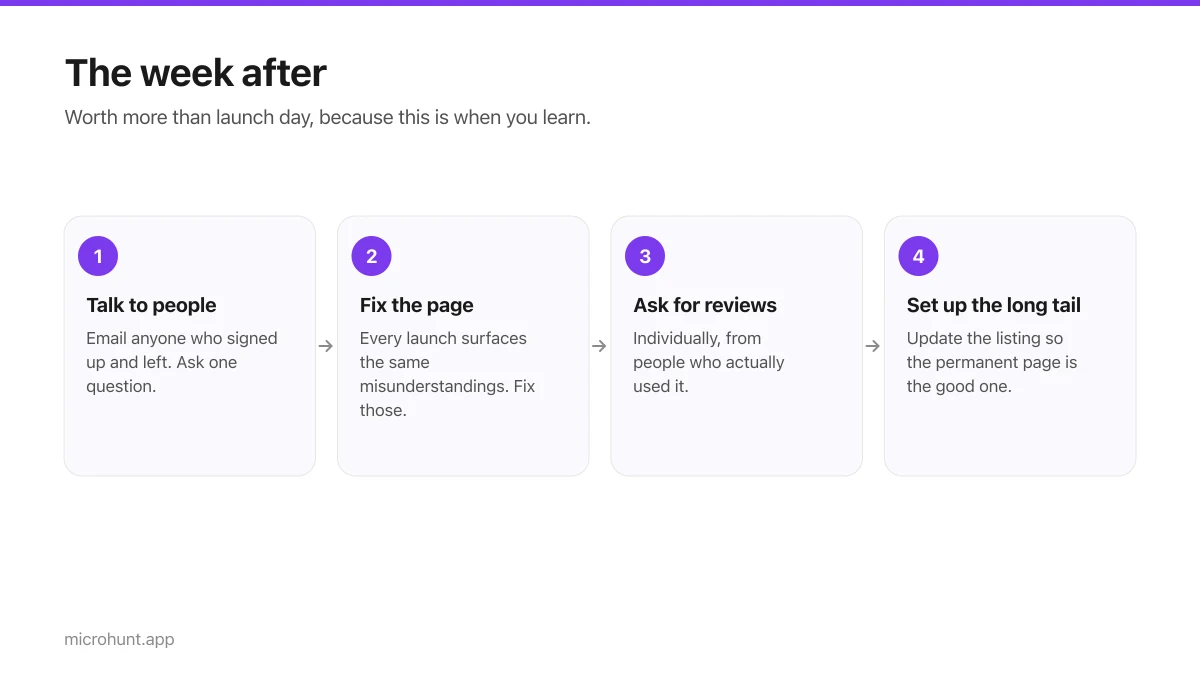
What to Do the Week After Launch Day
The traffic spike is over. Here is how to turn a day of attention into something that lasts longer than the graph.
7 min read