Developer Tools
Editors, CLIs, CI, debugging and developer experience.
101 products · page 4 of 6
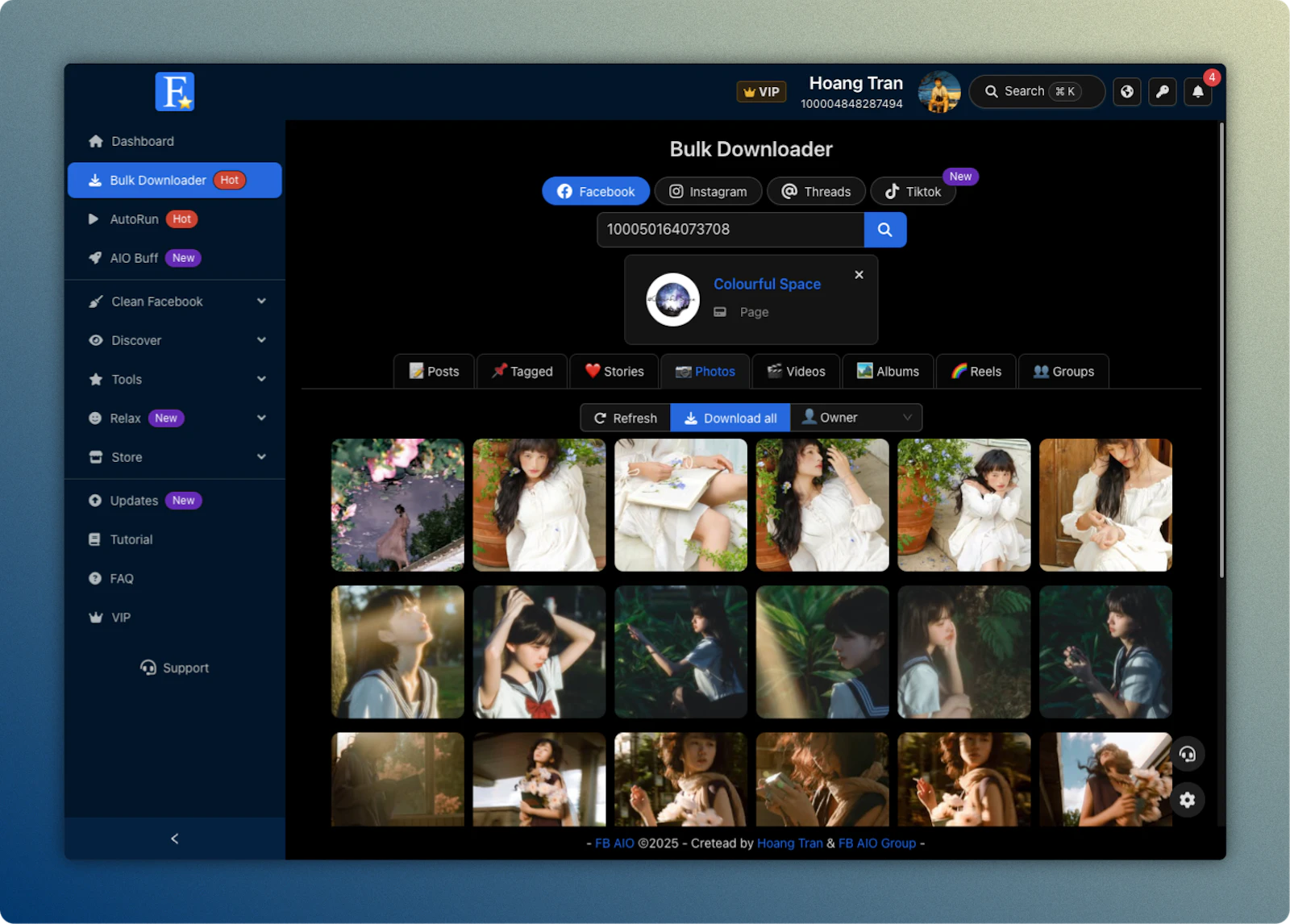

FB AIO
All in one Toolbox for manage your social accounts
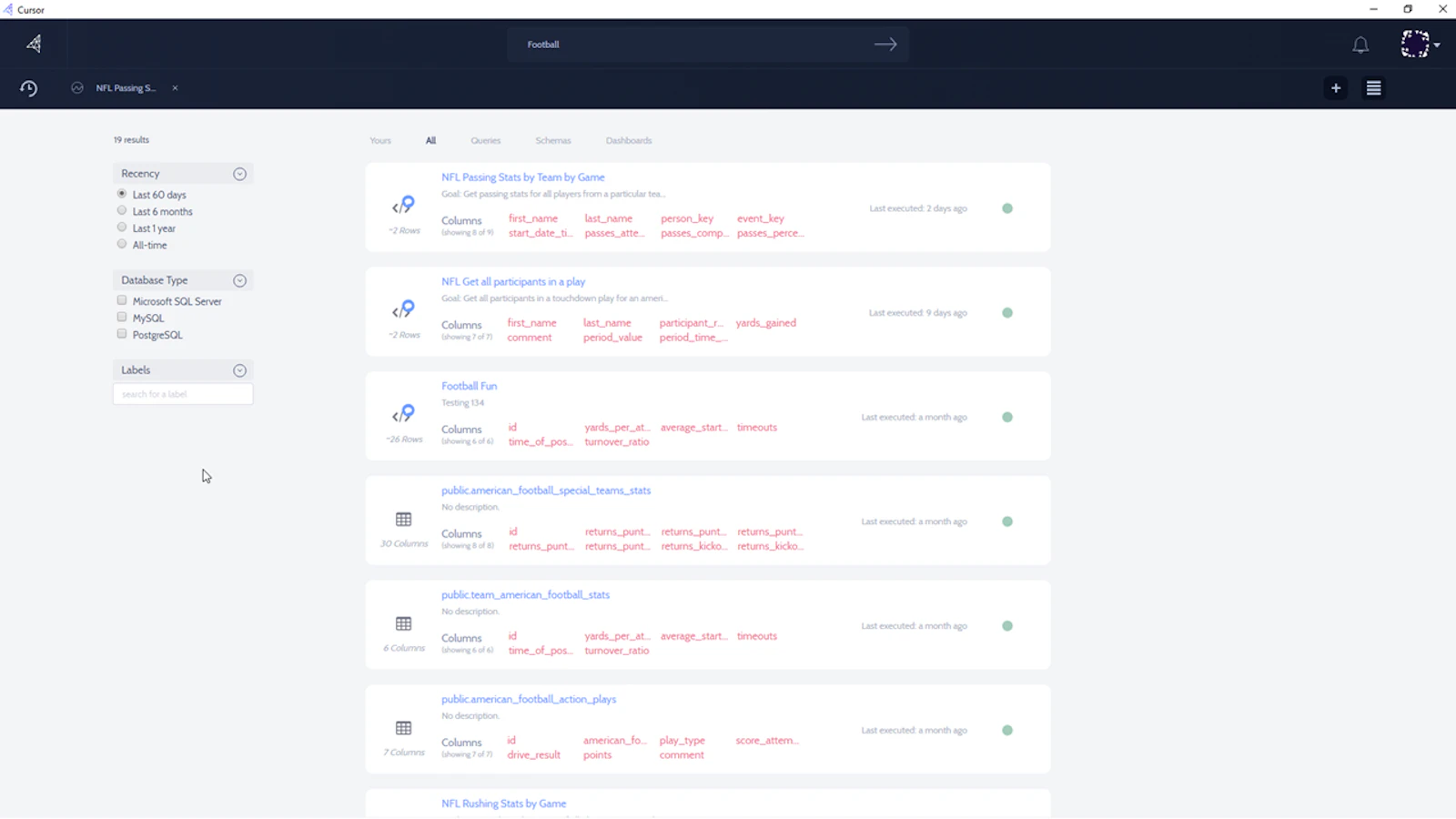

Cursor
Search and Analytics Hub
- Because static sites are safer, faster, cheaper & simpler
Netlify
(1)Because static sites are safer, faster, cheaper & simpler
- Knowledge sharing for teams
Guru
Knowledge sharing for teams
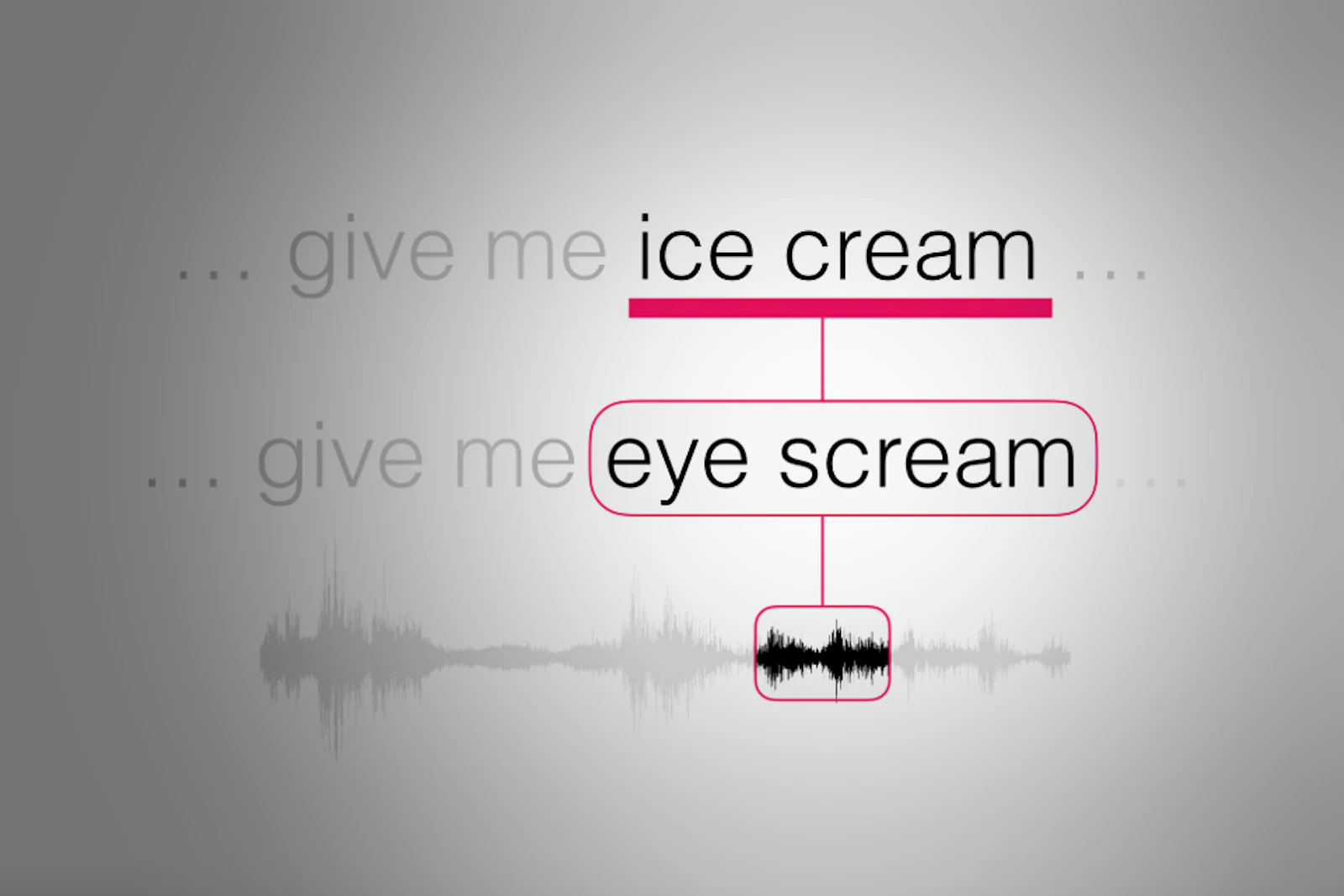

Deepgram
Use AI to spot keywords & get insights in audio.
- Learn about companies & job opportunities, first in fin tech
Craft
Learn about companies & job opportunities, first in fin tech
- Slick web forms designer
JotForm
Slick web forms designer
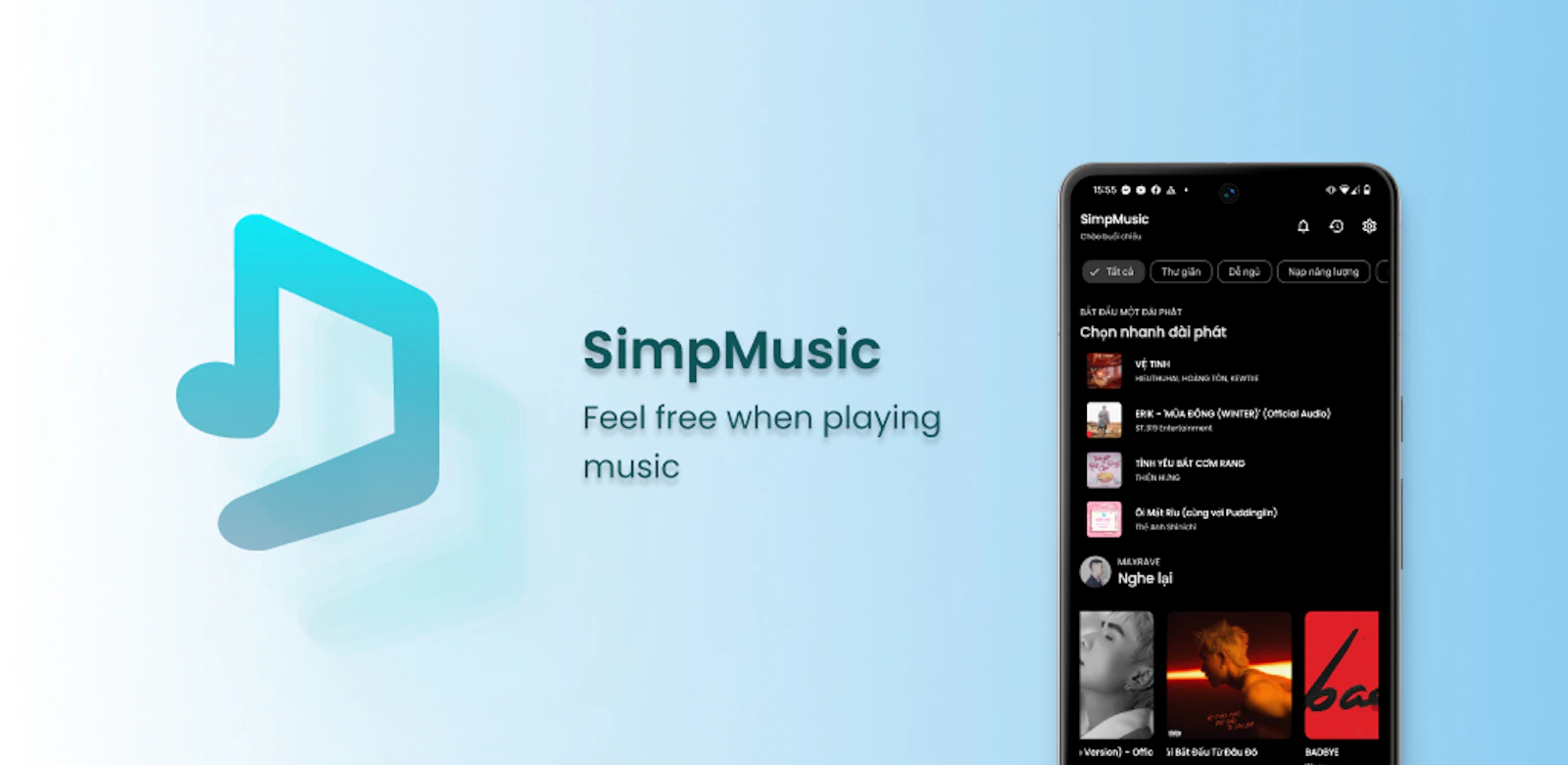

SimpMusic
A FOSS YouTube Music client for Android with many features
- Makes your computer's display adapt to the time of day
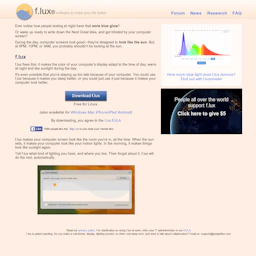
f.lux
Makes your computer's display adapt to the time of day
- Setting Cron Jobs Easily
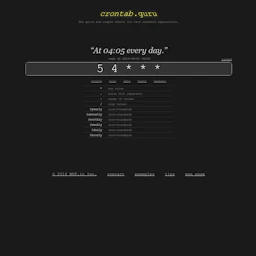
Crontab Guru
Setting Cron Jobs Easily
- Custom stickers that kick ass

Sticker Mule
Custom stickers that kick ass
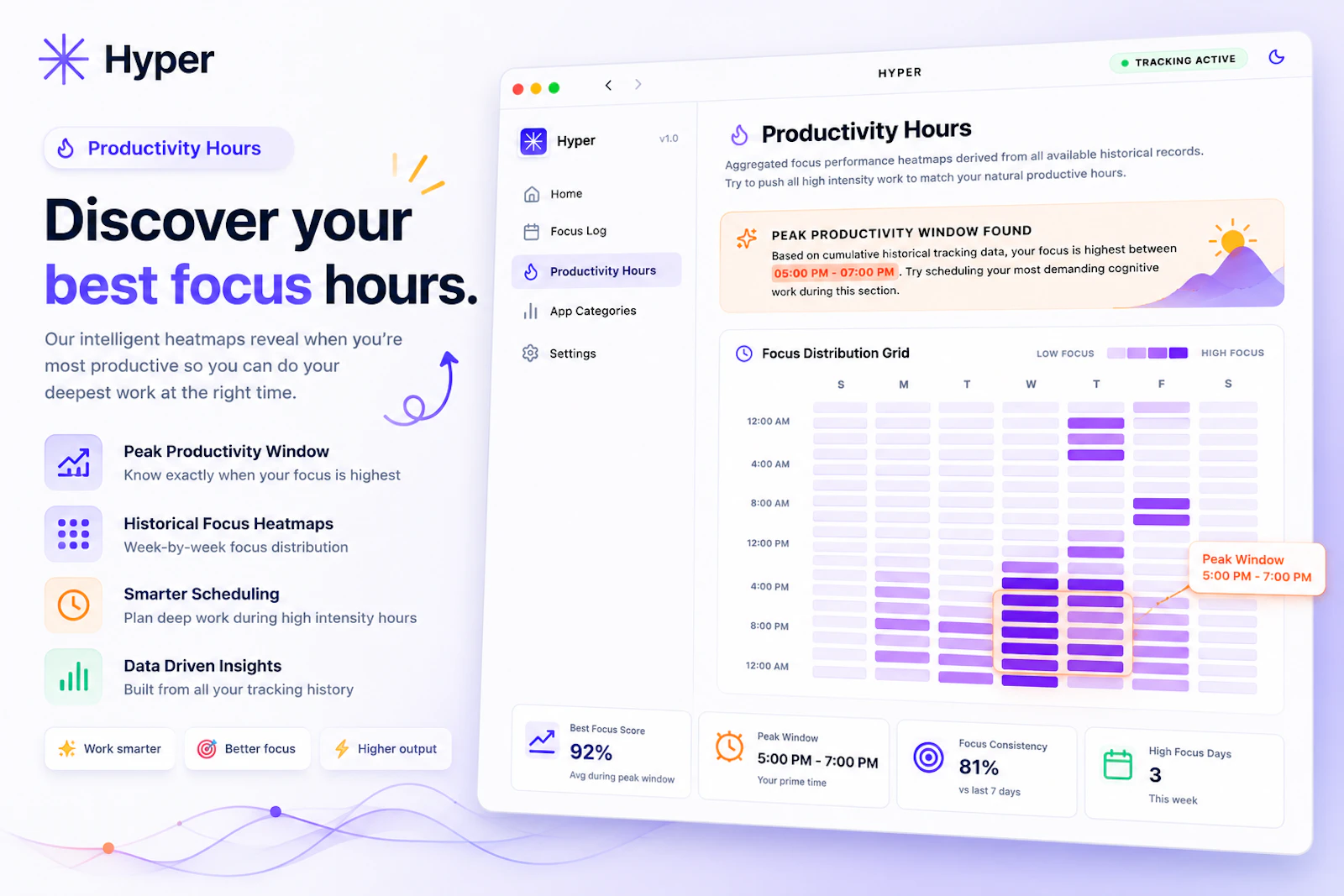

HyperFocus
Your computer knows you're distracted. Now you do too.
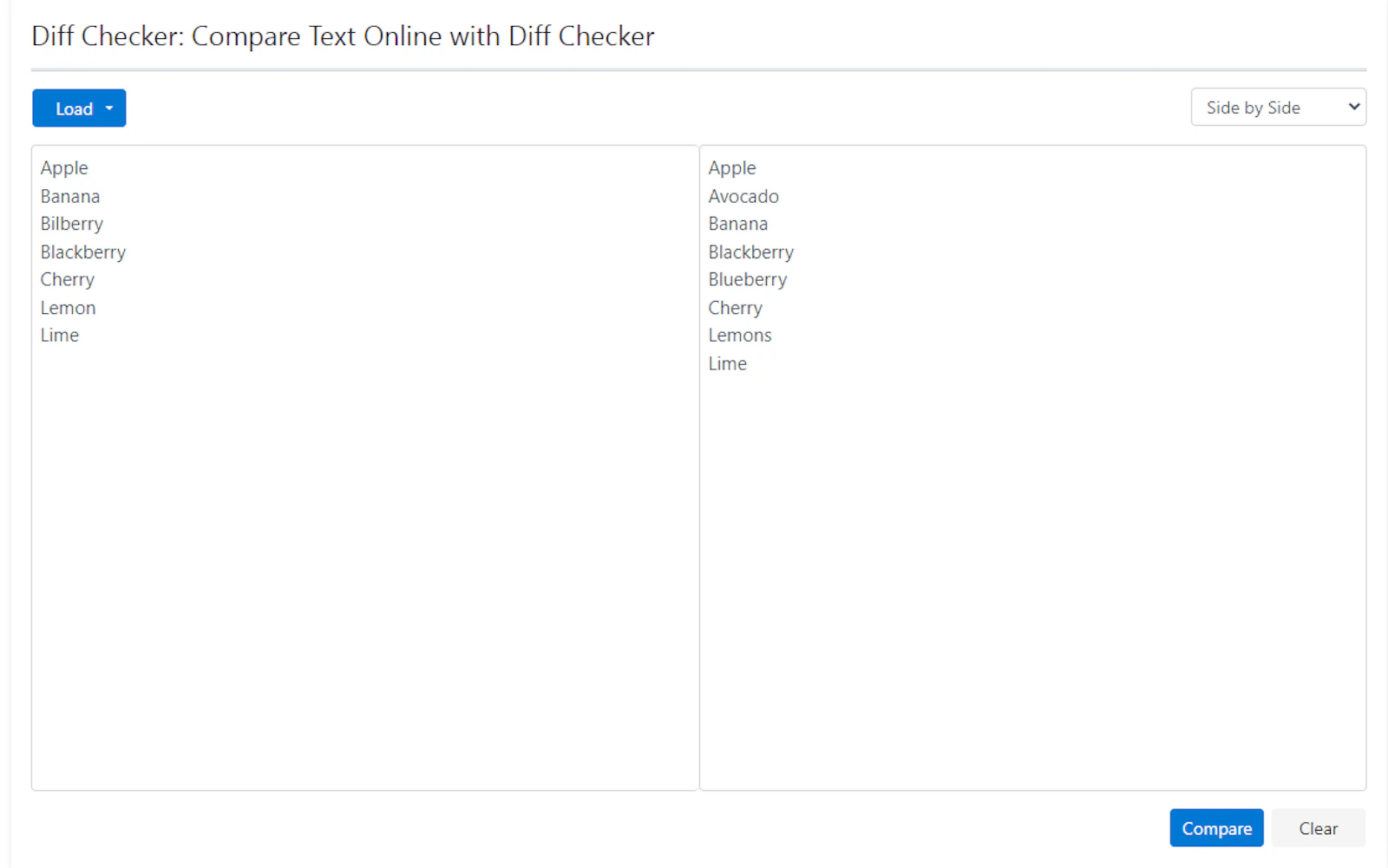

Diff Checker
Compare Text Online (Sidy by Side and Inline)


fotor
Fotor is one stop photo editing, sharing and sale platform.
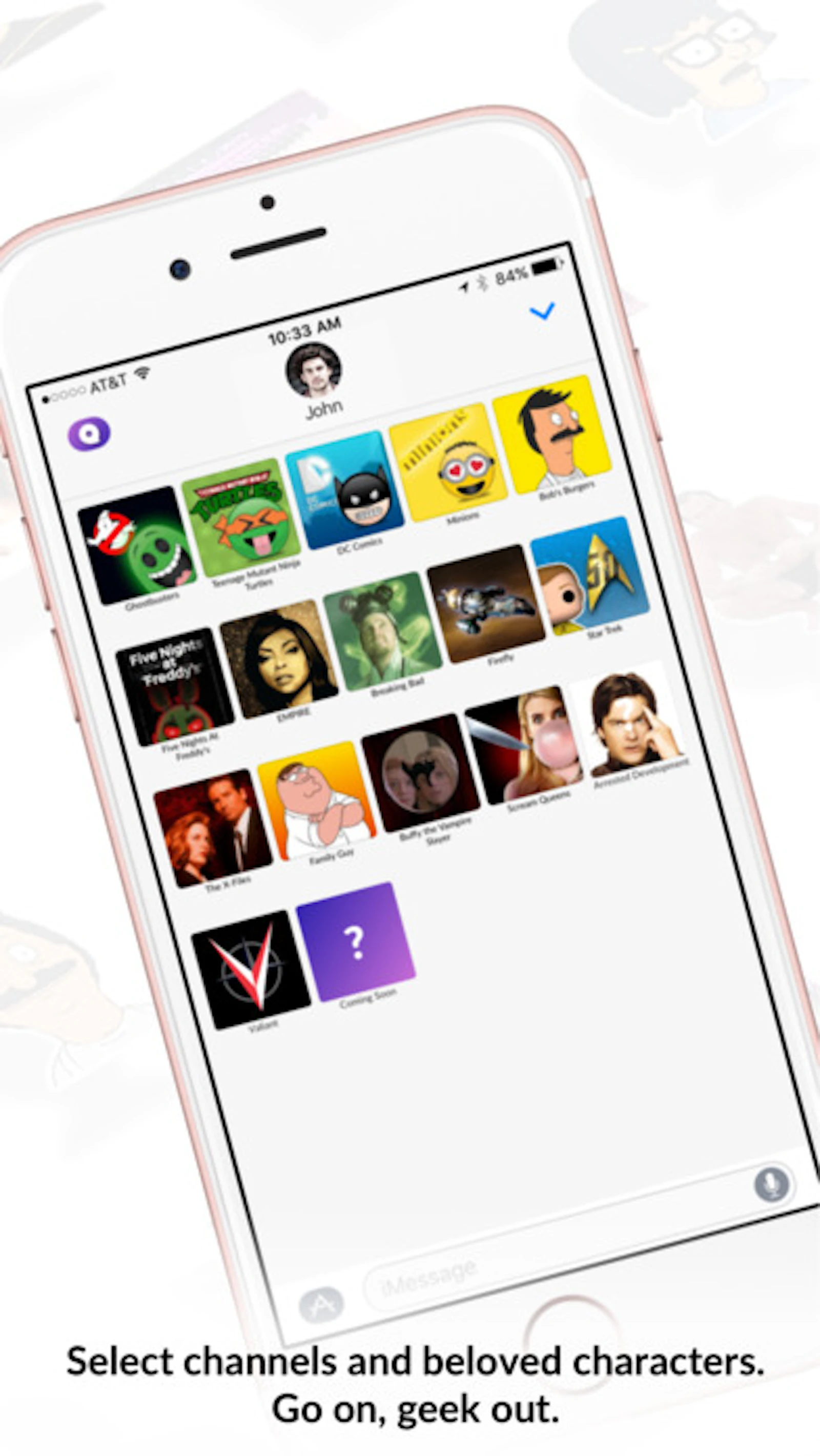

Quidd
Collect & Trade Stickers, Cards & Funko!
- Old-school penpalling for modern day

Pally
Old-school penpalling for modern day
- Deploy your vibe-coded apps on your own server
sitesolide
Deploy your vibe-coded apps on your own server
- Team up Claude Code, Codex and Grok on one canvas
MAO
Team up Claude Code, Codex and Grok on one canvas
- Pause Claude Code and Codex before they burn your week
Peras
Pause Claude Code and Codex before they burn your week
- Managed agents API that works with any model
Click
Managed agents API that works with any model
About Developer Tools
Developer tools are the category where the audience is also the builder, which makes it both the easiest place to launch and the hardest place to impress. Everyone reading has strong opinions about their editor, their shell, and how their tests should run. The tools that land are usually the ones that remove a specific, recurring irritation rather than proposing a new way to work.
The launches gathered here cover the full arc of building software: environment setup, editors and extensions, linting and type checking, testing and CI, deployment and preview environments, observability, and the long tail of small utilities that quietly save an hour a week. Some are single binaries you drop on your path. Others are hosted platforms with a free tier. A significant number are open source, and for those the repository tells you more than the landing page — commit frequency, issue response times, and whether the maintainer answers questions kindly are all better predictors of whether a tool will still be around next year than any feature comparison.
The recurring tension in this category is between tools that meet you where you are and tools that ask you to move. A linter that reads your existing configuration and improves on it will be adopted. A linter that requires rewriting every config file will be starred and forgotten. The same applies to CI: pipelines that drop into an existing setup get tried, while platforms that require migrating everything get bookmarked for a quieter month that never arrives. When you are evaluating something here, the honest question is not whether it is better, but whether it is better by enough to justify the switching cost.
Local-first has become a genuine movement in this category rather than a marketing line. Tools that run entirely on your machine — no account, no telemetry, no network round trip — are increasingly the default expectation for anything touching source code. This is partly privacy and partly latency: a review that takes four seconds on your laptop beats one that takes forty in a queue. It is also partly about longevity. A binary you have downloaded keeps working after the company behind it is acquired.
Pricing tends to follow a familiar shape: free for individuals, paid per seat for teams, with the interesting decisions hidden in what counts as a seat and whether CI runners count as users. Read that part carefully. The tools that get recommended repeatedly are usually the ones with pricing that stays sane as a team grows from three people to thirty.
For makers launching here, this audience rewards specificity and punishes vagueness harder than any other. Show the command. Show the output. Show the diff. A twenty-second terminal recording will do more than a page of copy, and a link to the source will do more than either. The fastest way to lose this crowd is to describe a developer tool entirely in the language of business outcomes.
From the blog
Reading on launching, ranking and developer tools.
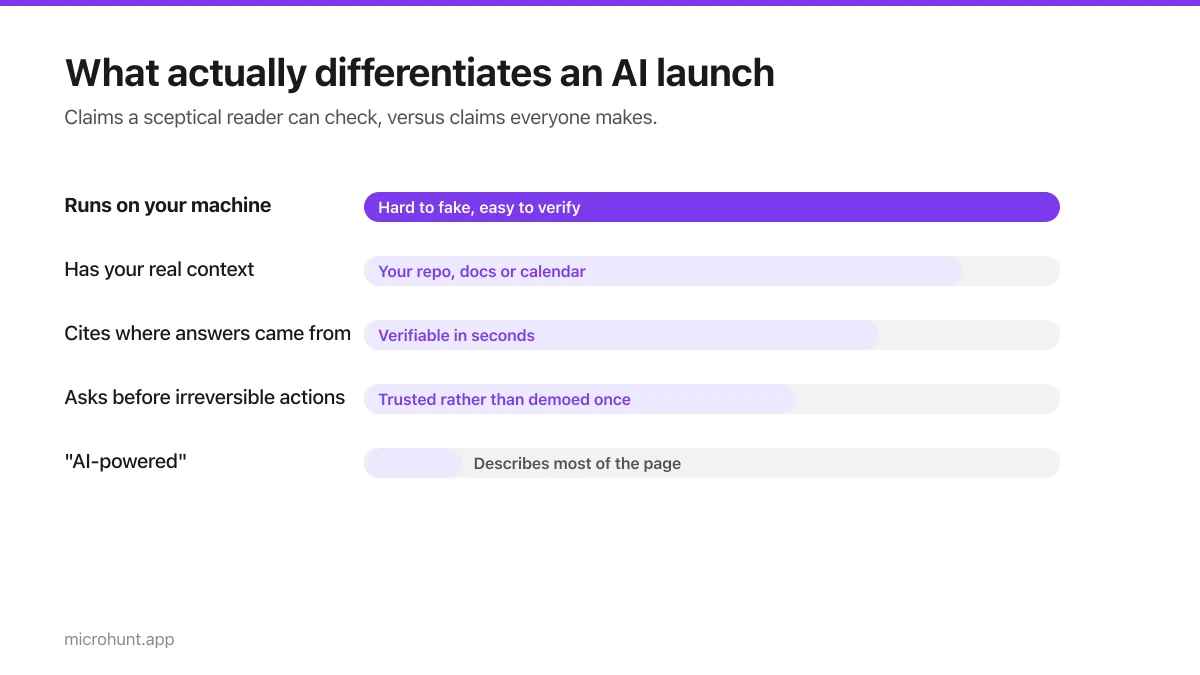
Where to Launch an AI Product (When Everyone Else Is Too)
AI is the most crowded category on every launch board. What actually differentiates a launch when half the page is also AI-powered.
8 min read
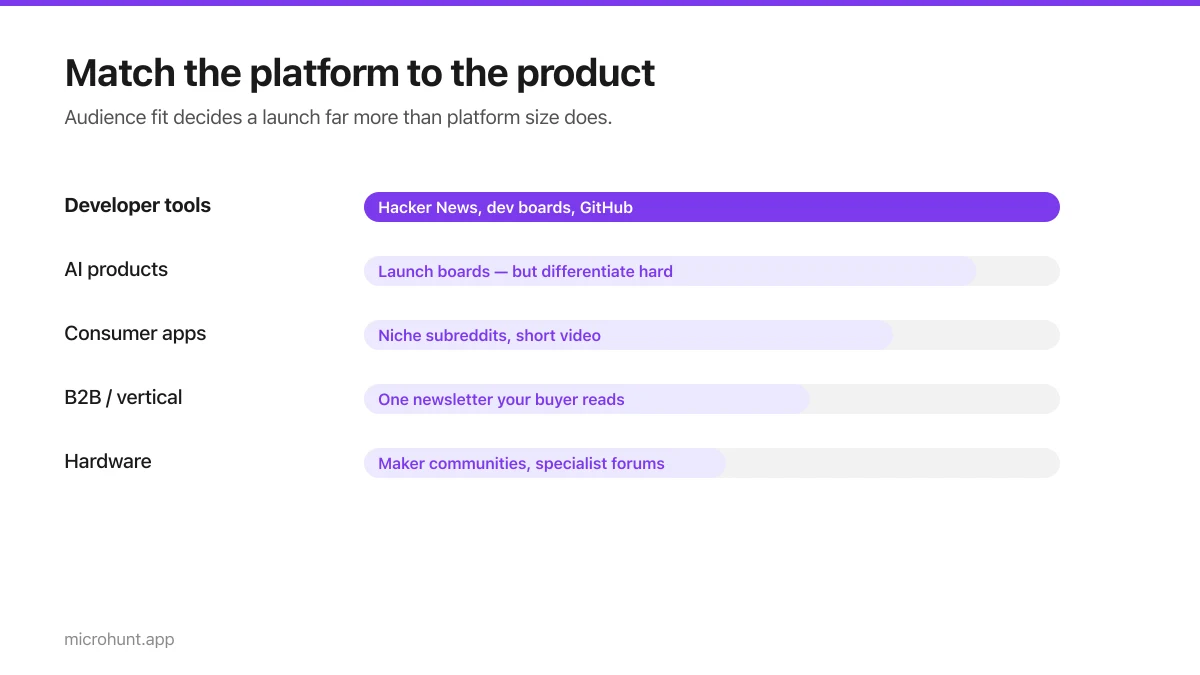
Best Product Hunt Alternatives for Launching in 2026
Where else to launch when Product Hunt is not the right fit — what each platform is actually good at, who shows up, and what it costs.
8 min read
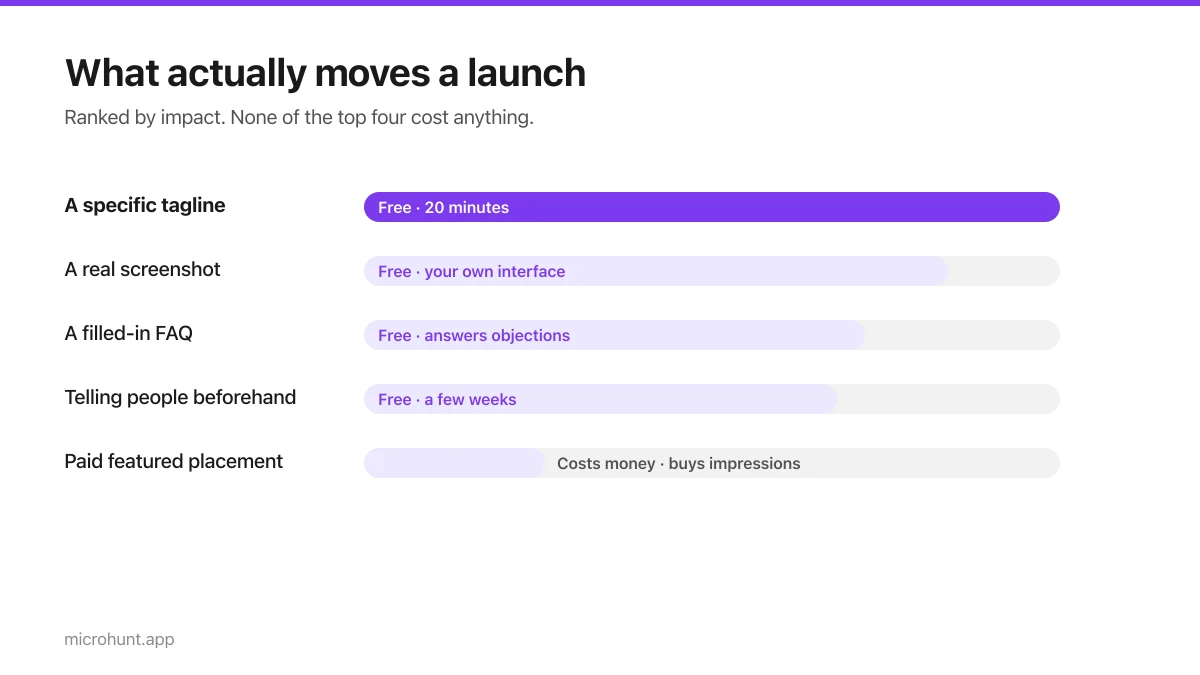
Free Launch Platforms for Indie Makers (No Budget Needed)
You do not need to pay to launch. Here are the places that are genuinely free, what each expects from you, and where paying is actually worth it.
7 min read
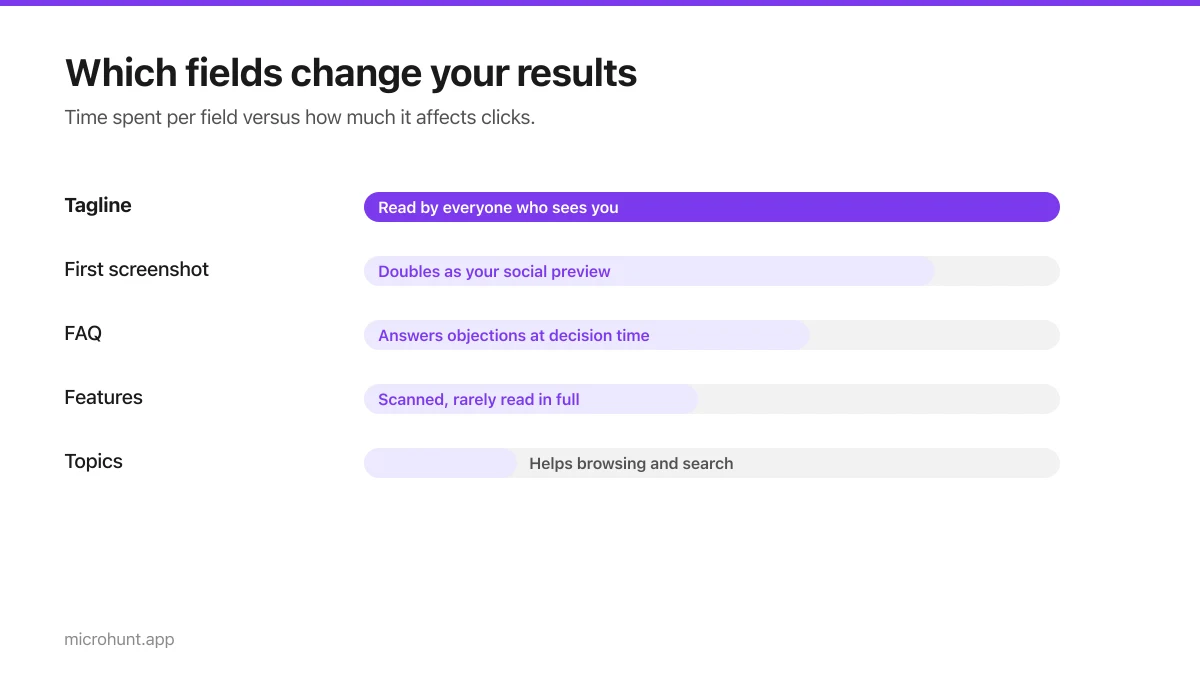
How to Submit a Product on Vuru (Step by Step)
A walk through the submission form, what each field does to your page, and the fields most people leave empty that they shouldn't.
7 min read
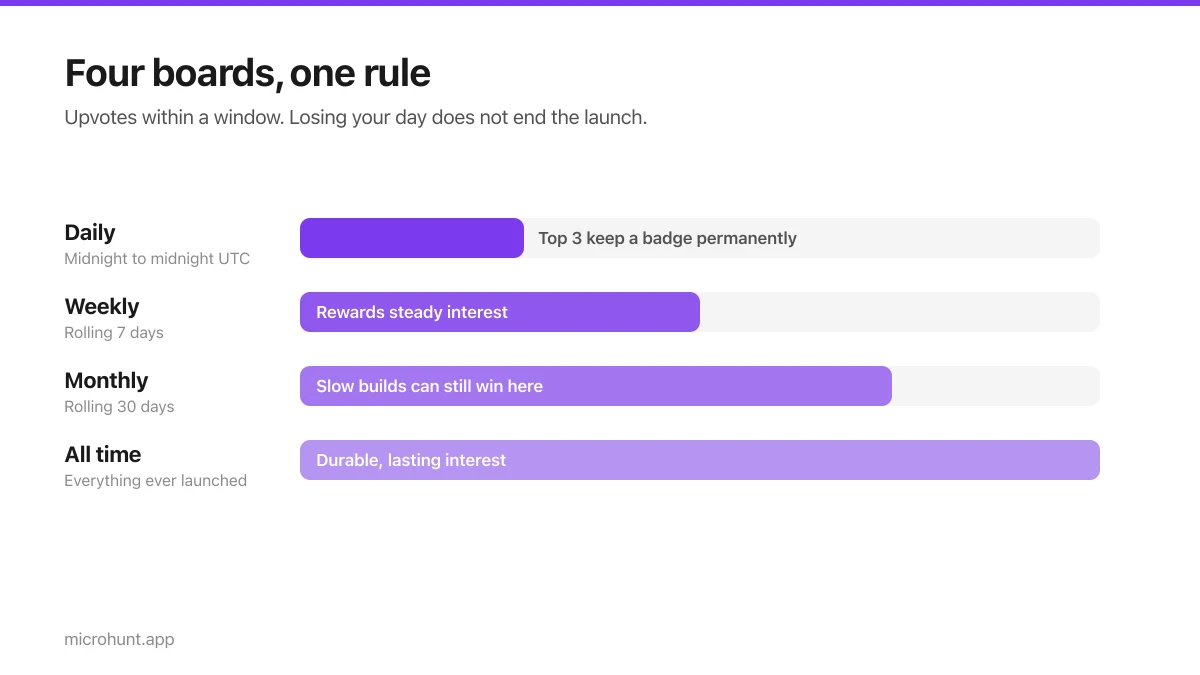
How Vuru Ranking Works (And How to Win a Badge)
Launch windows, upvotes, podium badges and what we do about vote manipulation — the whole ranking system explained plainly.
7 min read
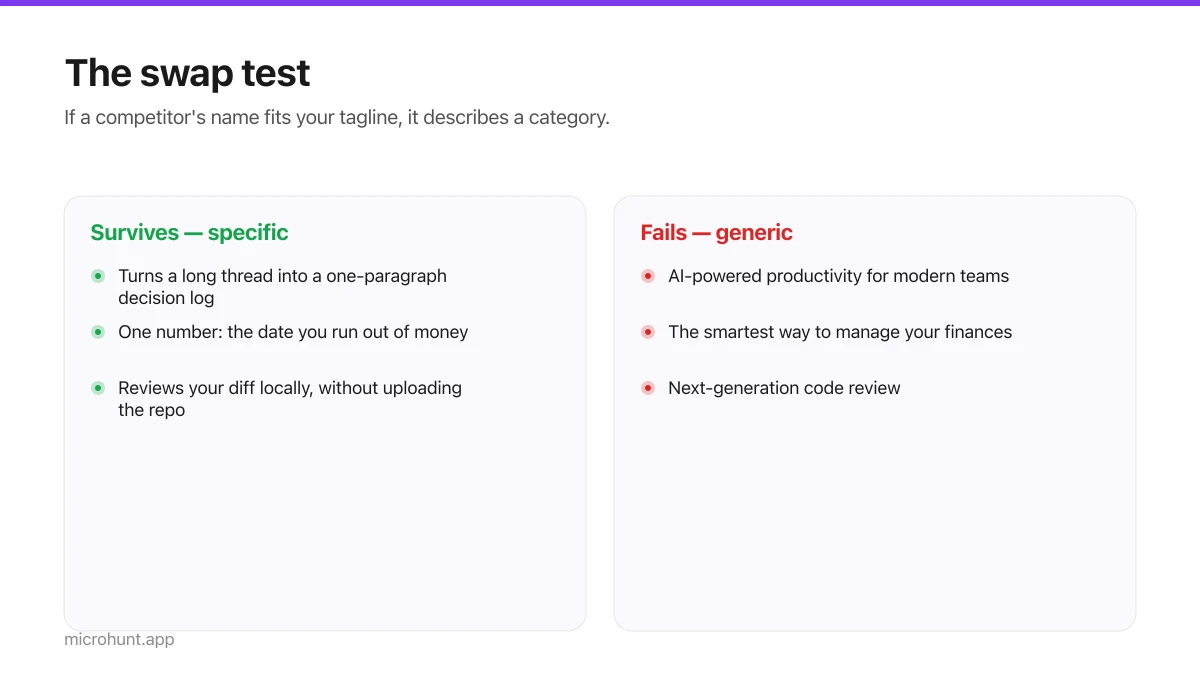
How to Write a Product Tagline That Actually Gets Clicked
The one line most people will ever read about your product, and a simple test for whether yours is doing any work.
7 min read
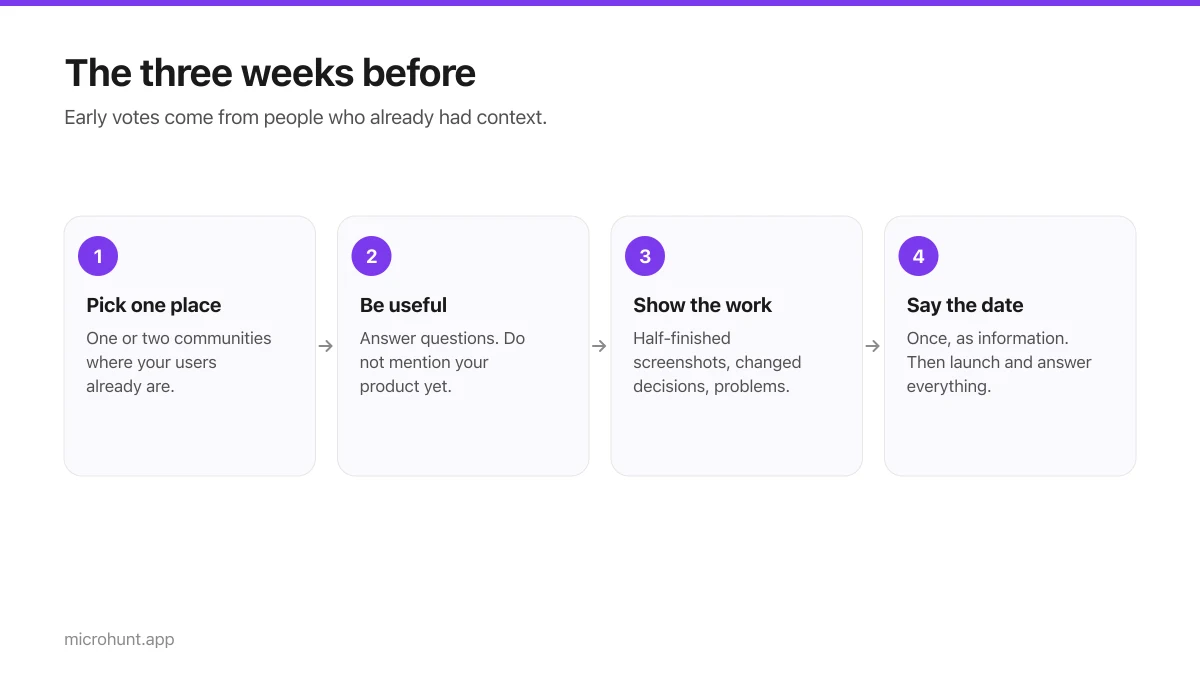
How to Get Your First Upvotes Without Begging
What actually generates early votes, why vote-for-vote groups do not work, and the approach that keeps paying off after launch day.
7 min read
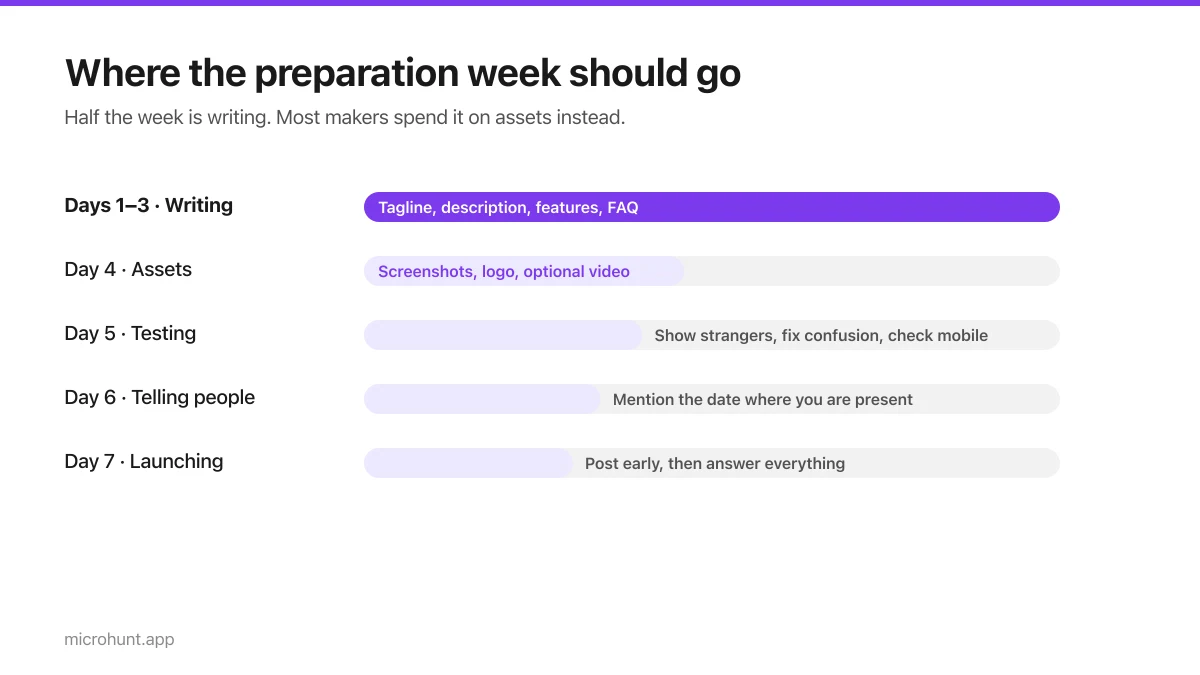
The Seven-Day Launch Checklist
A day-by-day plan for the week before you launch, weighted towards the things that actually change the outcome.
8 min read